Before you make your first on-chain trade, you have probably already installed a Web3 wallet like MetaMask, Phantom, or Trust Wallet. But having a wallet app does not automatically mean you are ready to transact on-chain. If you do not understand a few fundamentals, it is easy to get confused about which network you are using, where your funds actually are, and why a transfer or swap fails. That is when beginners run into stuck transactions, wrong-network sends, failed swaps, or avoidable mistakes that can lead to permanent loss of funds.
Below are five core concepts you should understand before you send crypto, swap tokens, or connect your wallet to a DApp.
What Is a Blockchain Network? Why You Must Choose the Right Chain
In crypto, there is not just one blockchain. Ethereum, Solana, Sui, and BNB Chain are different networks that operate independently. Each chain has its own rules, its own token standards, its own address format, and its own native coin used to pay transaction fees.
That is why “select network” is one of the most important steps whenever you deposit, withdraw, or transfer. If you send assets on the wrong network, they may not show up at the destination, and recovery can be difficult, costly, or not possible.
When you need to move assets between different networks, you typically use a bridge, also called a cross-chain bridge, or a cross-chain transfer service. Bridges have historically been one of the higher-risk parts of crypto, so beginners should be extra careful. Always verify the destination chain, confirm the token contract when relevant, and consider a small test transfer if you are unsure.
A simple way to think about it is this: every blockchain is its own settlement network. Funds move natively within that network, but moving across networks requires extra infrastructure.
What Is a Web3 Wallet? Your Crypto Is On-Chain, Not “In” the Wallet
A common misconception is that your crypto is stored inside your wallet app. In reality, your assets live on the blockchain as balances tied to addresses. The wallet is the tool that lets you access those balances and authorize actions.
A Web3 wallet does two key things. First, it stores the credentials that control your address, your private key and seed phrase. Second, it lets you sign transactions so you can send tokens, swap on a DEX, or interact with smart contracts.
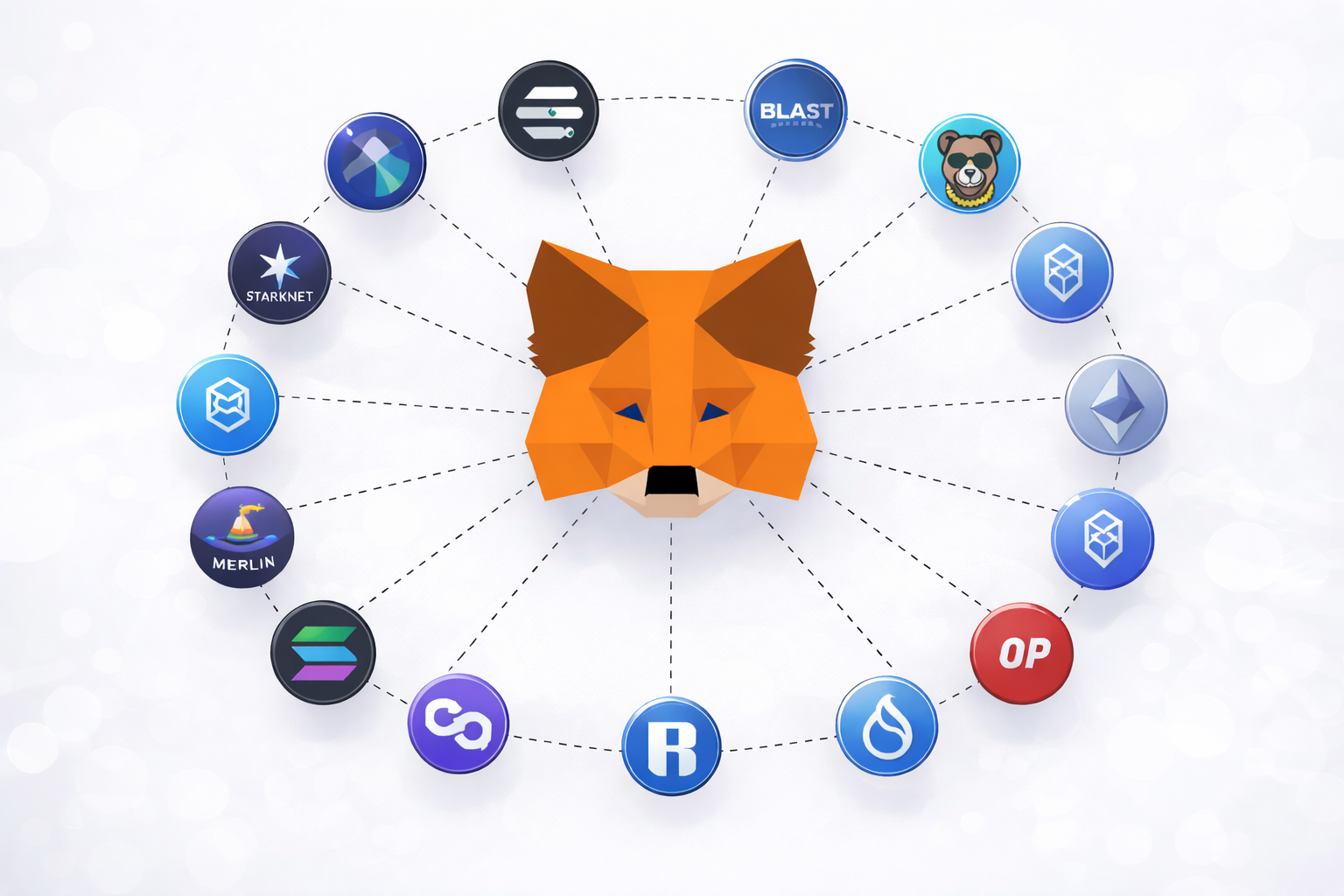
When a wallet is “multi-chain,” it simply means the app can connect to multiple blockchain networks. It does not mean assets automatically move across chains. Tokens on Ethereum and tokens on Solana are on different networks, so they are not directly transferable unless you use a bridge or a centralized exchange that supports the route.
Also, your wallet is not tied to a specific device. If you lose your phone or reinstall the app, you can restore your wallet on a new device using your seed phrase, as long as you kept it safe.
What Are Gas Fees? Why You Need the Network’s Fee Token
Gas fees are the transaction fees you pay to use a blockchain. Any on-chain action, sending crypto, swapping on a DEX, approving a token, minting, or interacting with a smart contract requires gas fees so the network can process and confirm your transaction. These fees compensate validators for computation and finality.
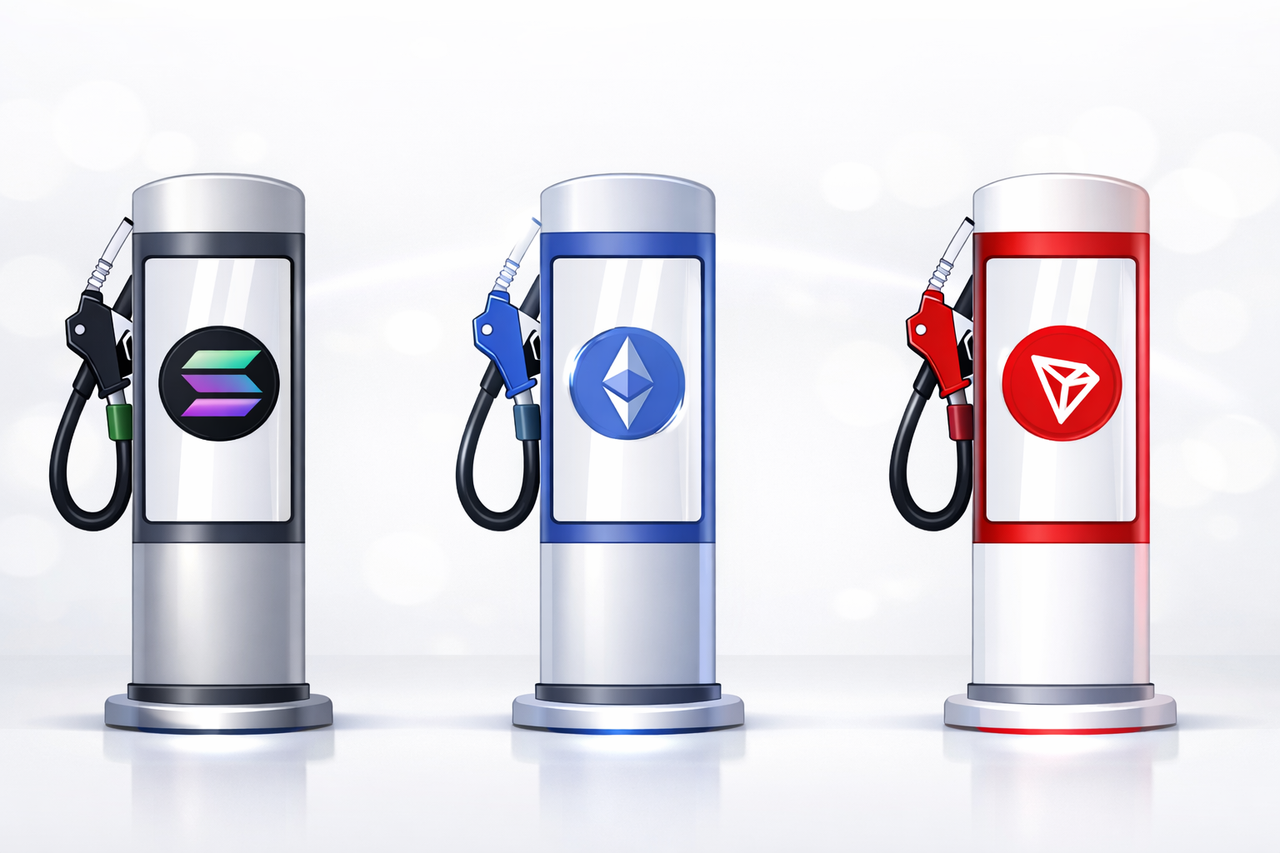
Gas fees are paid in the network’s native token, not in the token you are transferring. On Ethereum, gas fees are paid in ETH. On BNB Chain, they are paid in BNB. On Solana, they are paid in SOL.
This is the most common beginner issue. You can have USDT in your wallet and still be unable to send it if you do not have enough ETH, BNB, or SOL to cover gas fees.
It matters even more on Ethereum Layer 2 networks like Arbitrum, Optimism, and Base. Even though they are L2s, gas fees are typically still paid in ETH. So if you hold USDT on an L2, you also need a small amount of ETH on that same L2 to submit transfers and swaps.
Wallet Address, Private Key, and Seed Phrase: What Each One Means
Your wallet address is your public address on a blockchain. You share it to receive crypto, similar to sharing an account number for deposits. Sharing your address is generally safe, because an address does not give anyone the ability to move your funds.
Your private key is what proves ownership and lets you sign transactions. Whoever controls the private key controls the funds.
Your seed phrase, also called a recovery phrase or 12 to 24-word phrase, is the backup that can regenerate your wallet’s private keys. If someone gets your seed phrase, they can import your wallet into their own device and take everything, no password needed.
There is no “forgot password” in crypto. Most wallets are self-custody, which means you are responsible for security. If you lose your seed phrase, you can permanently lose access to your assets. If you leak it, your wallet can be drained and transactions are typically irreversible.
Best practice is simple: store your seed phrase offline, keep more than one backup in secure locations, never upload it to cloud storage, and never enter it into any website or share it with anyone claiming to be support.
What Is a Block Explorer? How to Verify a Transaction
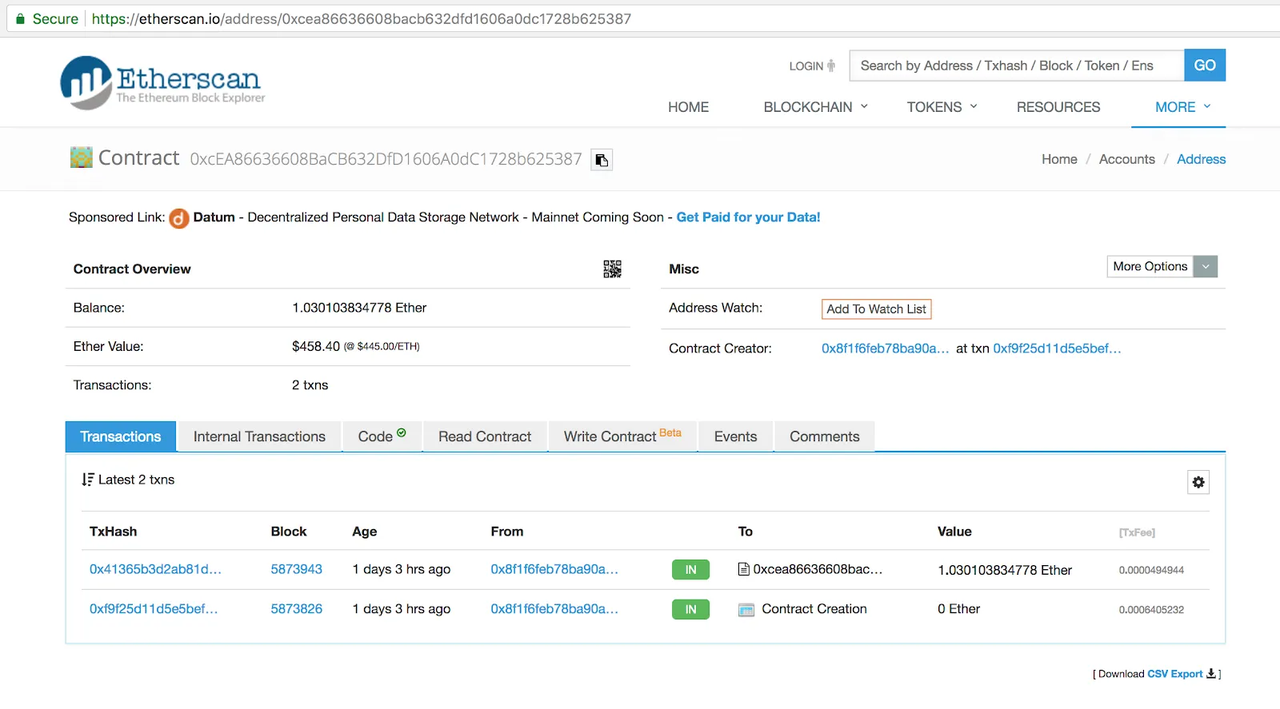
A block explorer is a public tool for verifying on-chain activity. For Ethereum, the most common explorer is Etherscan. For Solana, it is often Solscan. With a block explorer, you can verify whether a transaction is confirmed, see the transaction hash (TXID), check the sender and recipient addresses, confirm the exact fees paid, and track the full on-chain path.
This matters because wallet apps can lag, fail to refresh, or show confusing statuses. The blockchain is the source of truth. If a transaction is confirmed on-chain, you can see it in the explorer regardless of which wallet you used.
For beginners, learning to check a block explorer is one of the best habits you can build. It helps you confirm deposits, troubleshoot pending transactions, and avoid unnecessary panic when an app looks stuck.