Your iPhone is now your Bitunix Card.
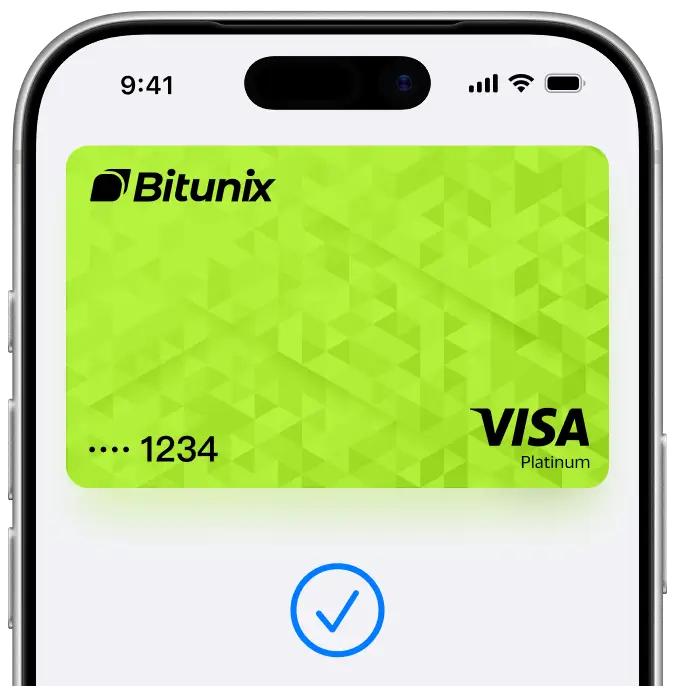
An easy, secure, and private way to pay.
With Apple Pay, you can pay quickly and easily with your Bitunix Card using your iPhone, Apple Watch, iPad, or Mac — in stores, online, and in apps.
Apple Pay on one. Apple Pay on all.
Once you add your Bitunix Card to Apple Wallet on iPhone, you can easily add it to your other Apple devices.
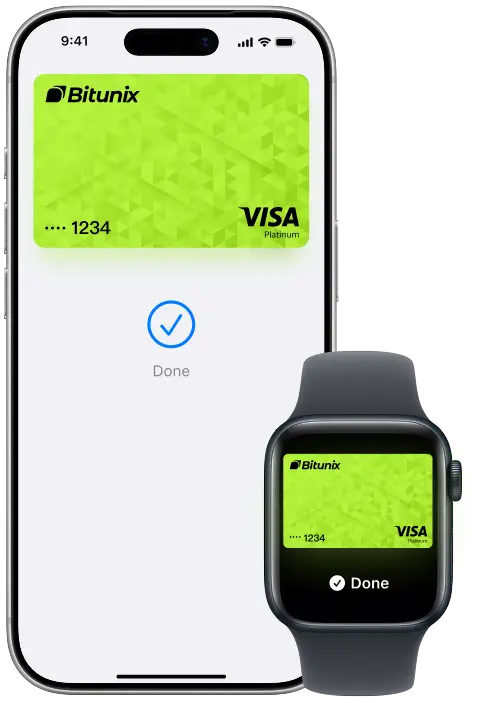
Pay in stores, online, and in apps.
In-store
Just look for or the symbol at checkout, then follow the steps to pay.
Online and in-app
Just look for at checkout online or in your favorite apps to pay in one simple step.
Both
To pay with Apple Pay online, in-app, or in-store, just look for or the symbol.
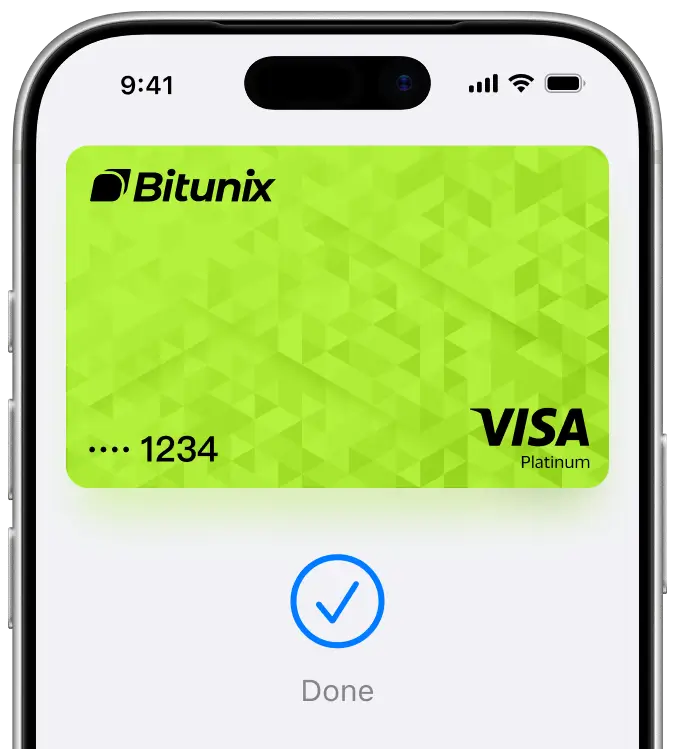
Pay with just a tap.
With Apple Pay, you can check out quickly without manually entering your payment or shipping details.
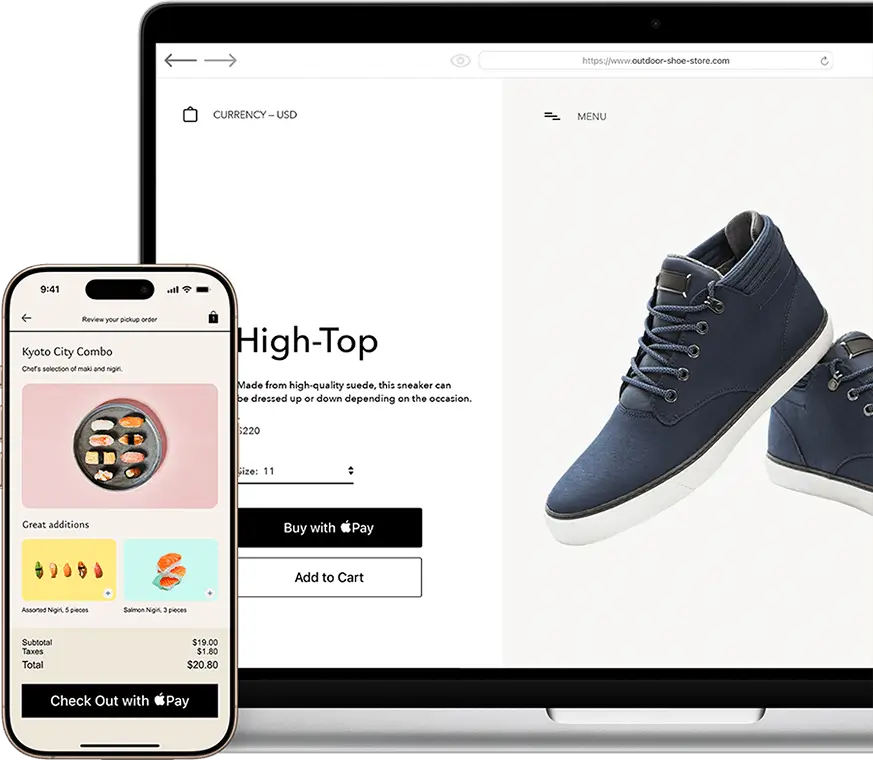
Private. Secure. That's Apple Pay.
Apple Pay uses the security features built into your Apple device, including Face ID, Touch ID, and your passcode.
Your card number is never stored on your device or on Apple servers, and it is never shared with merchants when you pay.
Each transaction is authenticated, helping to keep your payments secure.
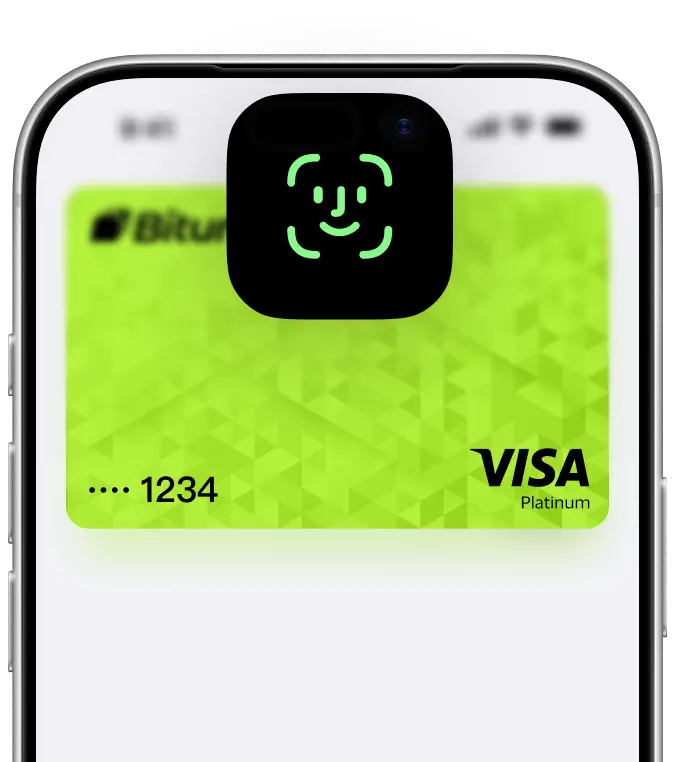
Add your Bitunix Card in a few steps.
Open Apple Wallet on your iPhone.
Tap the Add (+) button, then tap Debit or Credit Card.
Follow the steps on the screen to add a new card.
The card benefits you love. With Apple Pay.
Enjoy your Bitunix Card benefits with Apple Pay — including rewards and seamless payments.
About Apple Pay with your Bitunix Card.
Q1: Is using Apple Pay safe?
Apple Pay is designed to be secure. Your card number is never shared with merchants, and each transaction is authenticated using Face ID, Touch ID, or your passcode.
Q2: Is there a fee for adding or using Apple Pay?
Neither Bitunix nor Apple charges additional fees for using Apple Pay.
Q3: Can I bind the same Bitunix Card to multiple devices, or bind multiple Bitunix Card to the same device?
You can add your Bitunix Card to multiple Apple devices, including iPhone and Apple Watch.
Q4: How can I view the transaction history for payments made with Apple Pay?
You can view your transactions in the Bitunix app and Apple Wallet.