

Next-GenUltra Chart Trading

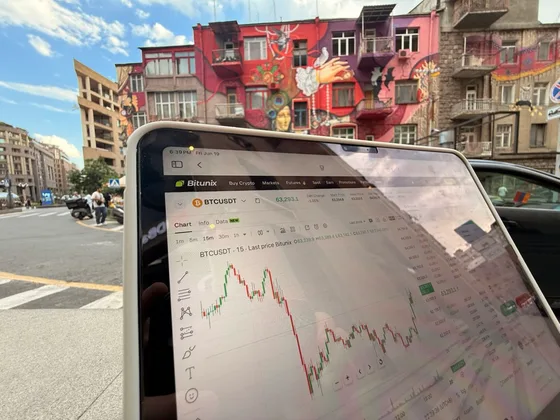
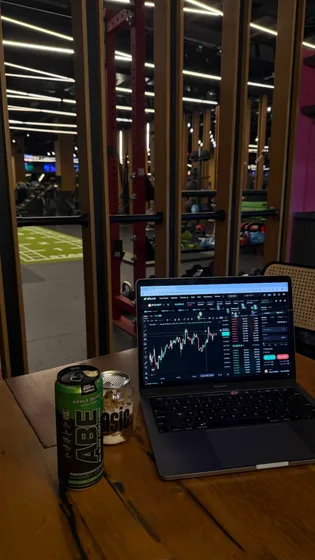
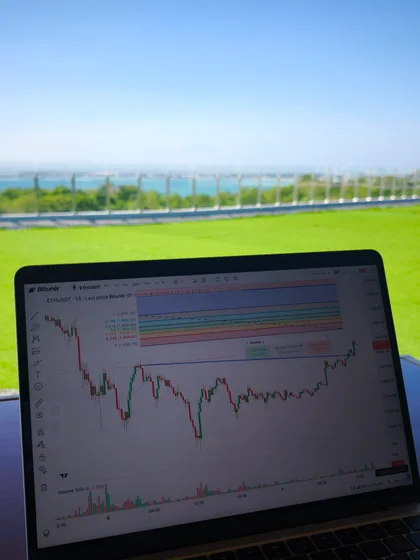
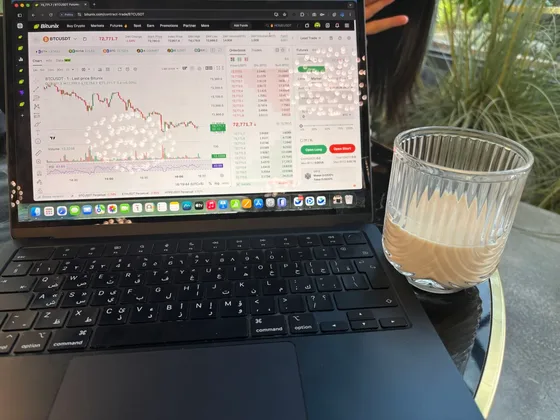
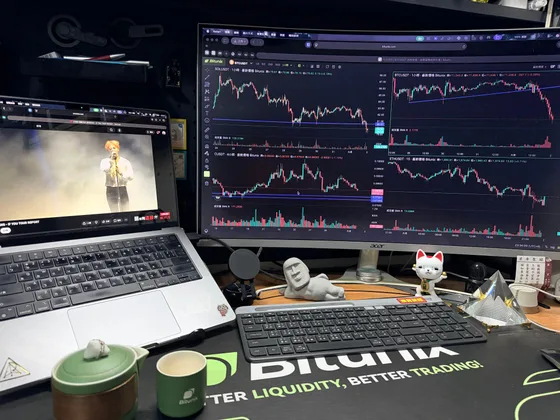
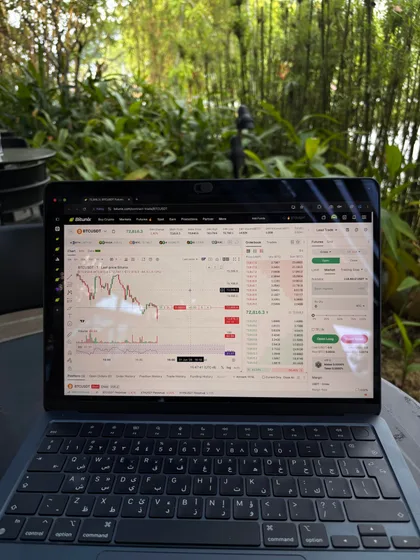
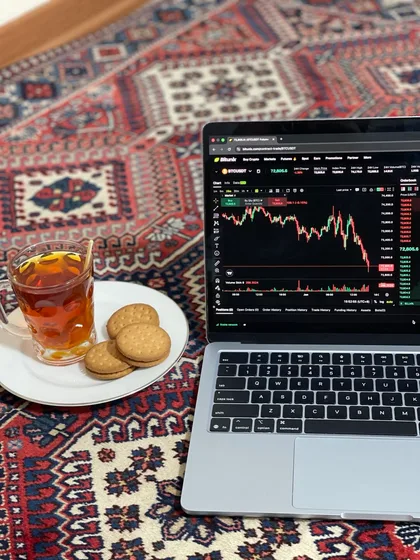
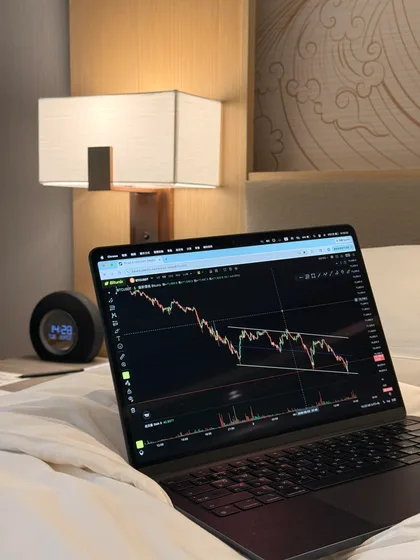
Better Tools for Every Trader
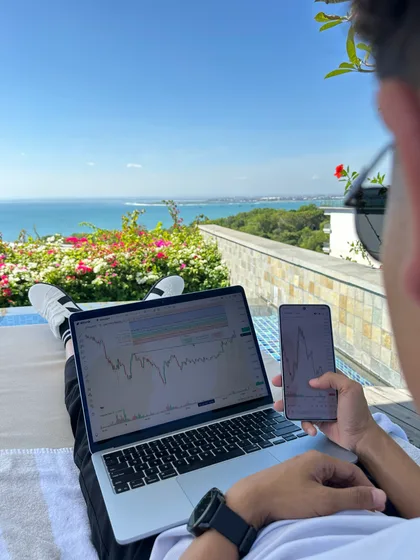
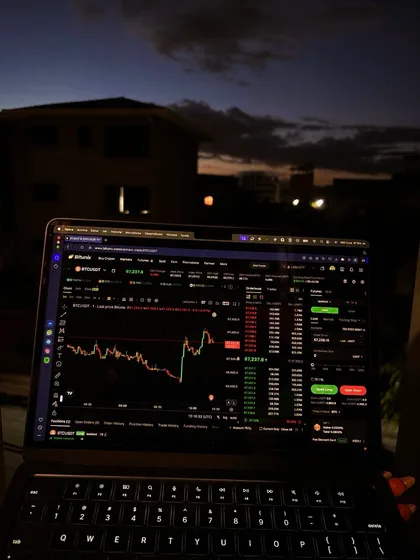
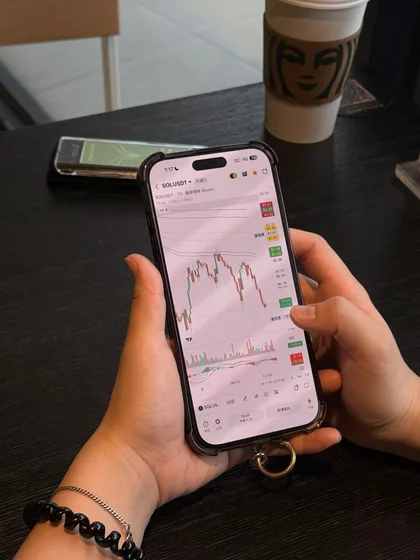
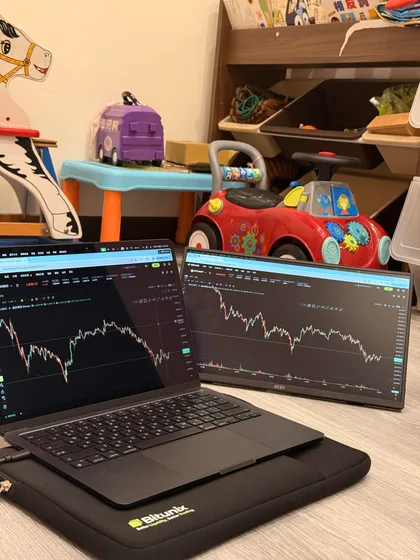
Join a global community of traders running their edge on Bitunix, from any screen, anywhere
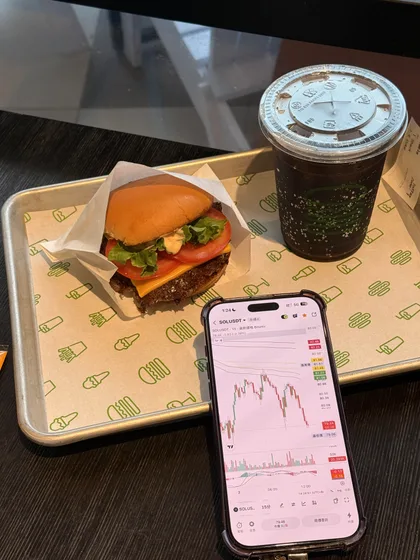
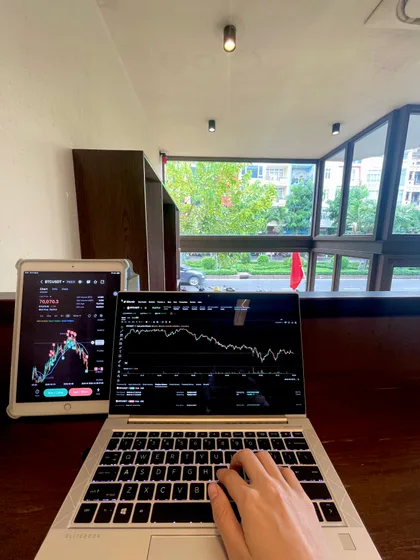
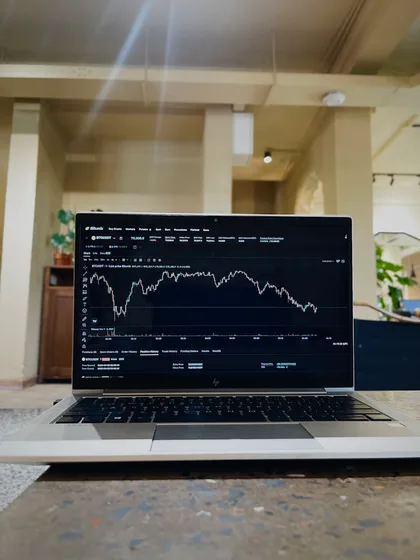
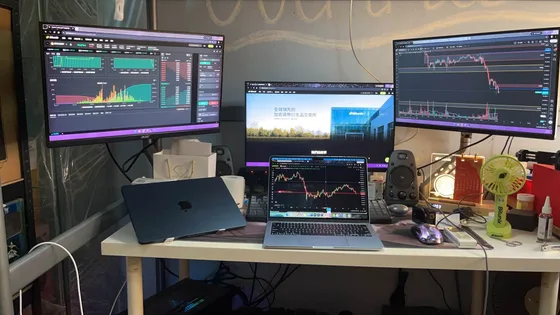
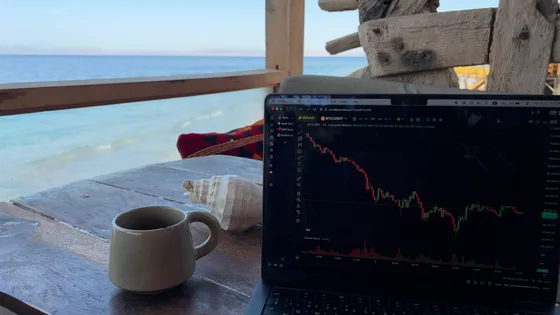
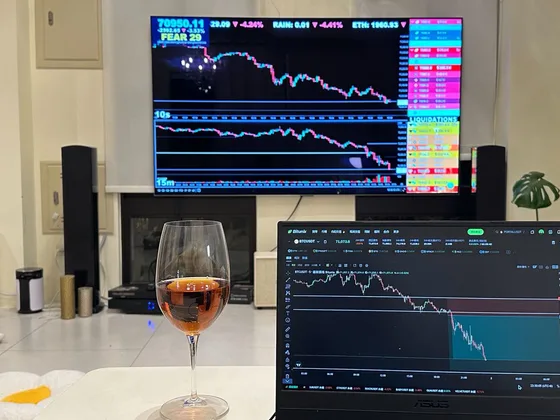
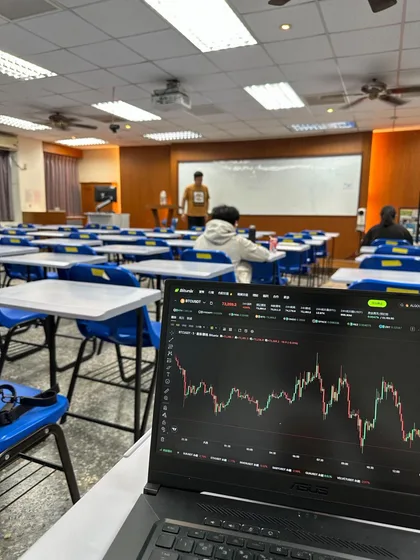
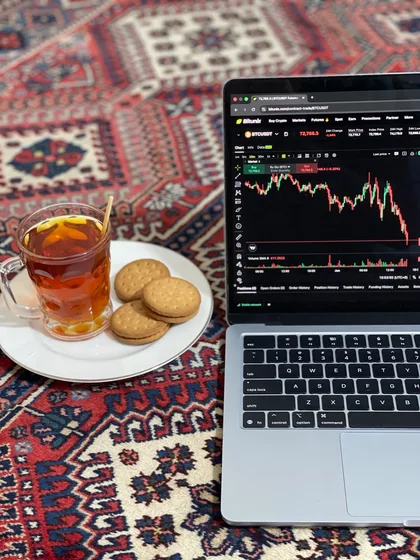
Let The Market Watch Itself
You can't stare at the chart 24/7. With Super alerts, set and get pinged the moment your setup triggers
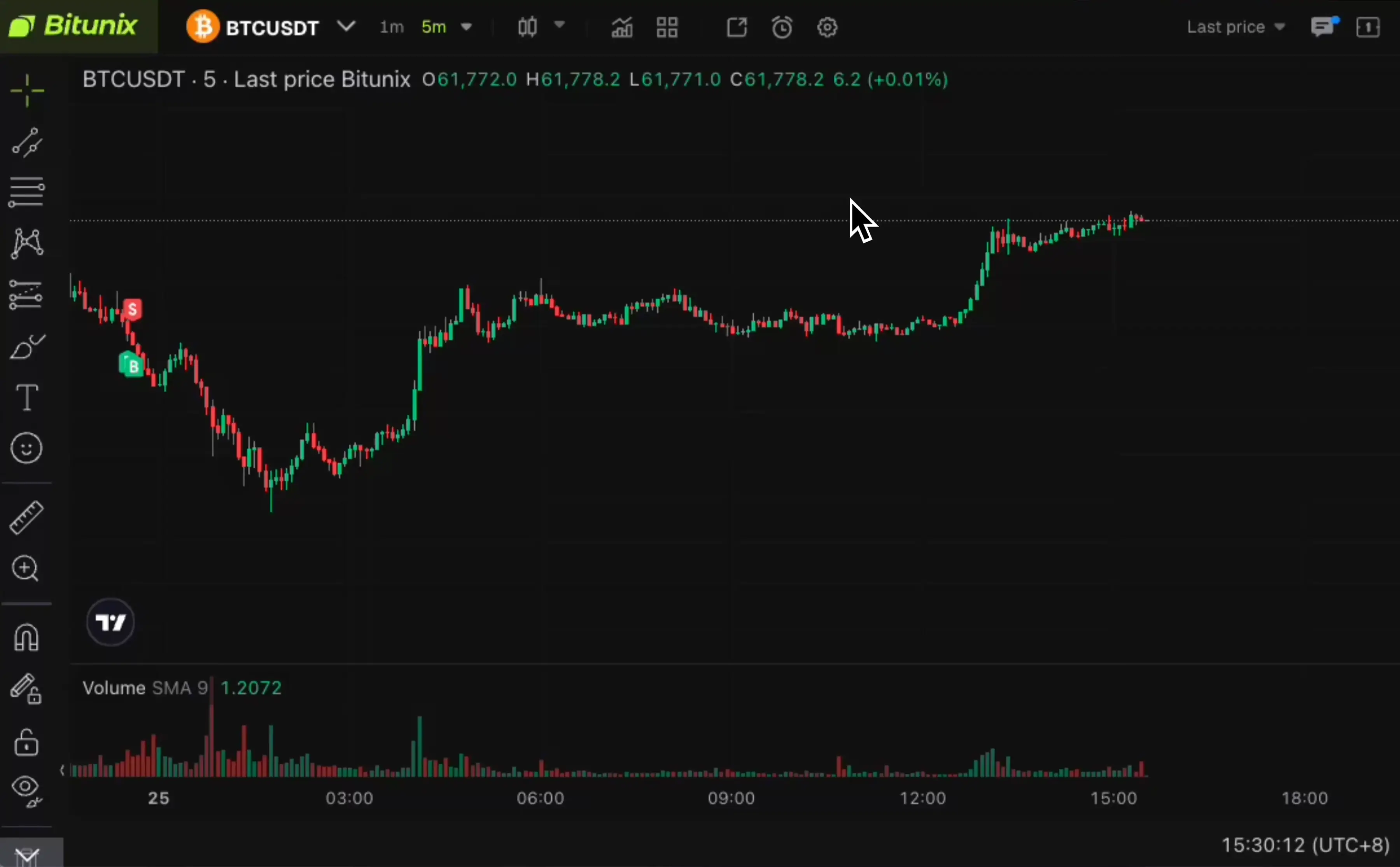
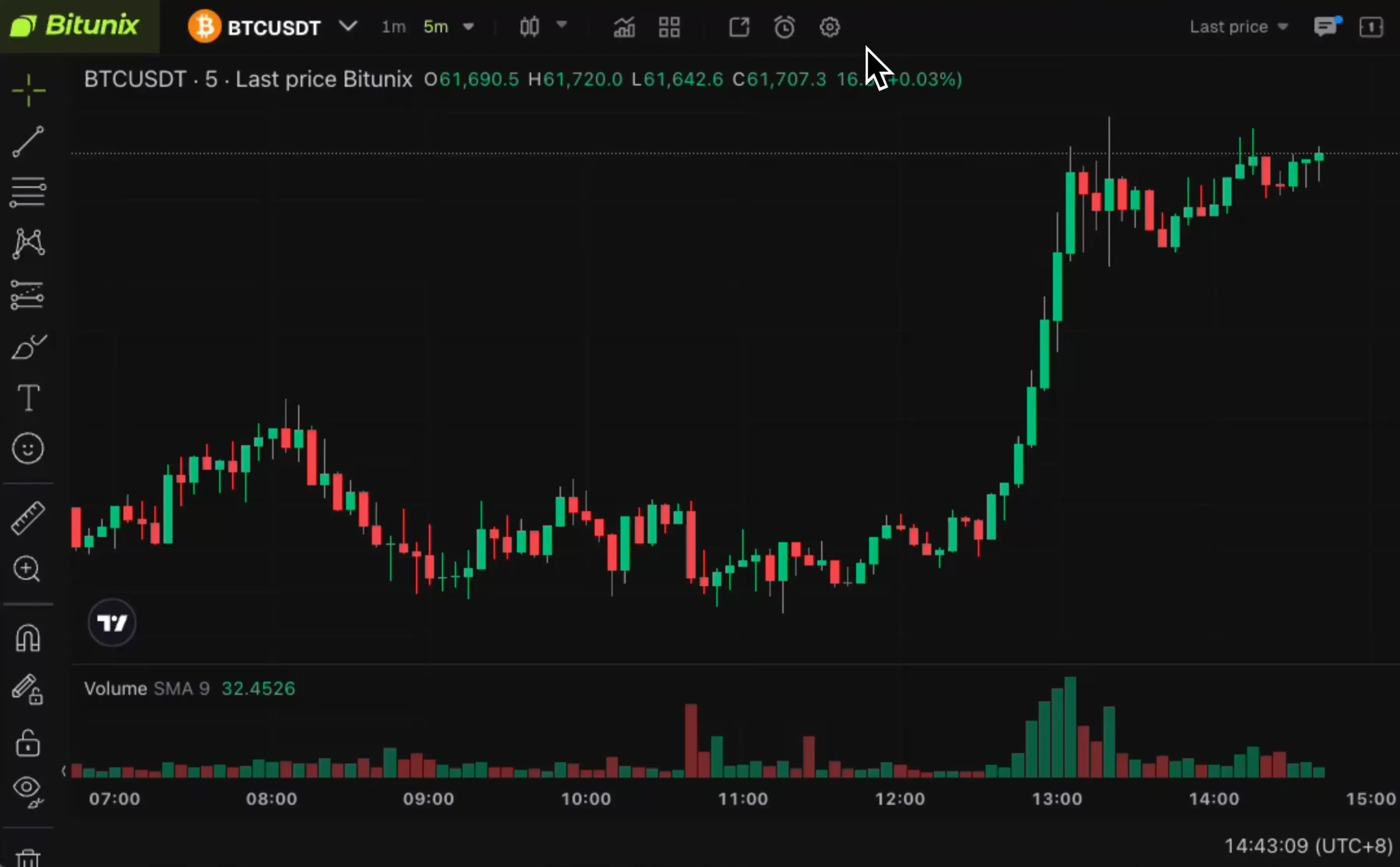
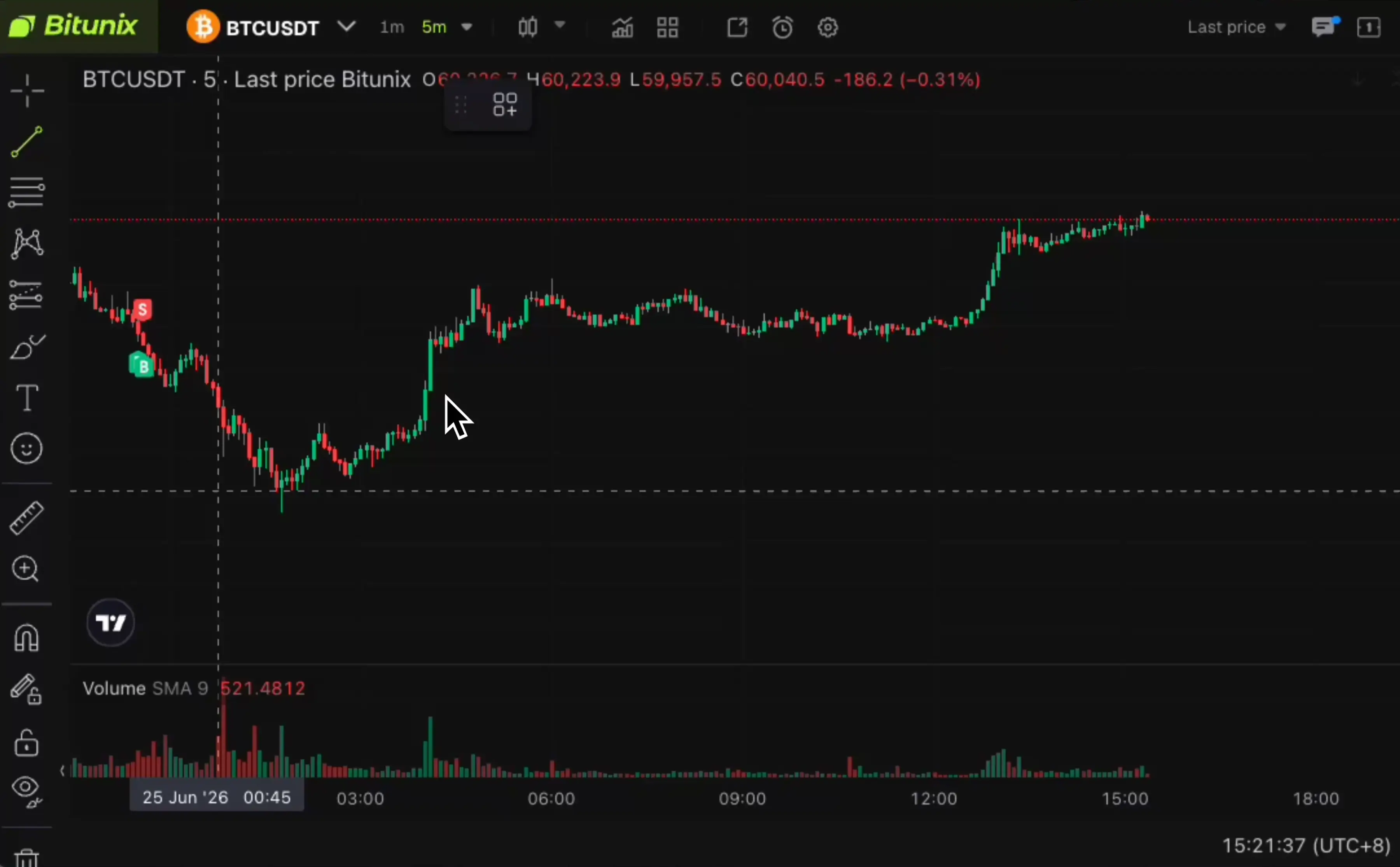
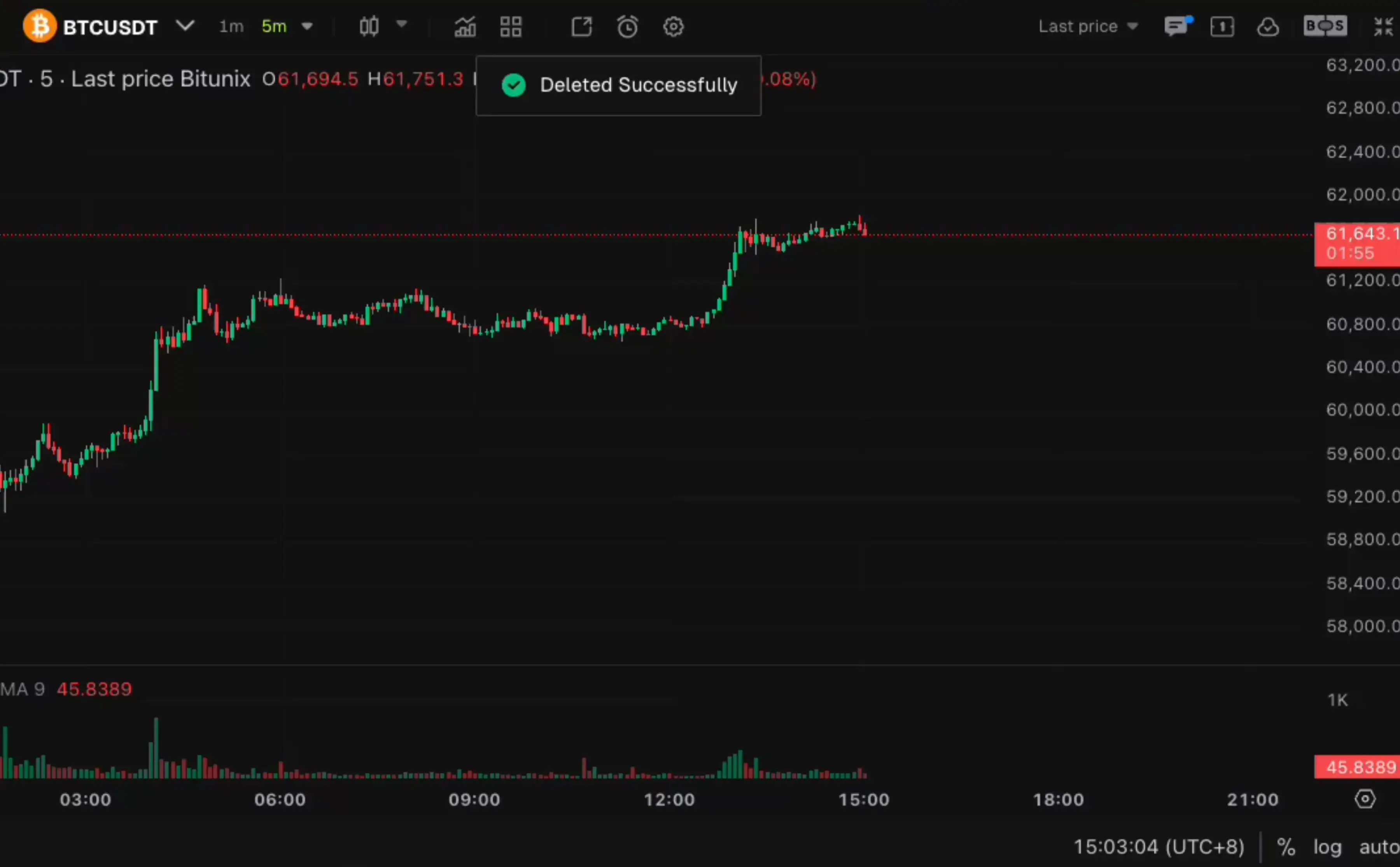
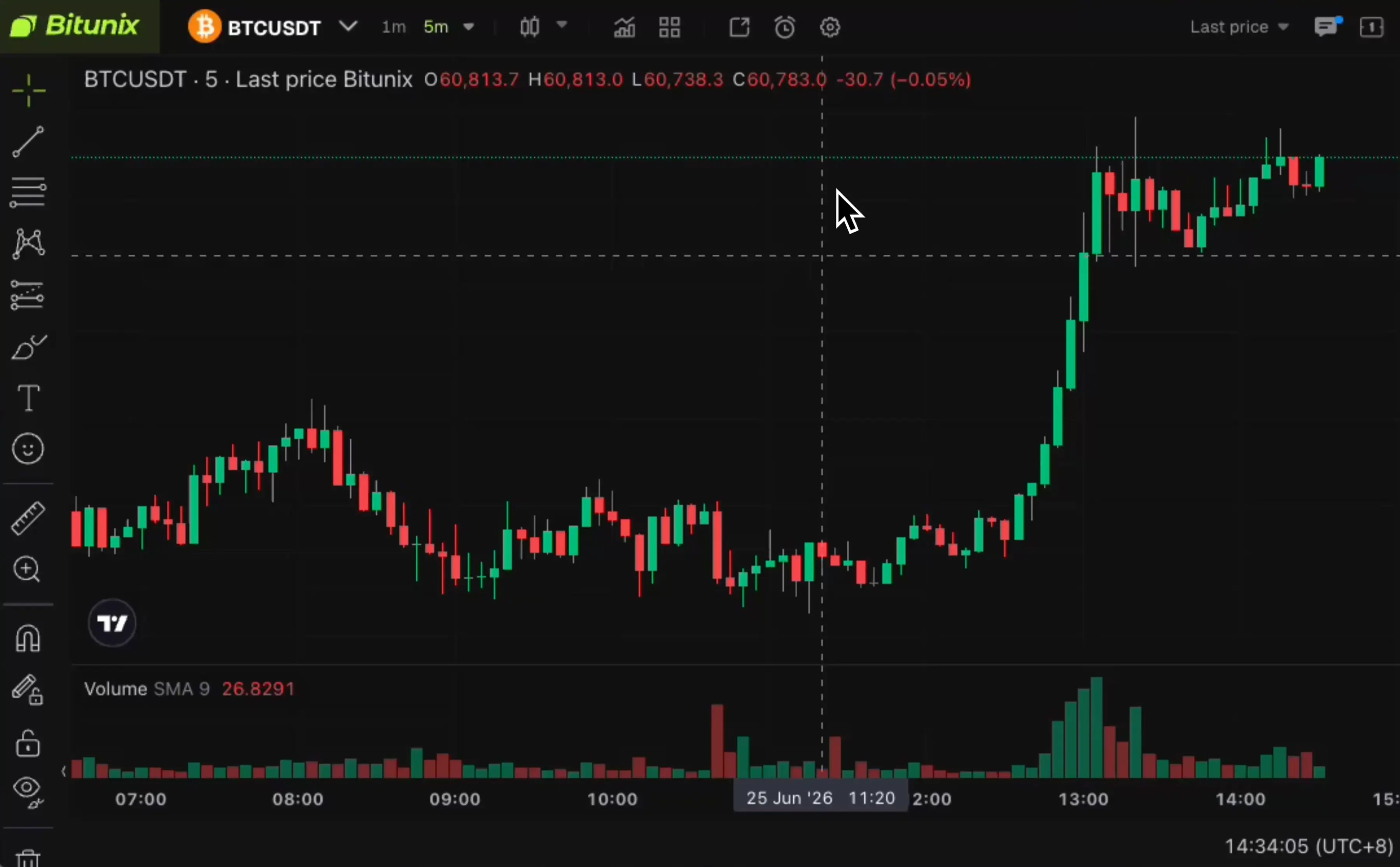
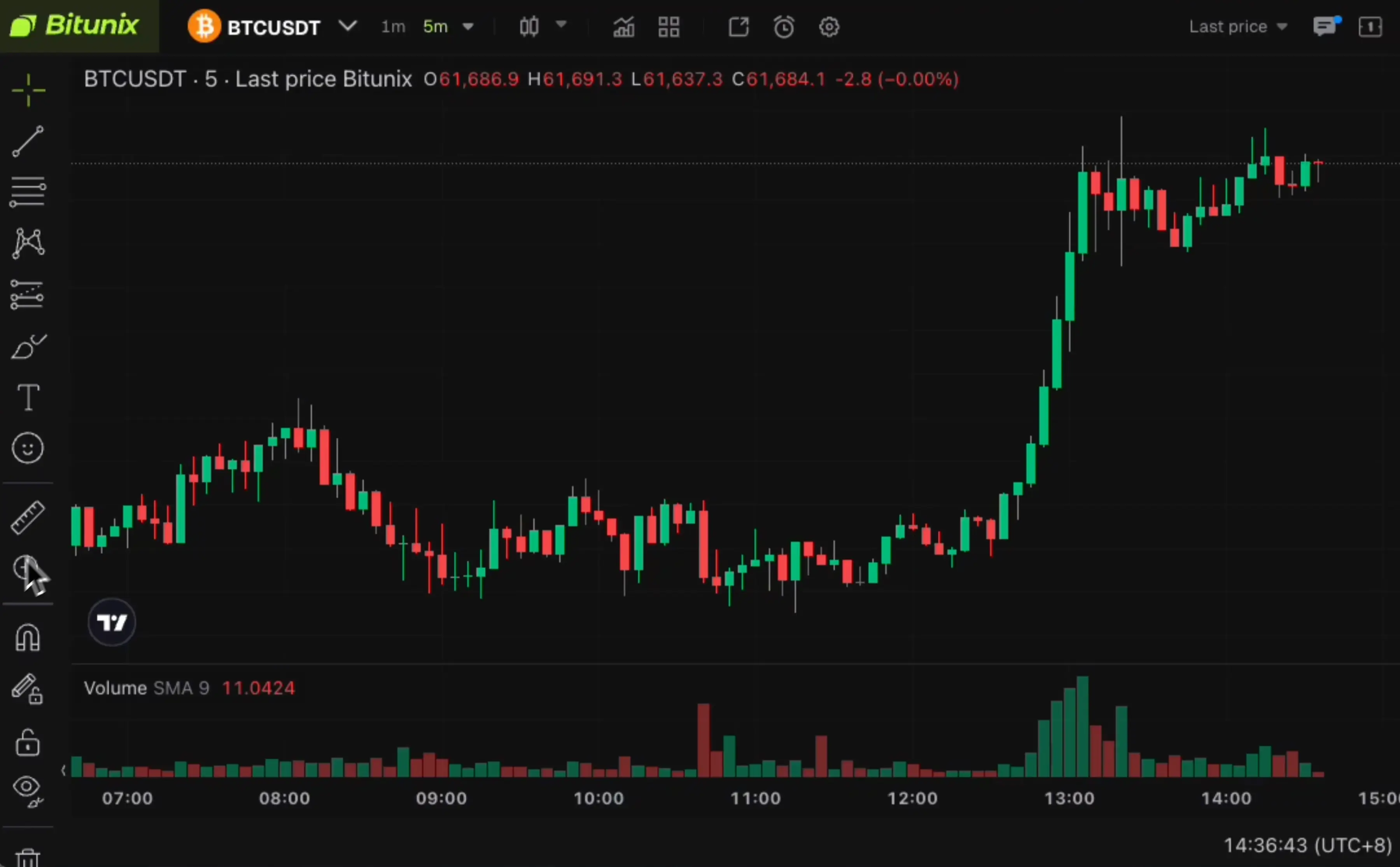
Indicator Alert
Supports various indicators such as MACD, RSI, Bollinger Bands, and volume, with golden cross, death cross, and volume-price divergence, triggering alerts upon signal activation.
35 Layouts One Screen
Stop tab-hopping between pairs. Watch and trade every market you follow side by side
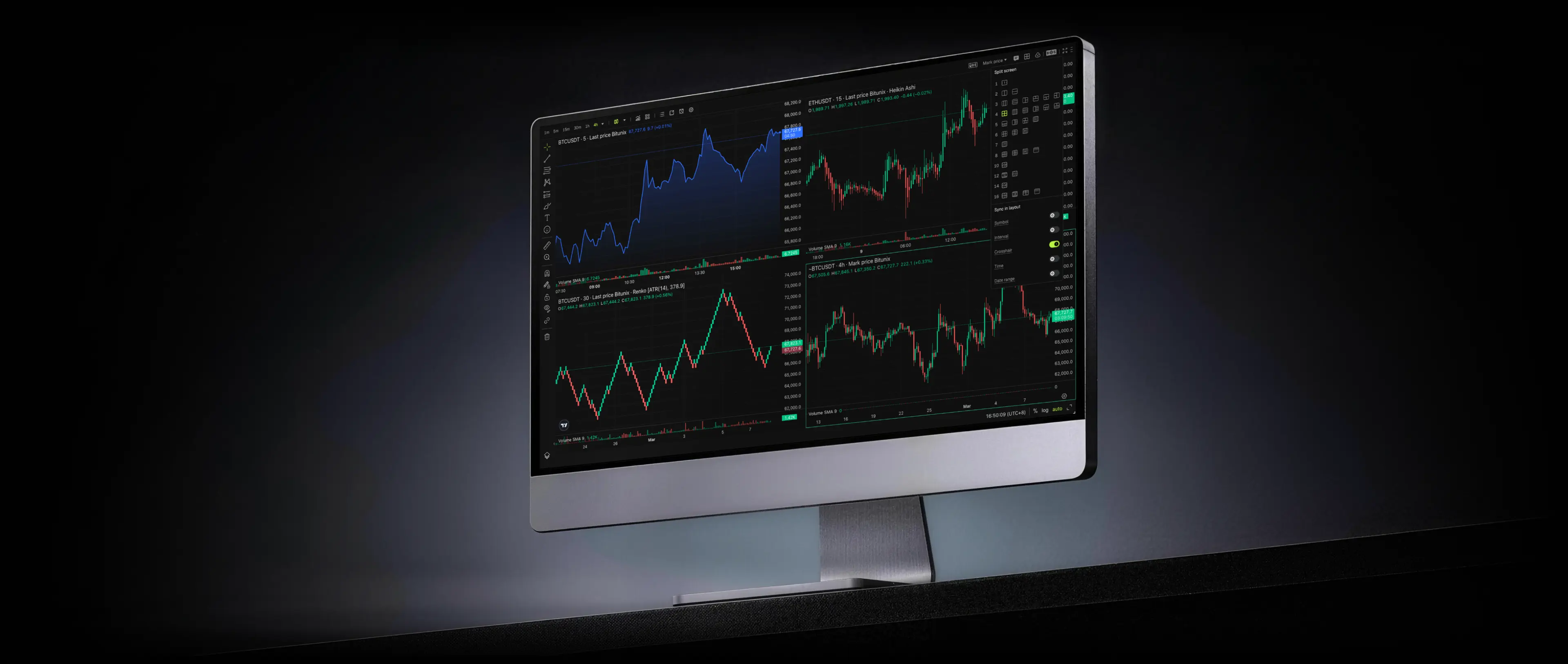
16 Layouts
Execute orders across all chart windows simultaneously
%20scale(0.978)'%3e%3cpath%20d='M19.9752%201H1V29.6844H29.6844V10.6663'%20stroke='%23919499'%20stroke-width='2'%20stroke-linecap='square'%20/%3e%3c/g%3e%3cg%20transform='translate(28.94%205)'%3e%3ccircle%20cx='4.003'%20cy='4.003'%20r='3.003'%20stroke='%23919499'%20stroke-width='2'%20stroke-linecap='square'%20/%3e%3c/g%3e%3cg%20transform='translate(12.03%2016.74)%20scale(0.77)'%3e%3cpath%20d='M1.40236%209.19609L6.07823%203.11888L11.4119%207.30858L15.9877%201.40297'%20stroke='%23919499'%20stroke-width='2'%20stroke-linecap='square'%20/%3e%3c/g%3e%3c/svg%3e)
Multi-Window Trading
Execute orders across all chart windows simultaneously
%20rotate(-90)%20translate(-16.42%20-16.42)%20scale(0.978)'%3e%3cpath%20fill-rule='evenodd'%20clip-rule='evenodd'%20d='M1%2031.8333H31.8333V1H1V31.8333Z'%20stroke='%23919499'%20stroke-width='2'%20stroke-linecap='round'%20/%3e%3c/g%3e%3cg%20transform='translate(11.24%2017.38)'%3e%3cpath%20d='M1%201V11.0497'%20stroke='%23919499'%20stroke-width='2'%20stroke-linecap='square'%20stroke-linejoin='round'%20/%3e%3c/g%3e%3cg%20transform='translate(19.3%2012.57)'%3e%3cpath%20d='M1%201V15.8585'%20stroke='%23919499'%20stroke-width='2'%20stroke-linecap='square'%20stroke-linejoin='round'%20/%3e%3c/g%3e%3cg%20transform='translate(27.36%2022.69)'%3e%3cpath%20d='M1%201V5.73911'%20stroke='%23919499'%20stroke-width='2'%20stroke-linecap='square'%20stroke-linejoin='round'%20/%3e%3c/g%3e%3c/svg%3e)
Independent Config
Each window has its own timeframe, chart type & scale
'%3e%3ccircle%20cx='6.781'%20cy='6.781'%20r='5.781'%20stroke='%23919499'%20stroke-width='2'%20stroke-linecap='round'%20stroke-linejoin='round'%20/%3e%3c/g%3e%3cg%20transform='translate(23.86%2023.86)'%3e%3ccircle%20cx='6.781'%20cy='6.781'%20r='5.781'%20stroke='%23919499'%20stroke-width='2'%20stroke-linecap='round'%20stroke-linejoin='round'%20/%3e%3c/g%3e%3cg%20transform='translate(14.22%204.58)'%3e%3ccircle%20cx='6.781'%20cy='6.781'%20r='5.781'%20stroke='%23919499'%20stroke-width='2'%20stroke-linecap='round'%20stroke-linejoin='round'%20/%3e%3c/g%3e%3c/svg%3e)
Cross-Window Sync
Synchronize crosshair, time, date range & symbols
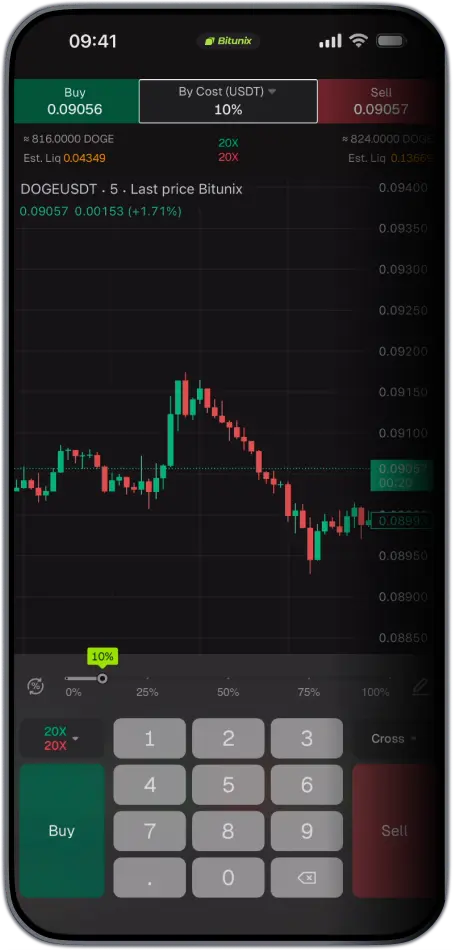
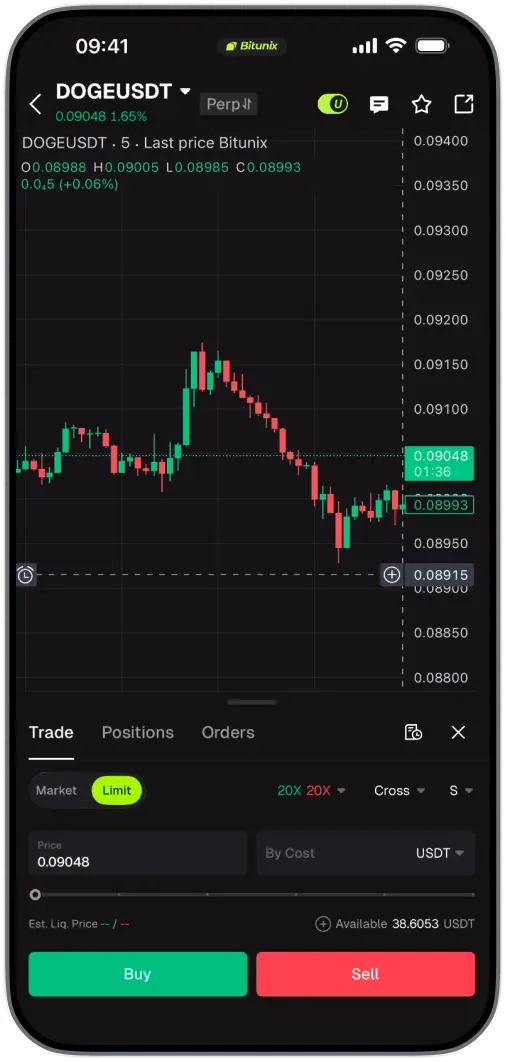
Chart Trading On Any Device
Your layouts, drawings, and indicators follow you across web, mobile, and desktop. Pick up exactly where you left off
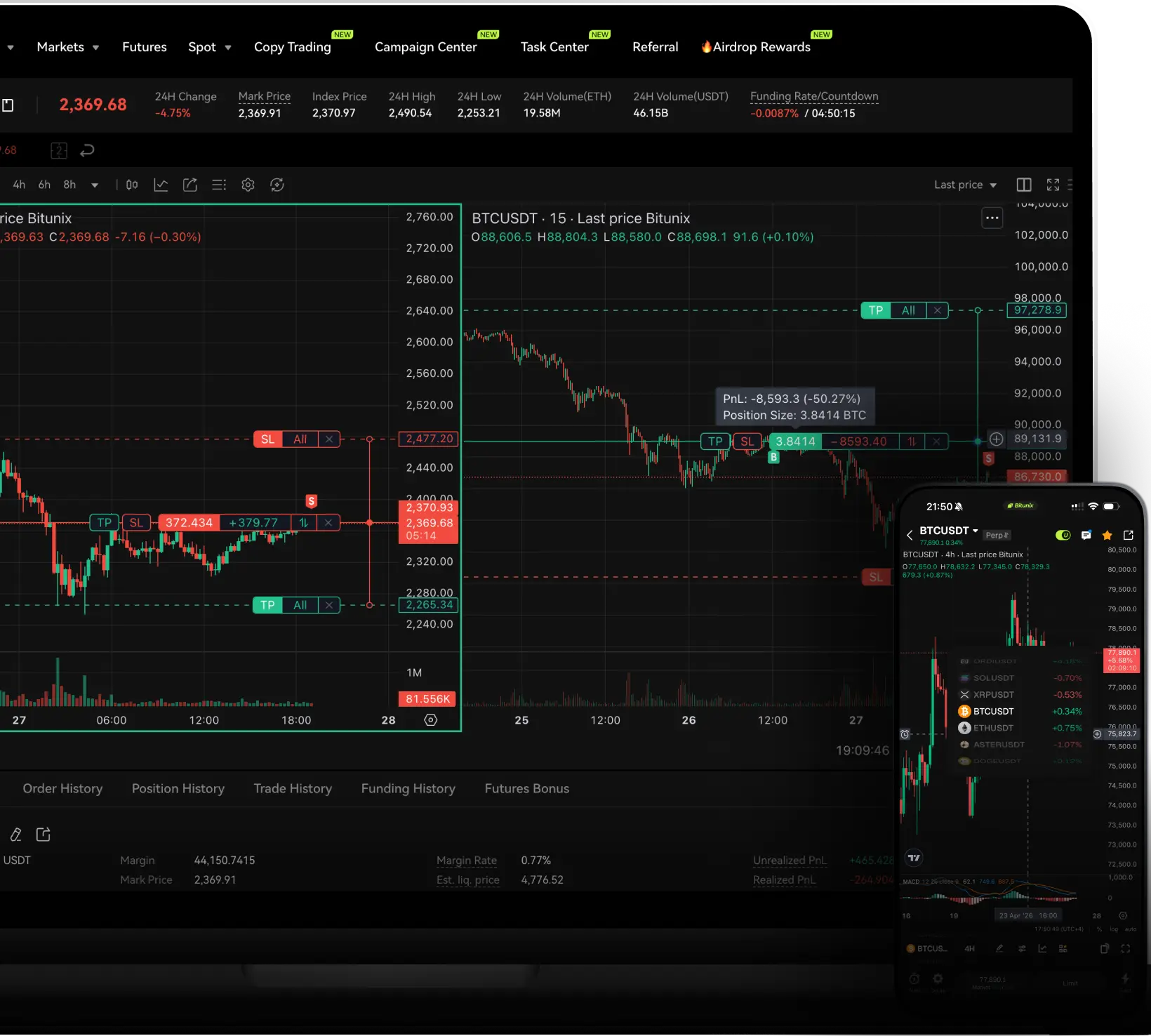
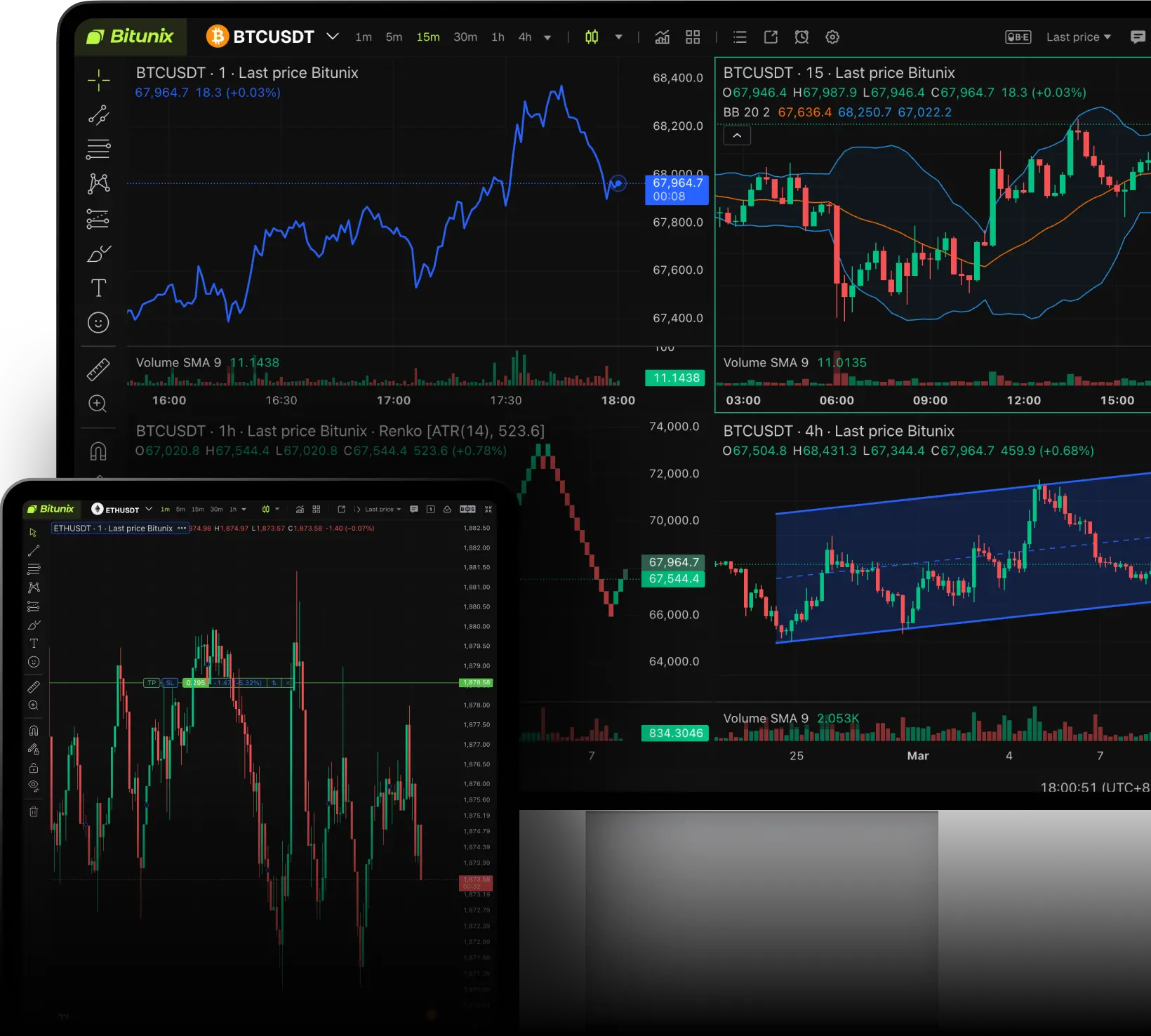
Chart Trading On Any Device
Your layouts, drawings, and indicators follow you across web, mobile, and desktop. Pick up exactly where you left off


'/%3e%3c/svg%3e)
'/%3e%3c/g%3e%3c/svg%3e)
'/%3e%3c/g%3e%3c/svg%3e)
'/%3e%3c/g%3e%3c/svg%3e)
'/%3e%3c/g%3e%3c/svg%3e)

'/%3e%3c/g%3e%3c/svg%3e)

'/%3e%3c/g%3e%3c/svg%3e)

Built for Focused Trading
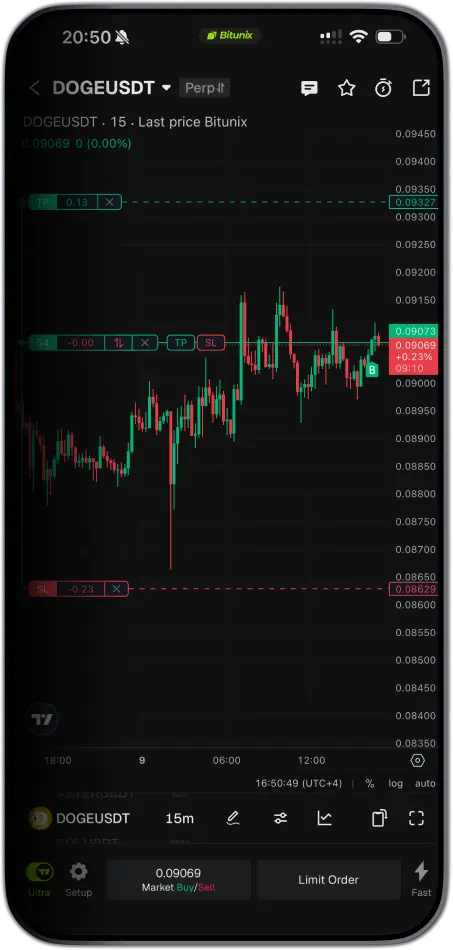
Execute complex strategies, manage risk, and adjust orders with a single click—without ever leaving your price action. Total control without the clutter
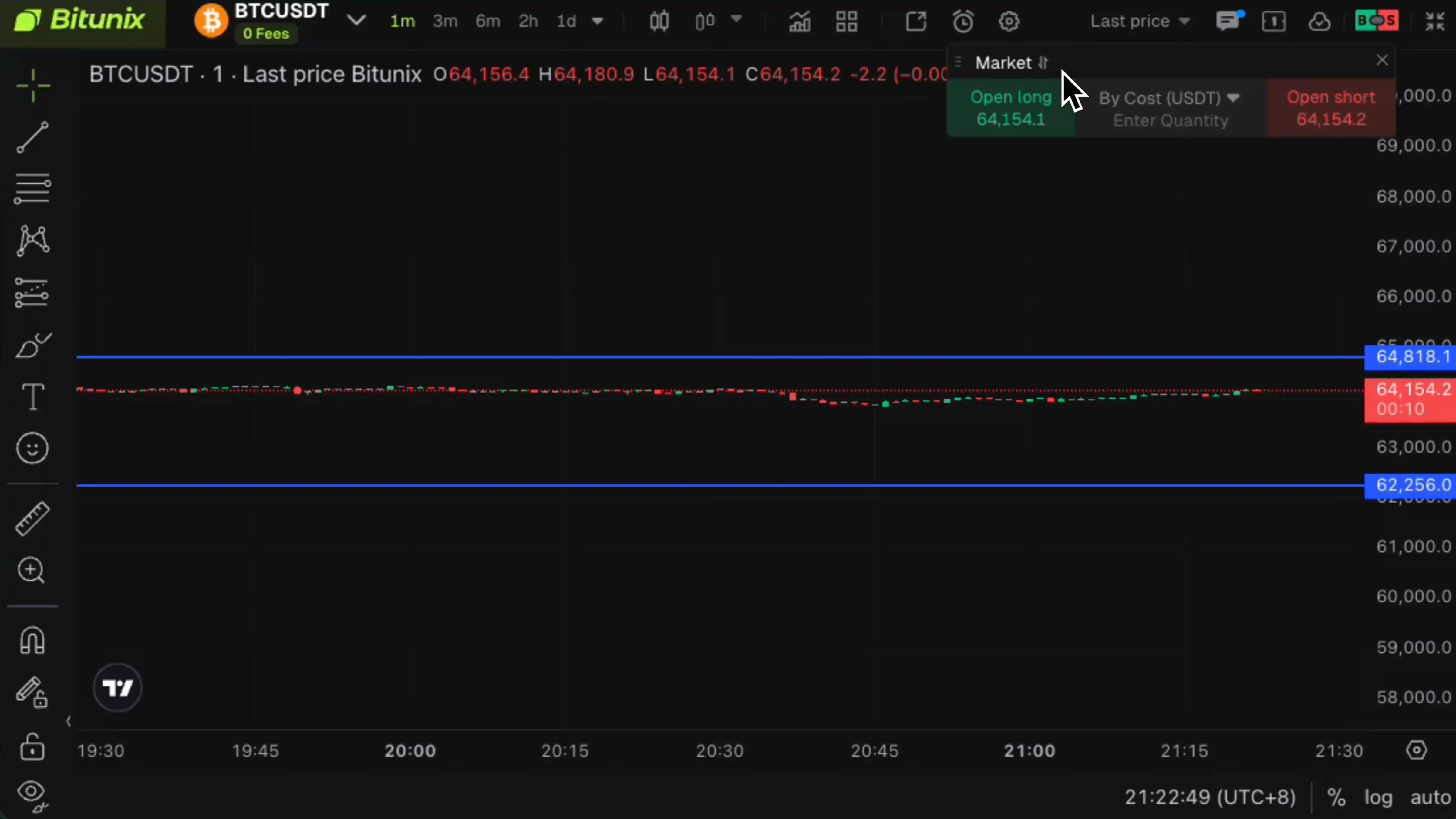
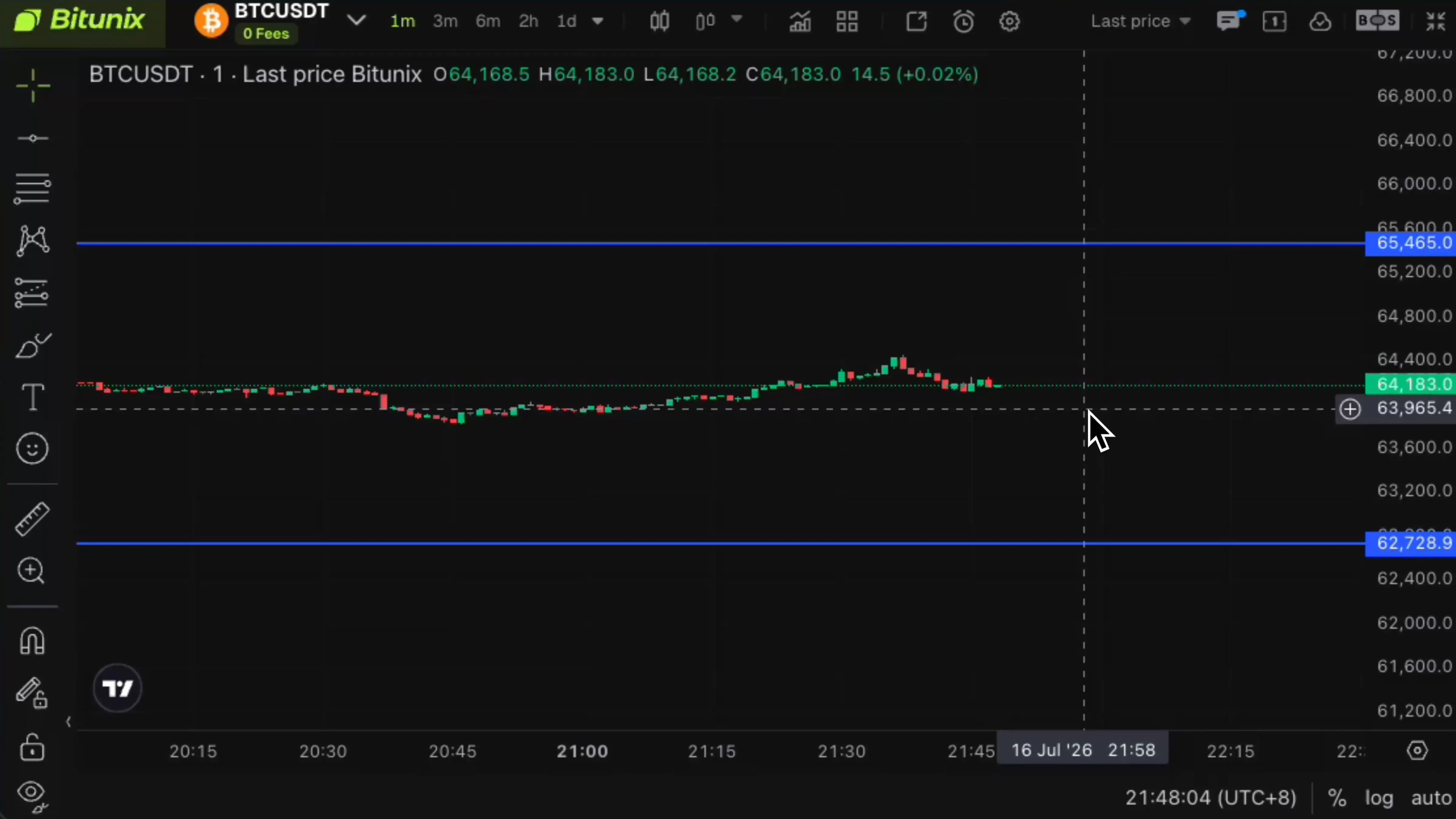
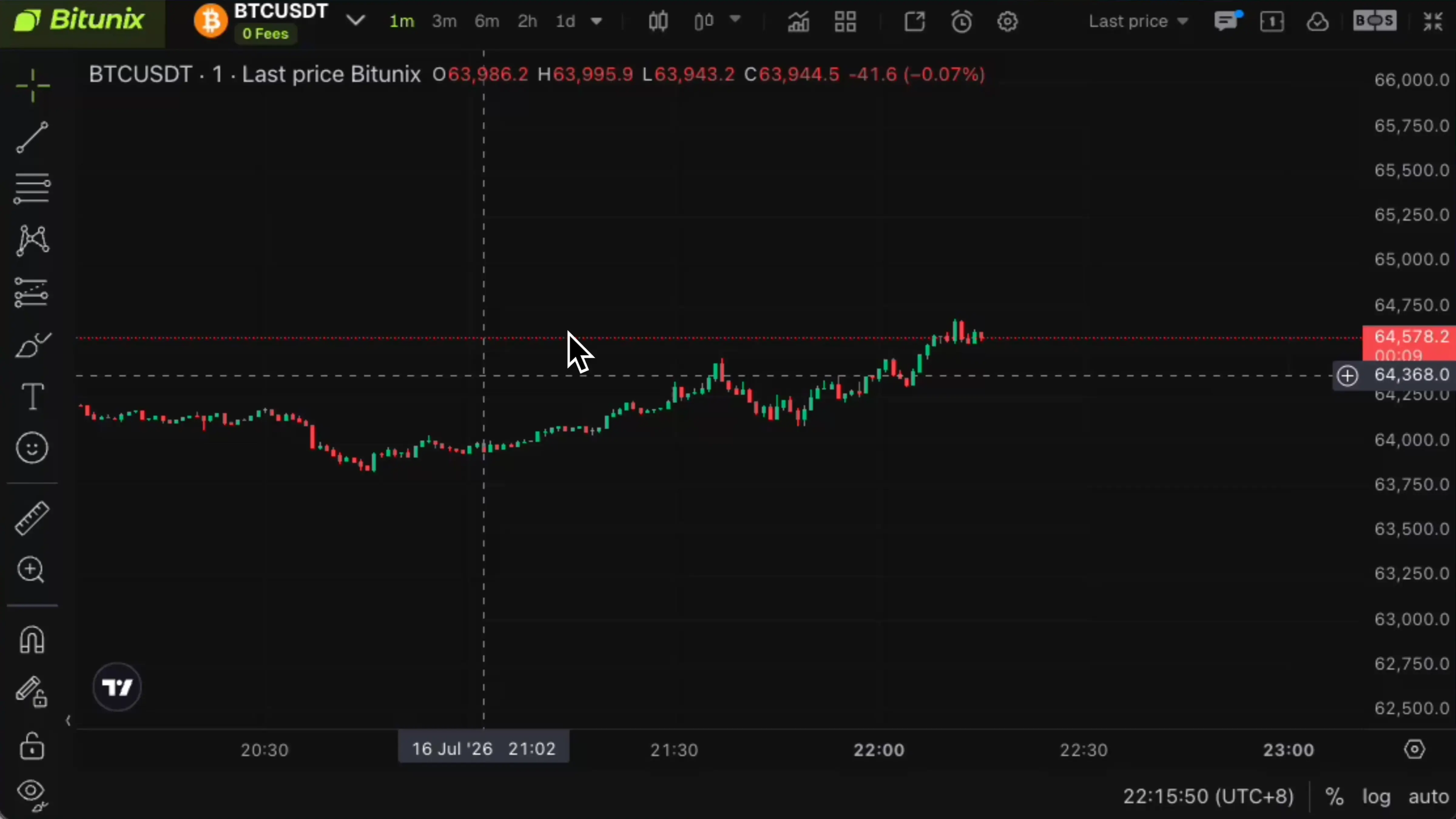
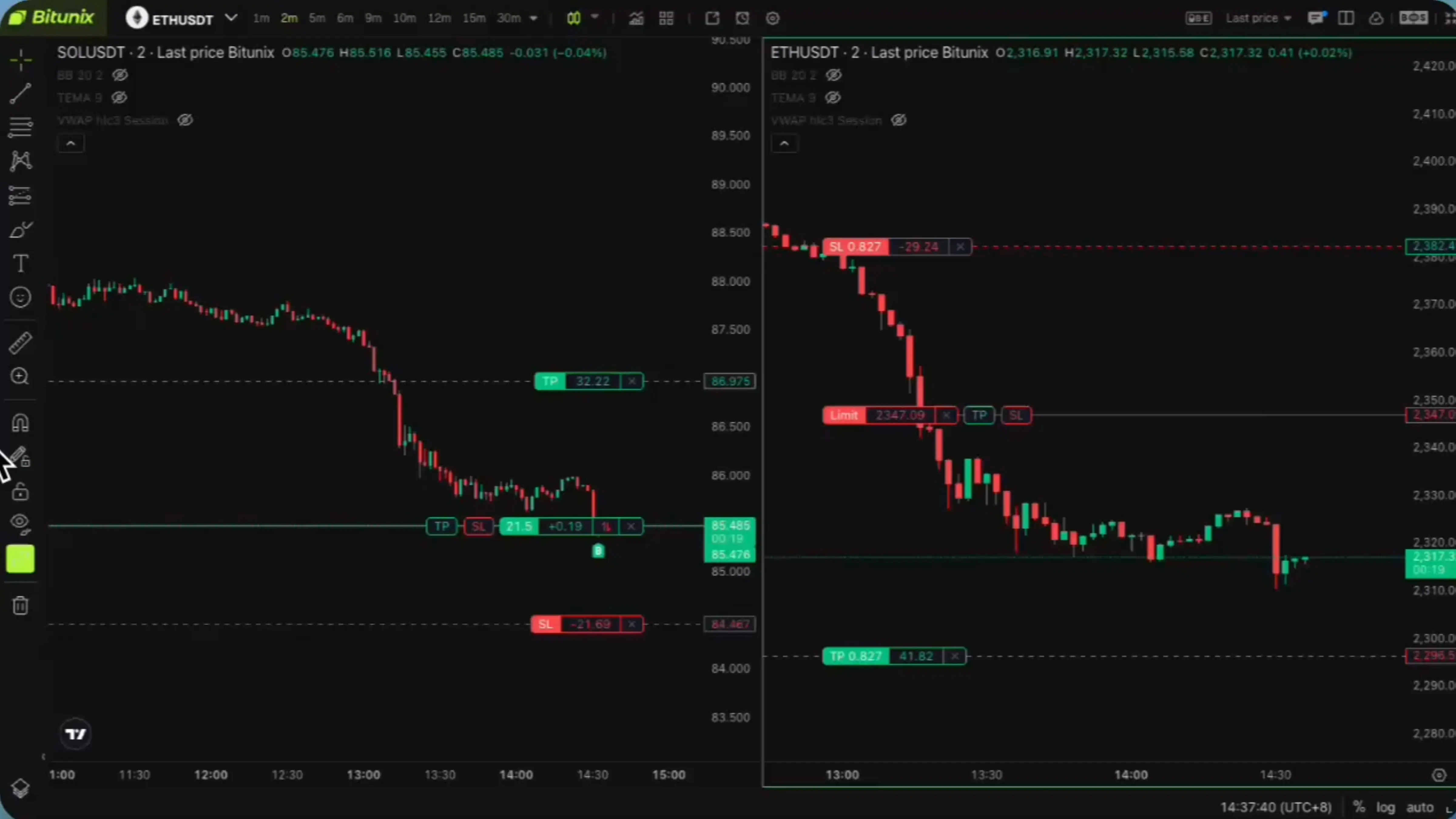
Set TP & SL for Full or Partial Positions
Quickly set your Take Profit and Stop Loss levels by simply dragging them on the chart.
Visual Order Placement
Place limit, conditional, and trailing stop orders directly on the chart for faster execution.
Key Position Levels at a Glance
View liquidation, margin call, and break-even price levels directly on the chart for clearer risk management.
Instant Order Placement
Use the “+” button or right-click menu to place orders directly on the chart in just a few clicks.
Visual Risk Planning
Set stop-loss levels and plan segmented orders directly on the chart before entering a position.
Personalized Trading Setup
Customize your chart display and sound alerts to create a trading environment that works for you.
Personalize Your Deal Never Been Easier
Tune your workspace across hundreds of settings so the desk works the way you do
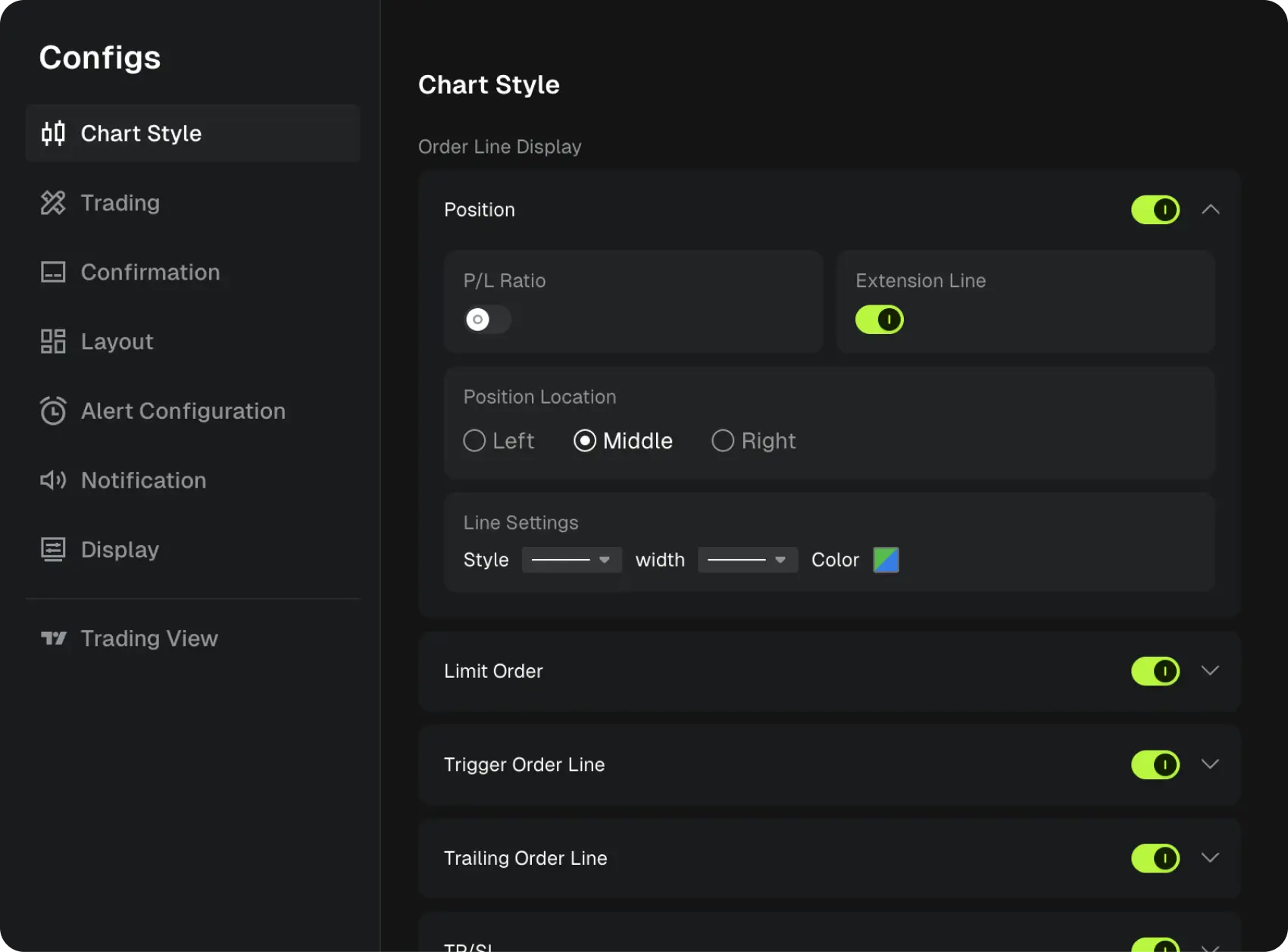
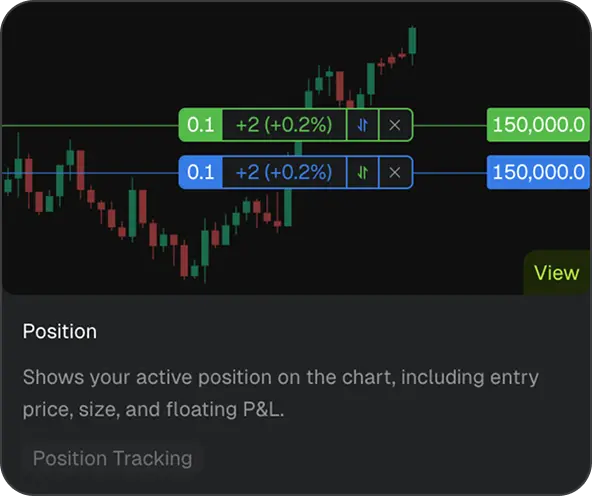
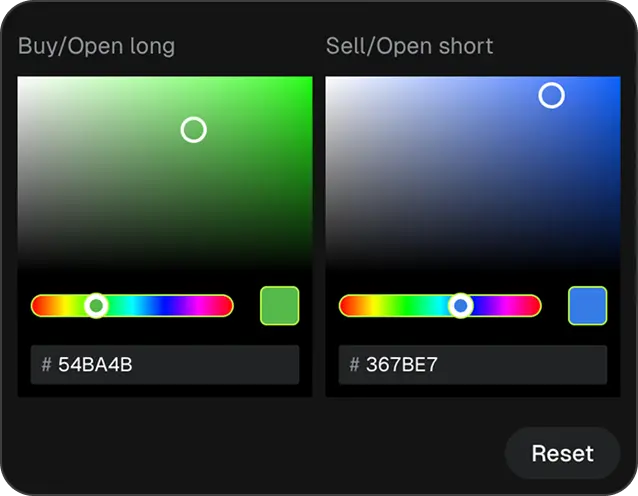
Just 3 seconds PC to application
3 seconds transition from web to app. Enjoy a consistent, high-performance trading experience across every screen
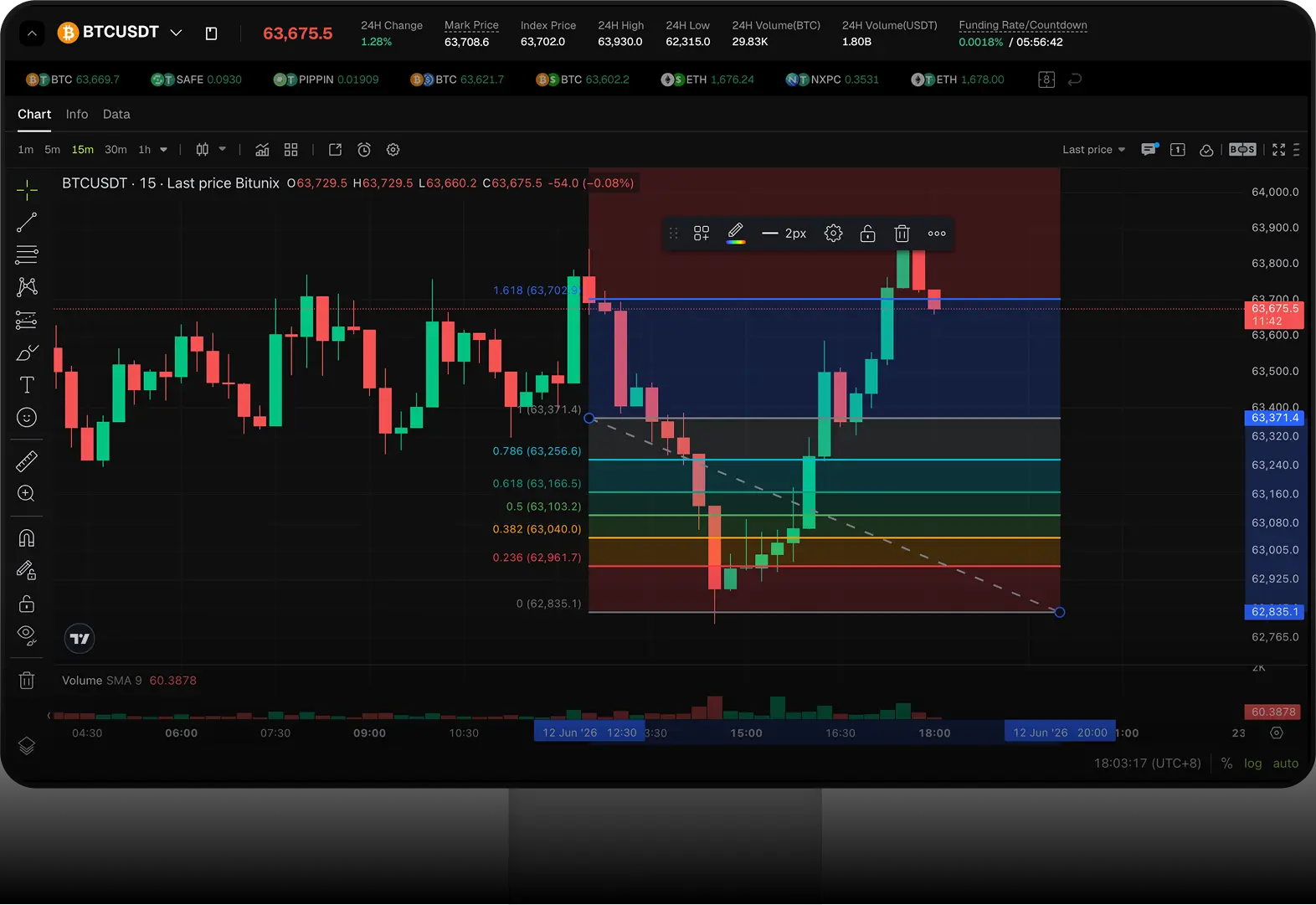
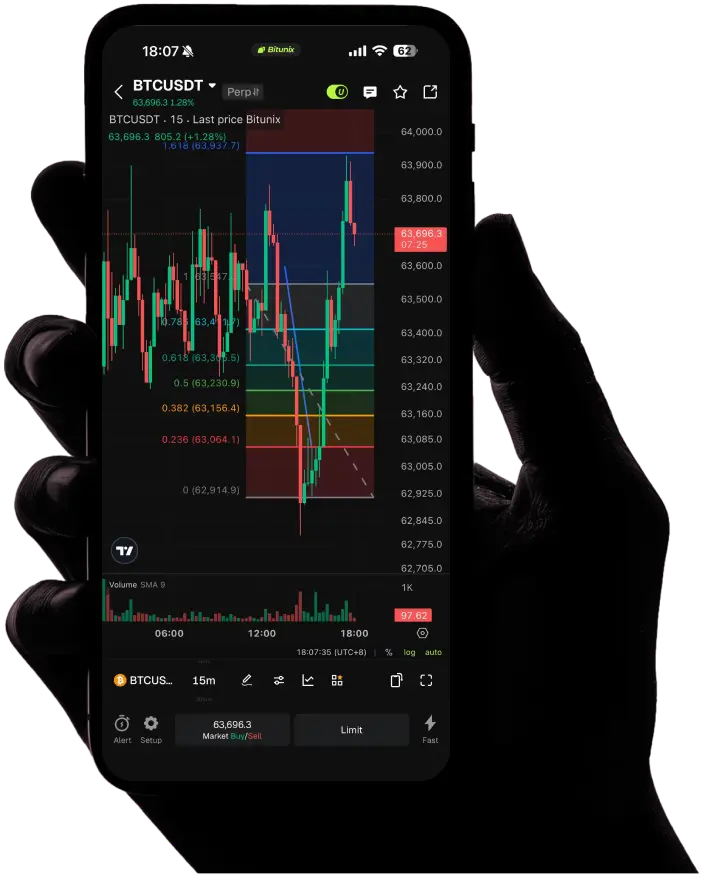
Desktop Power Mobile Freedom
Full desktop-grade charting and execution, in your pocket
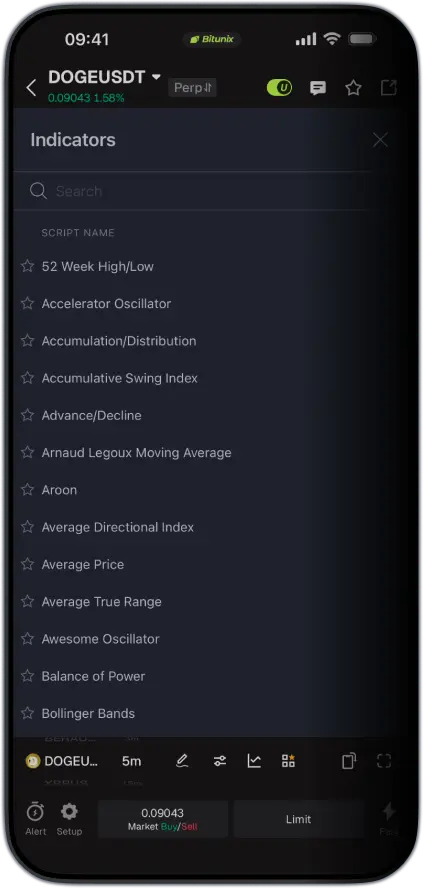
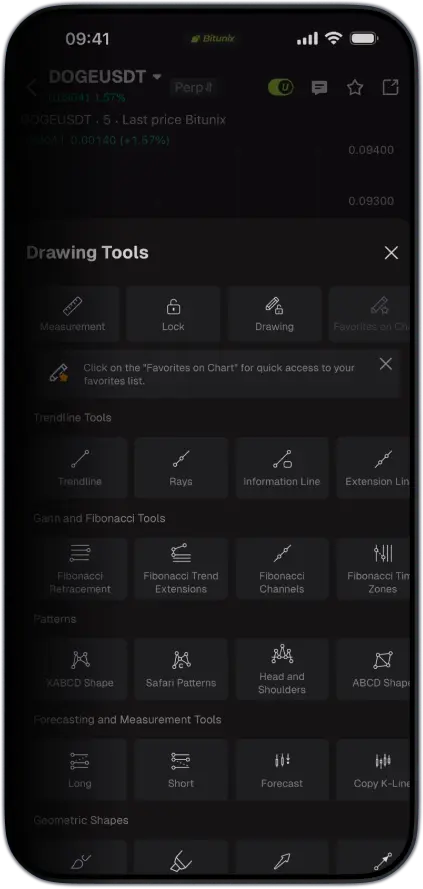
106
Indicators
16
Chart Type
23
Time Period
103
Drawing Tools
3S
PC/App Synchronization
Scan the QR code to download the Bitunix Pro app
Available for download on iOS and Android


Getting direct service From product managers easier
Help you realize your trading dreams
'%3e%3cpath%20d='M15.5547%201C20.5253%201%2024.5547%205.02944%2024.5547%2010V14.5H6.55469V10C6.55469%205.02944%2010.5841%201%2015.5547%201Z'%20stroke='%23919499'%20stroke-width='2'%20/%3e%3cpath%20d='M30.1113%2014.5557V34.7783H1V14.5557H30.1113Z'%20stroke='%23919499'%20stroke-width='2'%20/%3e%3crect%20x='14.5547'%20y='21'%20width='2'%20height='7'%20fill='%23919499'%20/%3e%3c/g%3e%3c/svg%3e)
Instant response to user feedback
%20scale(0.929)'%3e%3cpath%20fill-rule='evenodd'%20clip-rule='evenodd'%20d='M14.113%2031C14.113%2031%2027.2261%2027.0295%2027.2261%2016.0838V1H1V16.0838C1%2027.0295%2014.113%2031%2014.113%2031Z'%20stroke='%23919499'%20stroke-width='2'%20stroke-linecap='round'%20/%3e%3c/g%3e%3cg%20transform='translate(15.65%2014.5)%20scale(0.77)'%3e%3cpath%20d='M1.41421%204.75588L4.56755%207.91421L11.0642%201.41421'%20stroke='%23919499'%20stroke-width='2'%20stroke-linecap='square'%20/%3e%3c/g%3e%3c/svg%3e)
User-driven product change
%20scale(0.928)'%3e%3ccircle%20cx='14.3976'%20cy='14.3976'%20r='13.3976'%20stroke='%23919499'%20stroke-width='2'%20stroke-linecap='square'%20/%3e%3c/g%3e%3cg%20transform='translate(27.48%2027.85)%20scale(0.728)'%3e%3cpath%20d='M1.41421%201.41421L9.00334%208.98363'%20stroke='%23919499'%20stroke-width='2'%20stroke-linecap='square'%20/%3e%3c/g%3e%3c/svg%3e)
7*24 hours customer service experience