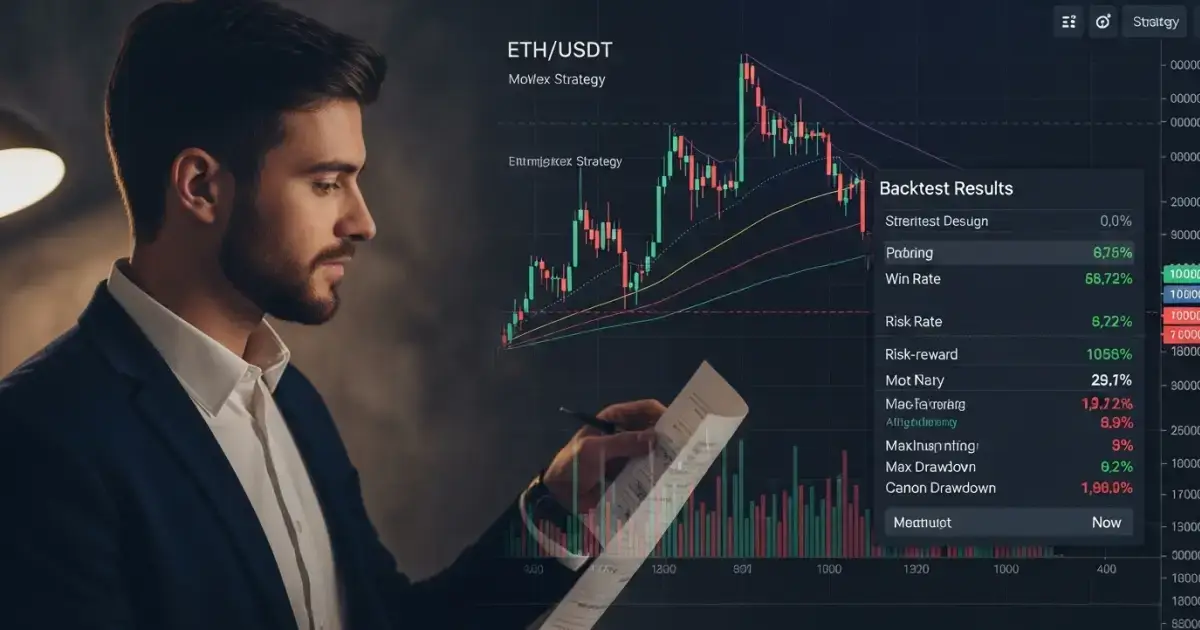
Why Backtesting Matters in Futures Trading
Backtesting allows traders to simulate their strategies using historical market data. Instead of learning the hard way through live trades and real losses, you can test whether your setup actually works — in various conditions and over hundreds of trades. With futures trading offering leverage as high as 125x on Bitunix, mistakes are magnified. A backtested strategy helps avoid reckless over-leverage, emotional trading, and inconsistent results. More importantly, it allows you to:- Confirm your edge before going live
- Spot periods of underperformance
- Measure realistic drawdown and win rates
- Tune stop-loss and take-profit levels to real-world conditions
Step 1: Understand What Makes a Backtest Work
Before you touch any data or tools, you need a clear definition of your trading strategy. A vague setup like “buy the dip” won’t cut it. Instead, define specific rules for:- Entry triggers (e.g., BTC/USDT price crosses above the 50 EMA + RSI below 40)
- Exit triggers (e.g., take profit at 3% or stop loss at 1.5%)
- Timeframes (1-minute? 15-minute? 1-hour?)
- Leverage and position size
- Assets traded (e.g., BTC, ETH, SOL)
Step 2: Use Bitunix’s Historical Market Data
 Bitunix allows you to access granular K-Line (candlestick) data directly from the trading interface. Here's how to use it for strategy evaluation:
- Open the Bitunix Futures Dashboard
- Select the asset you want to test (e.g., BTC/USDT perpetual futures)
- Set your timeframe: Bitunix supports multiple intervals (1m, 5m, 15m, 1h, etc.)
- Add your indicators: MA, EMA, RSI, MACD, and more are available via the integrated chart
- Visually walk through historical movements and simulate your entries/exits
Step 3: Optimize for Profit and Risk Management
Once you've tested a strategy across 50–100 simulated or backtested trades, start optimizing. Here’s how:A) Adjust Stop-Loss and Take-Profit Levels
 Bitunix allows precise SL/TP placement during order setup. By reviewing your trade history, you can:
- Move SL tighter if too many trades hit full loss
- Expand TP if you notice consistent reversals before your goal
B) Refine Leverage Settings
Do you perform better at 3x, 5x, or 10x? Backtesting helps you find the leverage sweet spot that balances return and risk. On Bitunix, you can adjust leverage before and during an open position — giving you flexibility that few exchanges offer.C) Identify Optimal Trading Times
Use your Bitunix trade logs to discover:- Best-performing hours (e.g., London or New York open)
- Which days produce better results (avoid weekends?)
- Which assets are most predictable for your strategy
Step 4: Track All Results in a Futures Trading Journal
 Pair your backtests with a dedicated journal (Google Sheets, Notion, or app-based). Include:
- Entry/Exit Price
- Contract Name
- Leverage
- Win/Loss (USDT and %)
- Funding fees paid (visible on Bitunix order details)
- Notes on performance
Bitunix Tools That Make Optimization Easier
Here’s how Bitunix enhances the backtesting and optimization process:- K-Line Ultra View — Complete technical charting with all indicators
- Real-time Funding Rate Preview — Know the cost before you enter
- SL/TP During Entry — No post-trade stress adjustments
- Adjustable Leverage (even mid-trade) — Test scaling live
- Mobile/Desktop Parity — Test your setup anywhere
- Trade History & Order Logs — View everything from slippage to execution timestamps
Case Study: Optimizing a 2025 ETH Strategy
Let’s say you want to test a breakout strategy on ETH/USDT. System Setup:- Entry: ETH closes above local high + RSI over 60
- SL: 2% below entry
- TP: 3.5% above entry
- Leverage: 5x
- Contract: ETH/USDT perpetual on Bitunix
- 63 trades in 30 days
- Win rate: 48%
- Avg profit per win: 3.3%
- Avg loss per trade: 1.9%
- Net ROI: +11.7% over test period