Key Highlights
Buying Crypto With a Credit or Debit Card
Best for: Beginners making their first crypto purchase and users who want to minimize bank transfers and complete purchases quickly.
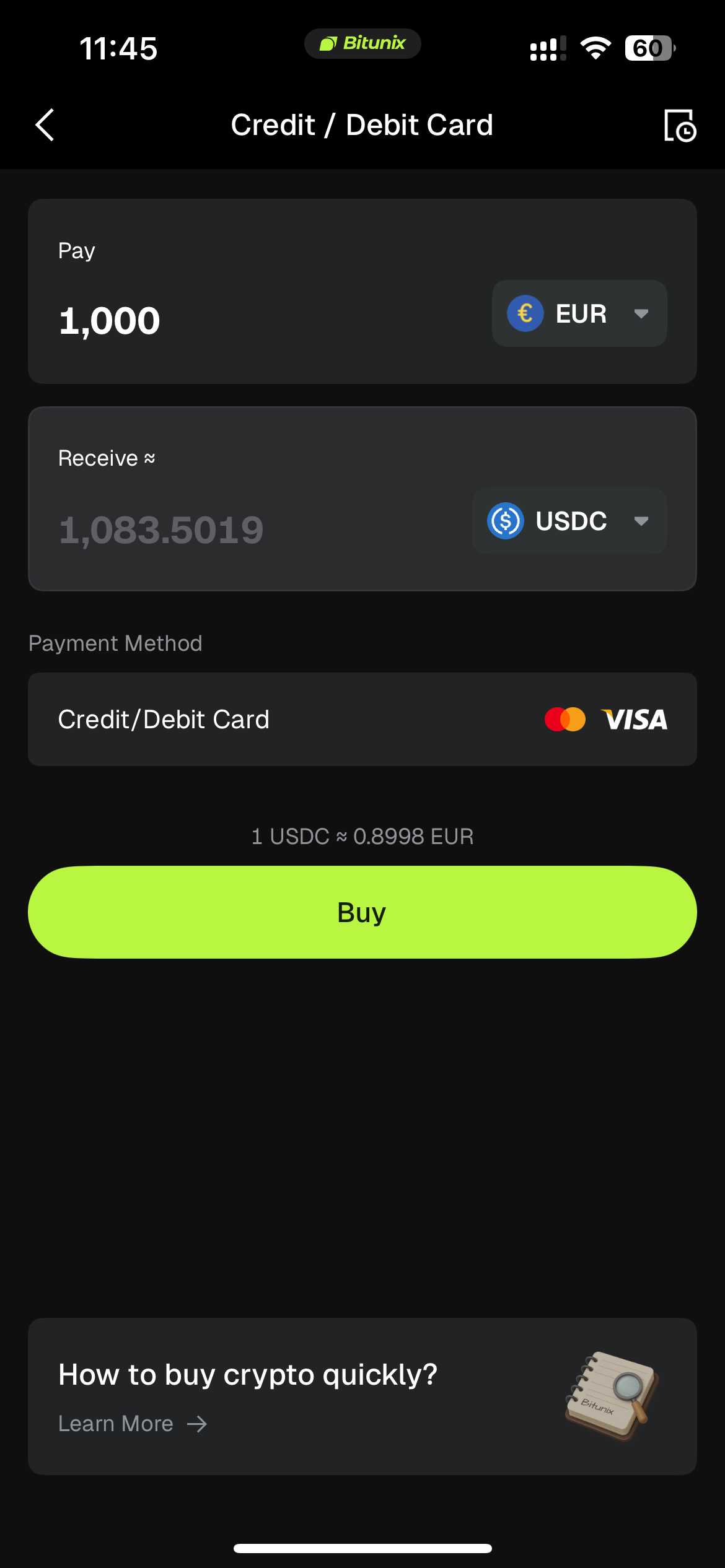
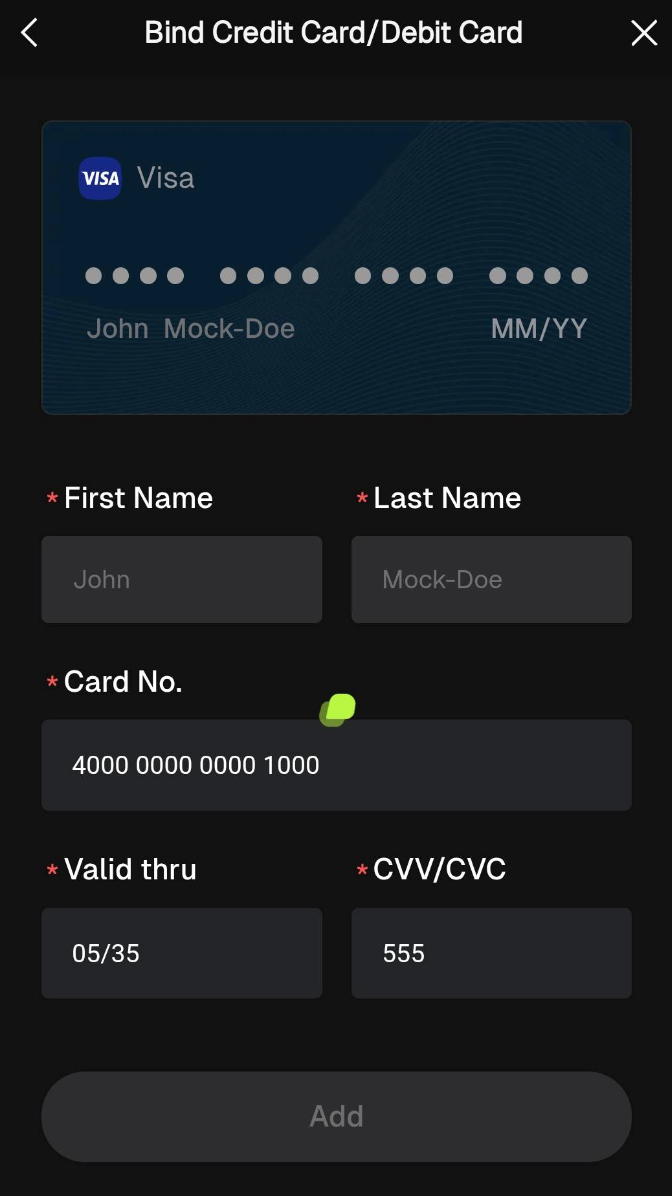
Supported card networks (as indicated in the official app): Visa credit cards and Mastercard debit cards. Available options may vary; always refer to the card-linking page in the app. Visa is commonly used in tutorial examples. Bitunix indicates that debit cards generally have a higher payment success rate.
How to access card payments: Choose either of the following routes, depending on the current app interface:
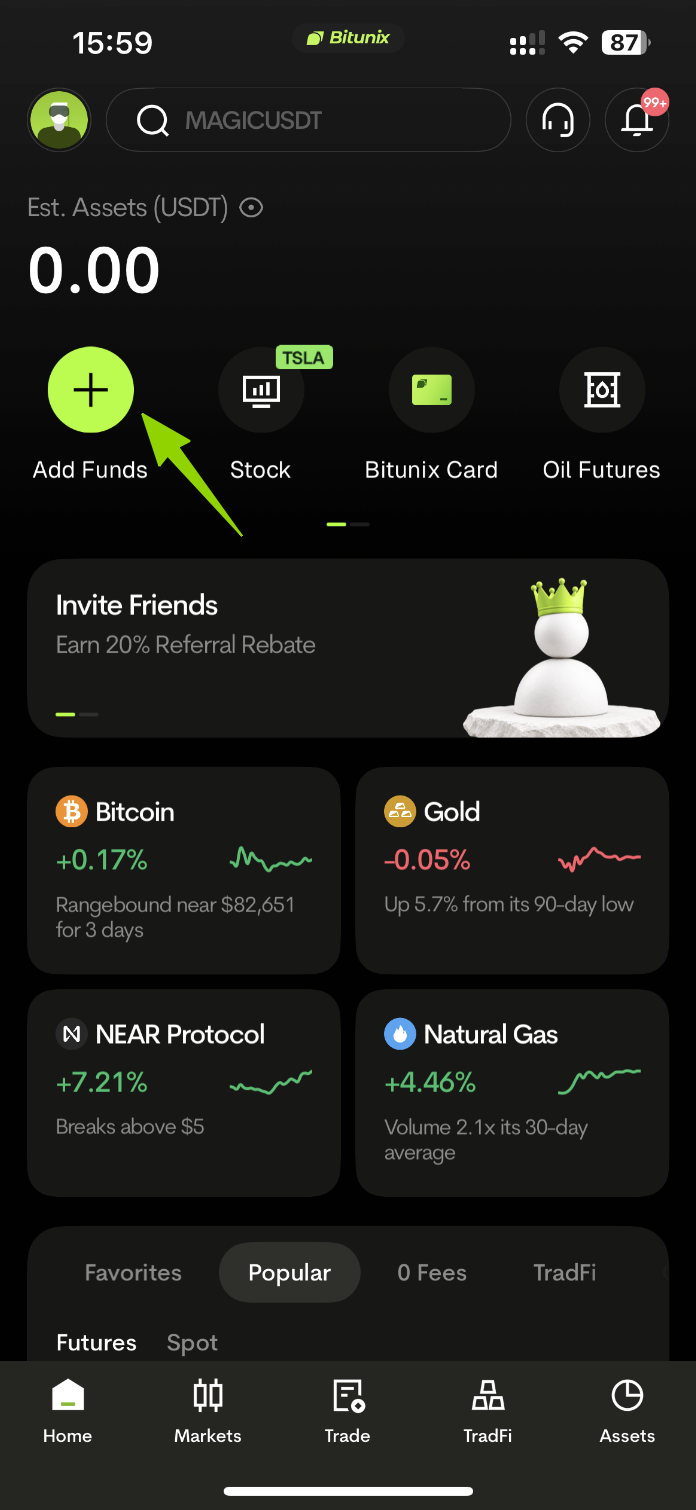
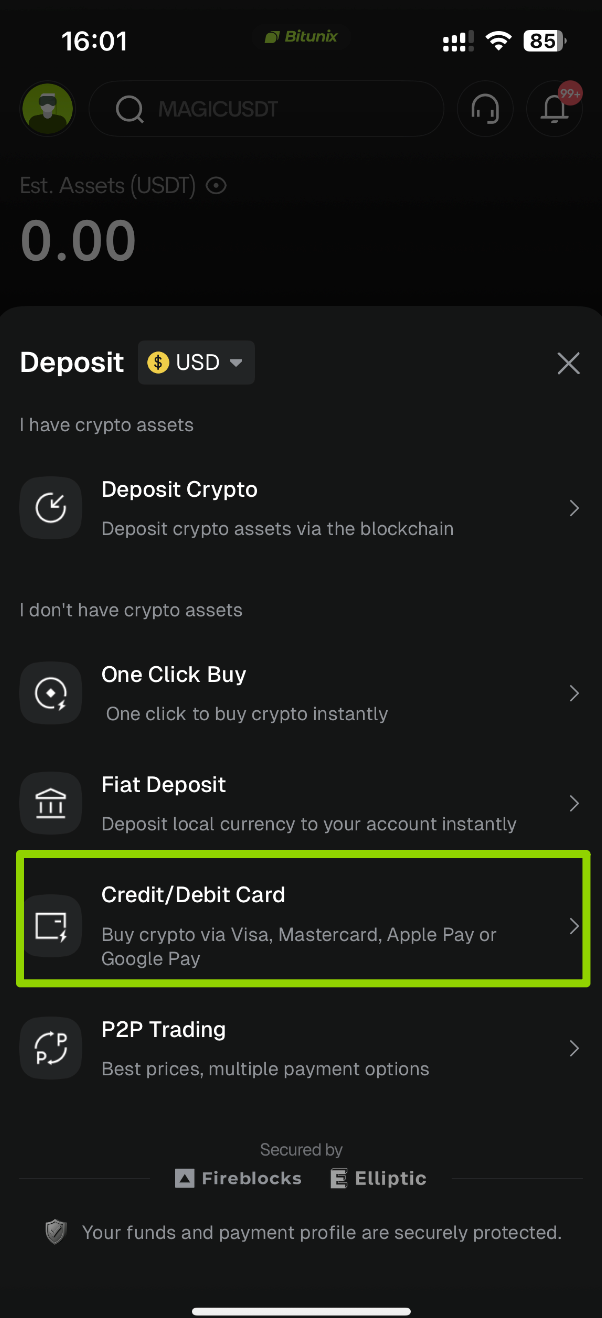
Option A (as shown in the video tutorial): Log in → Deposit → Credit/Debit Card.
Option B (via the Buy Crypto page): Visit Buy Crypto and select Card Payment.
Supported fiat currencies: More than 30 fiat currencies, including USD, EUR, GBP, and AUD.
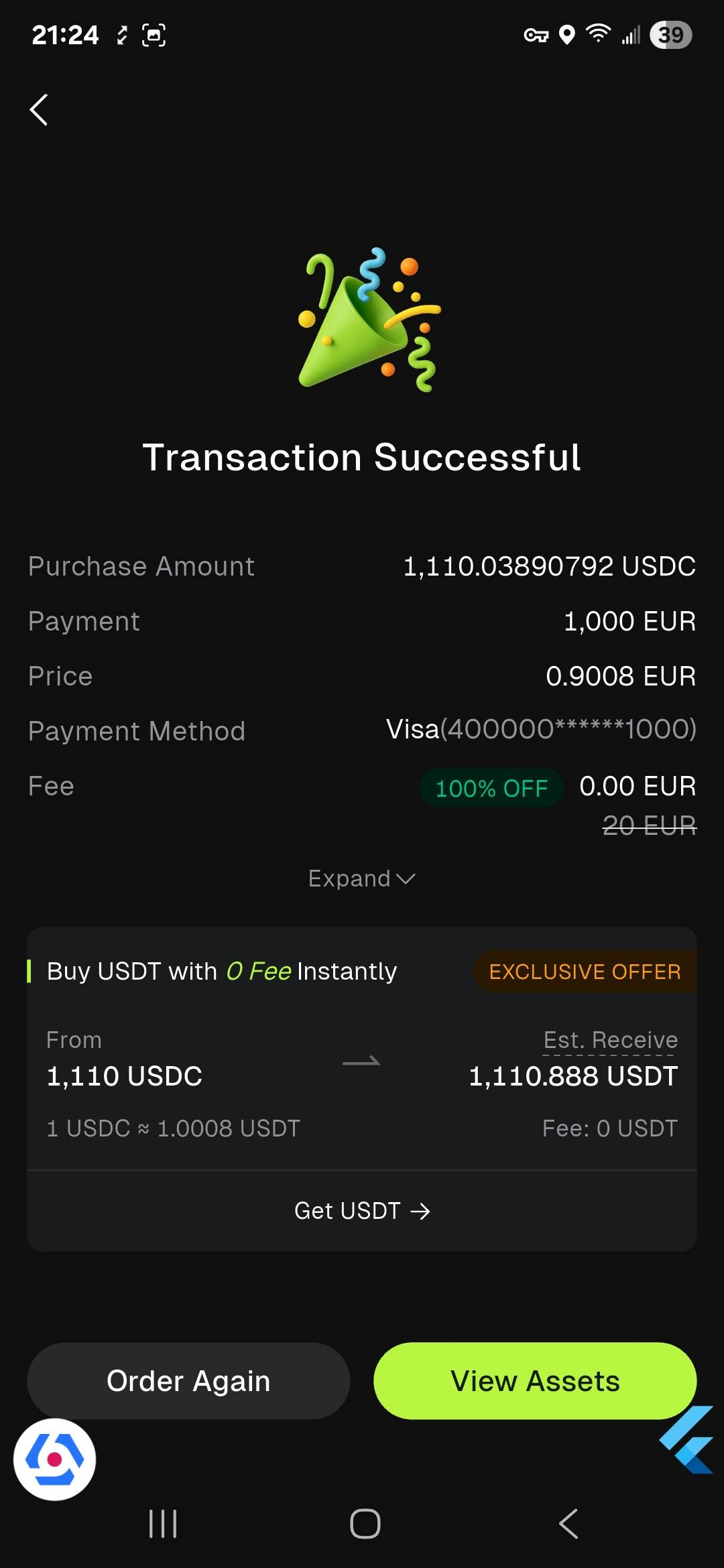
Supported cryptocurrencies: BTC, ETH, USDT, USDC, and other supported assets. USDT is commonly used in beginner tutorials.
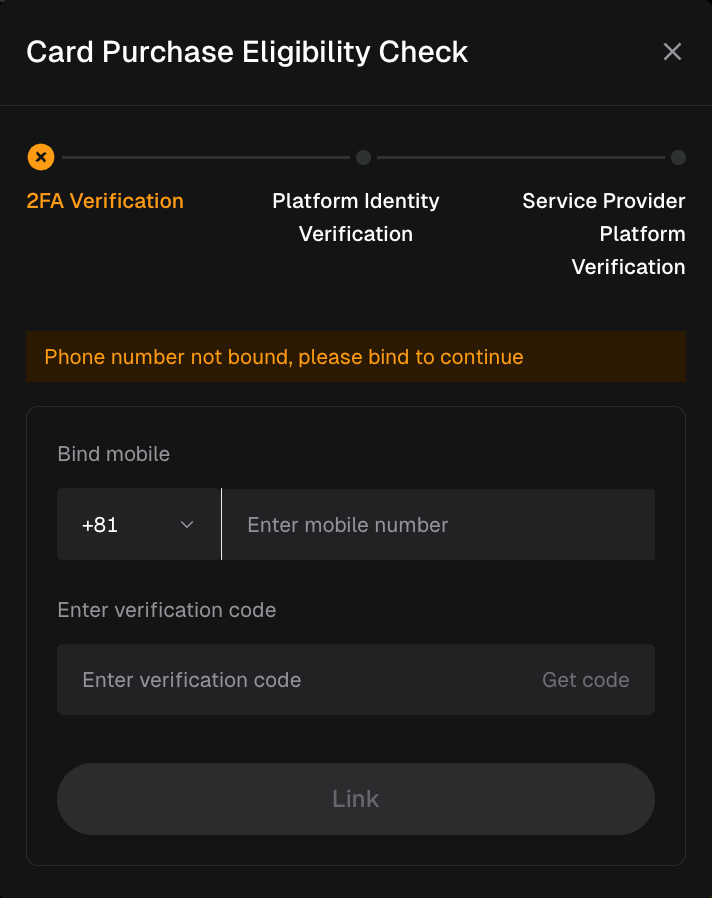
KYC and verification requirements: First-time purchases require completion of the applicable trading eligibility checks and identity verification.
Card linking and payment: Use a card issued in your own name.
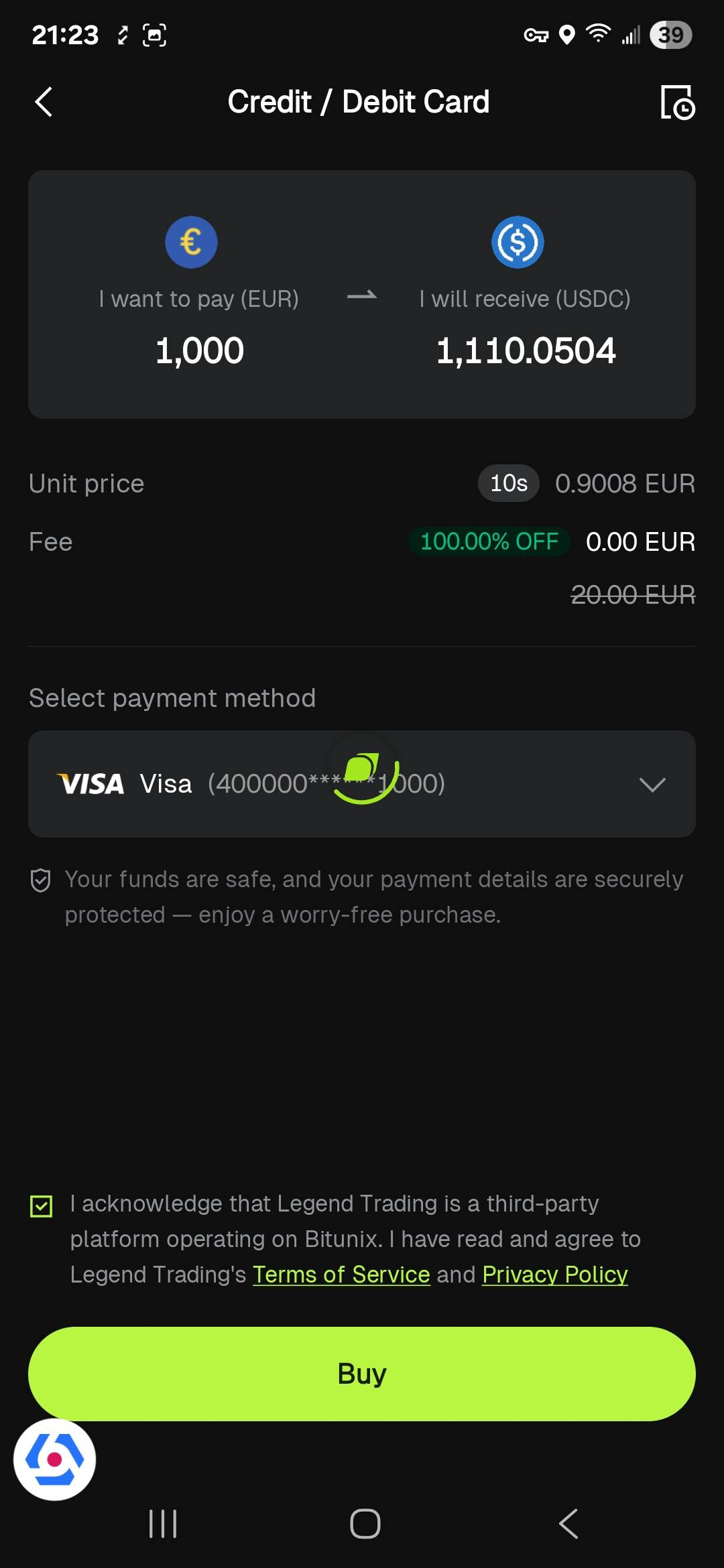
Fees (indicative): The Buy Crypto Guide lists approximate credit/debit card fees of 2%–3%. Actual fees are subject to the quote shown in the app when placing an order. Some banks may also charge an additional cash advance fee for credit card transactions.
Transaction limits (subject to change): According to the Help Center guide for card purchases, the app's credit/debit card channel has the following indicative limits:
Minimum and maximum per transaction: USD 15–3,000 equivalent.
Daily limit: USD 3,000 equivalent.