Key Highlights
Feature: Crypto Deposit / On-Chain Deposit
Who it's for: Users who already hold USDT, BTC, ETH, or other crypto in an external wallet and want to transfer it to Bitunix for trading or other services. If you only have fiat currency and want to make your first purchase by card, use the Buy Crypto page.
Supported assets: USDT, BTC, ETH, XRP, and other cryptocurrencies listed on the deposit page. Check the App for the latest options.
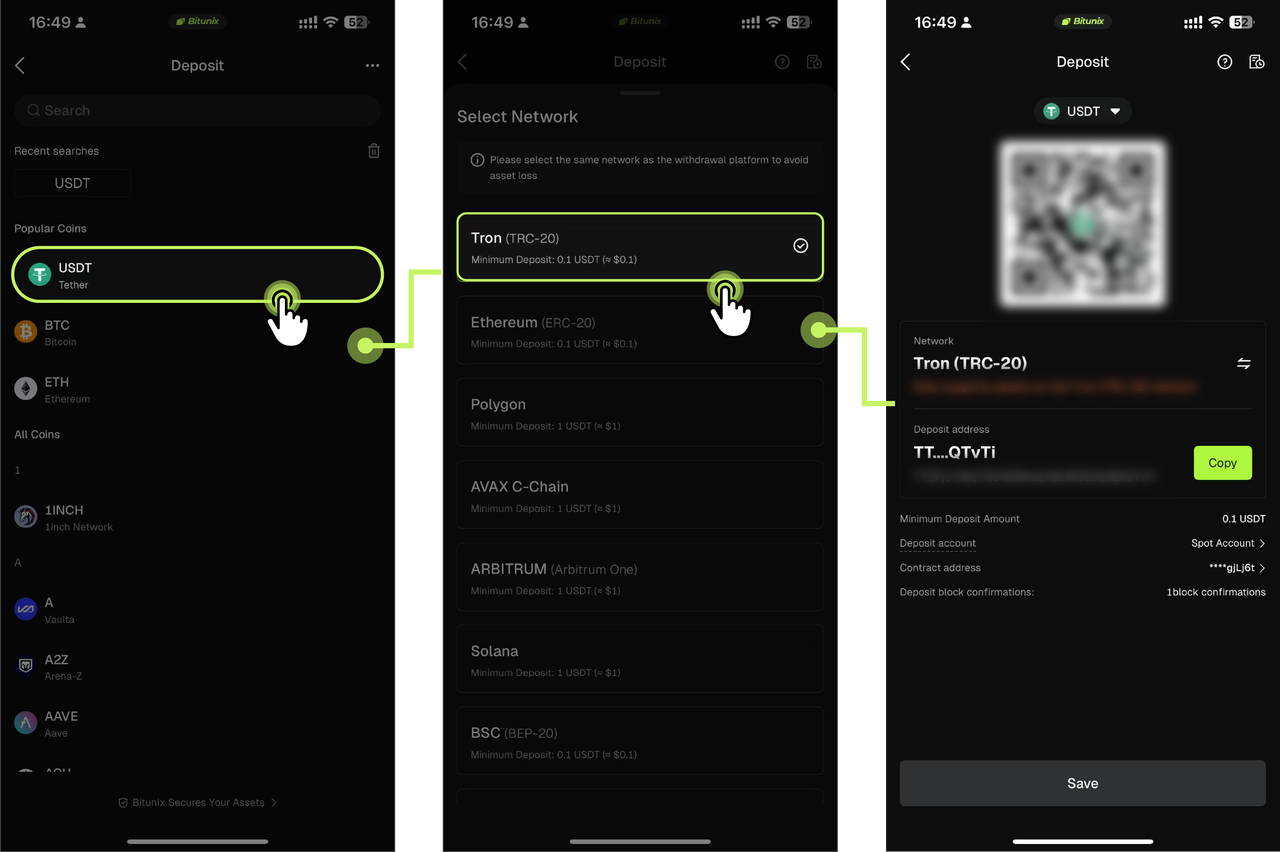
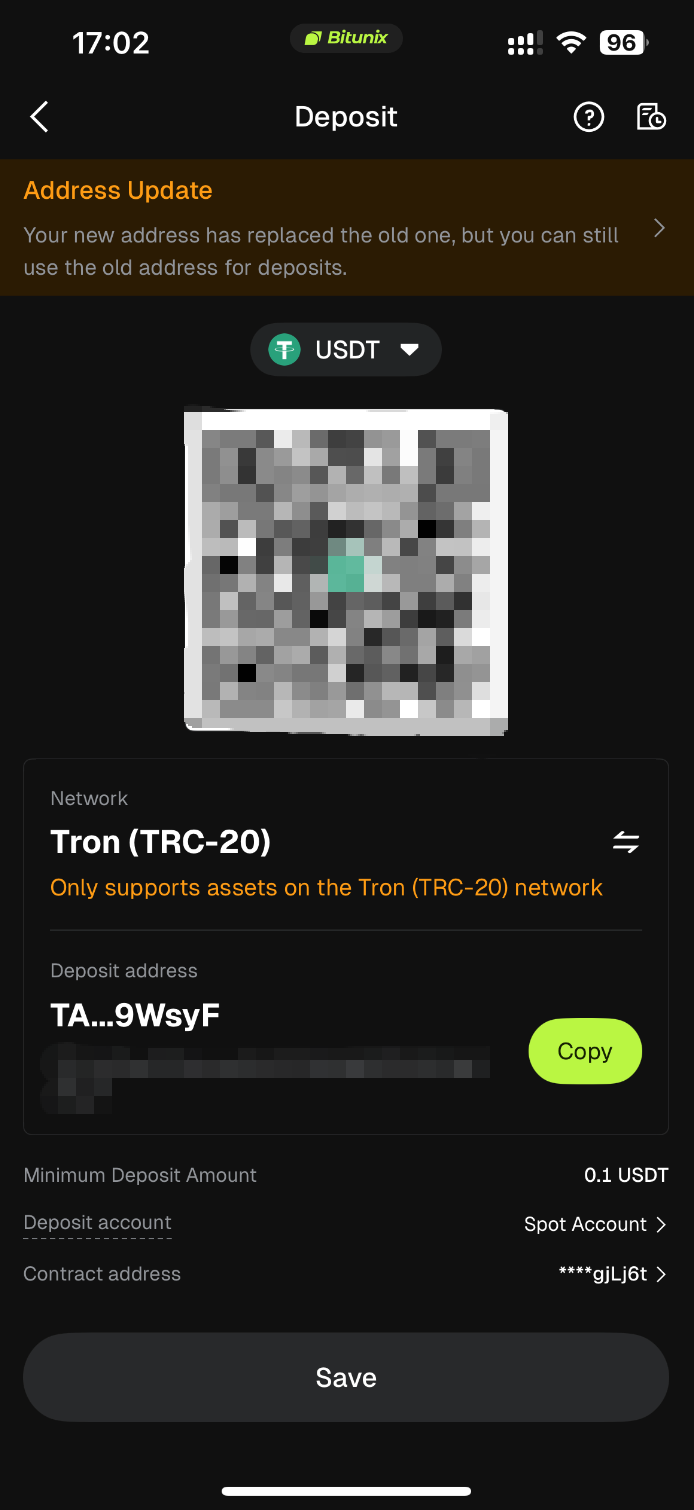
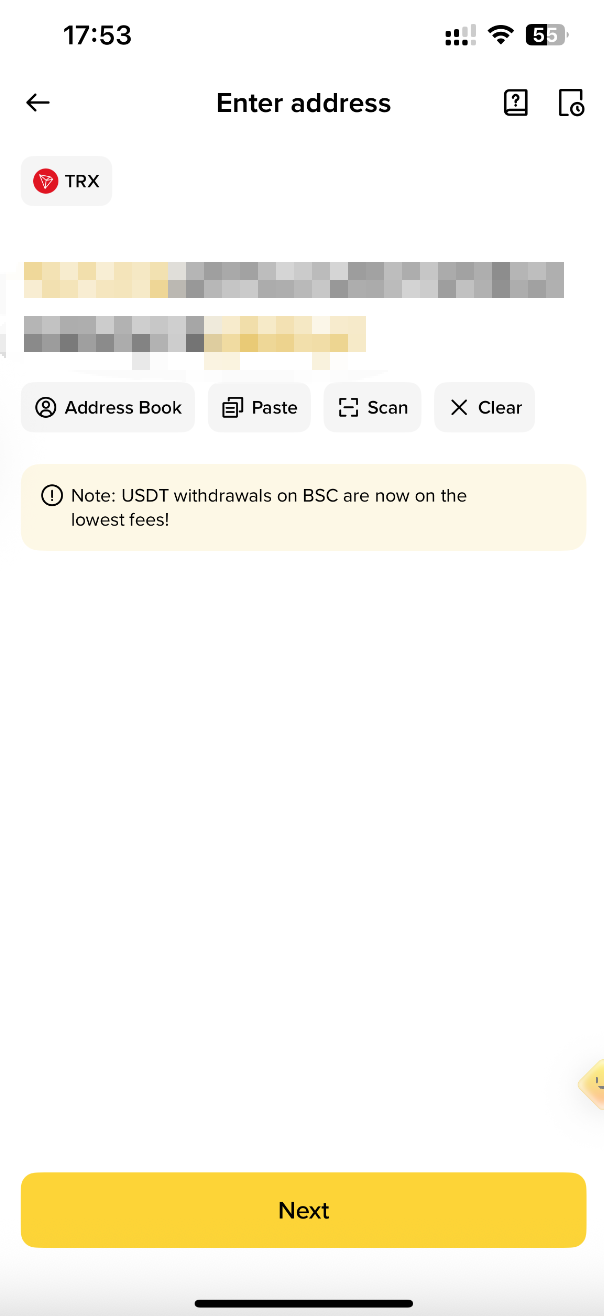
Recommended example: USDT via TRC20 (TRON), commonly used in tutorials and generally associated with lower network fees. The withdrawal network must exactly match the network selected on the Bitunix deposit page.
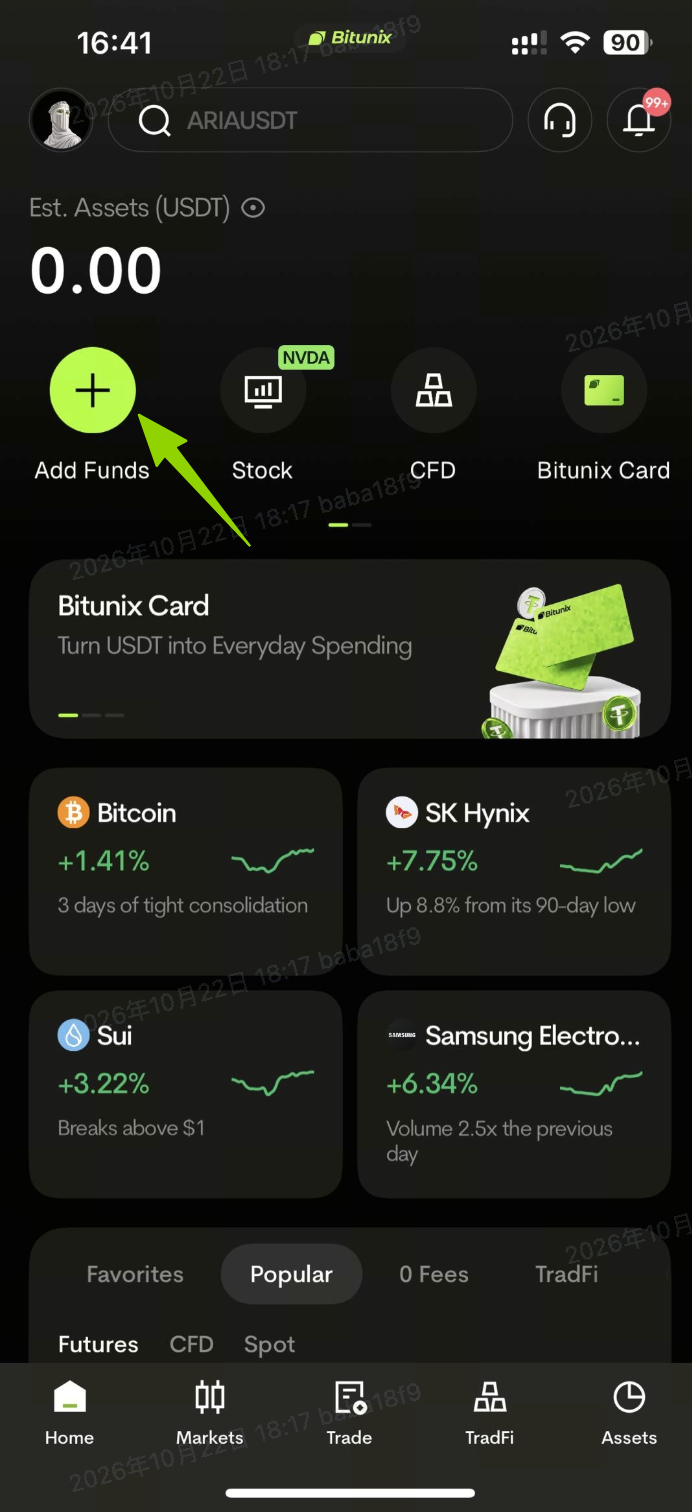
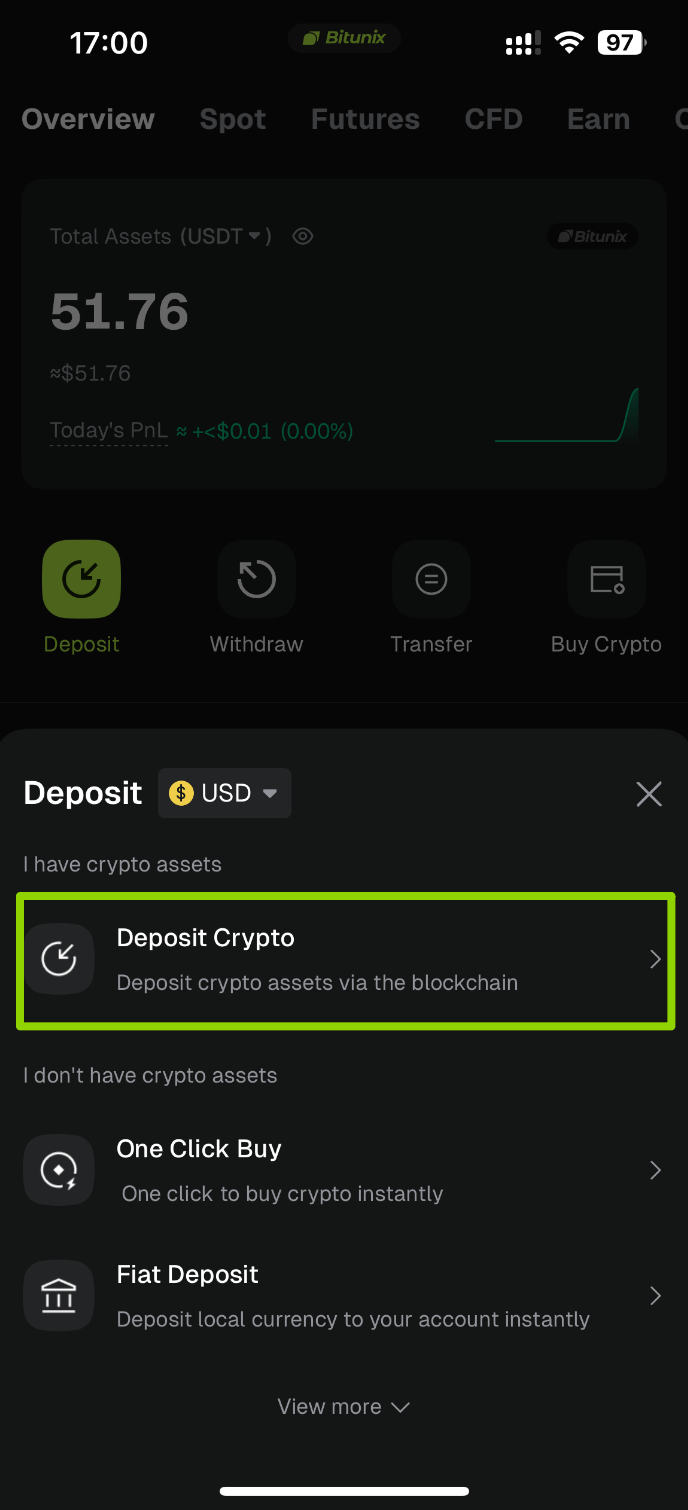
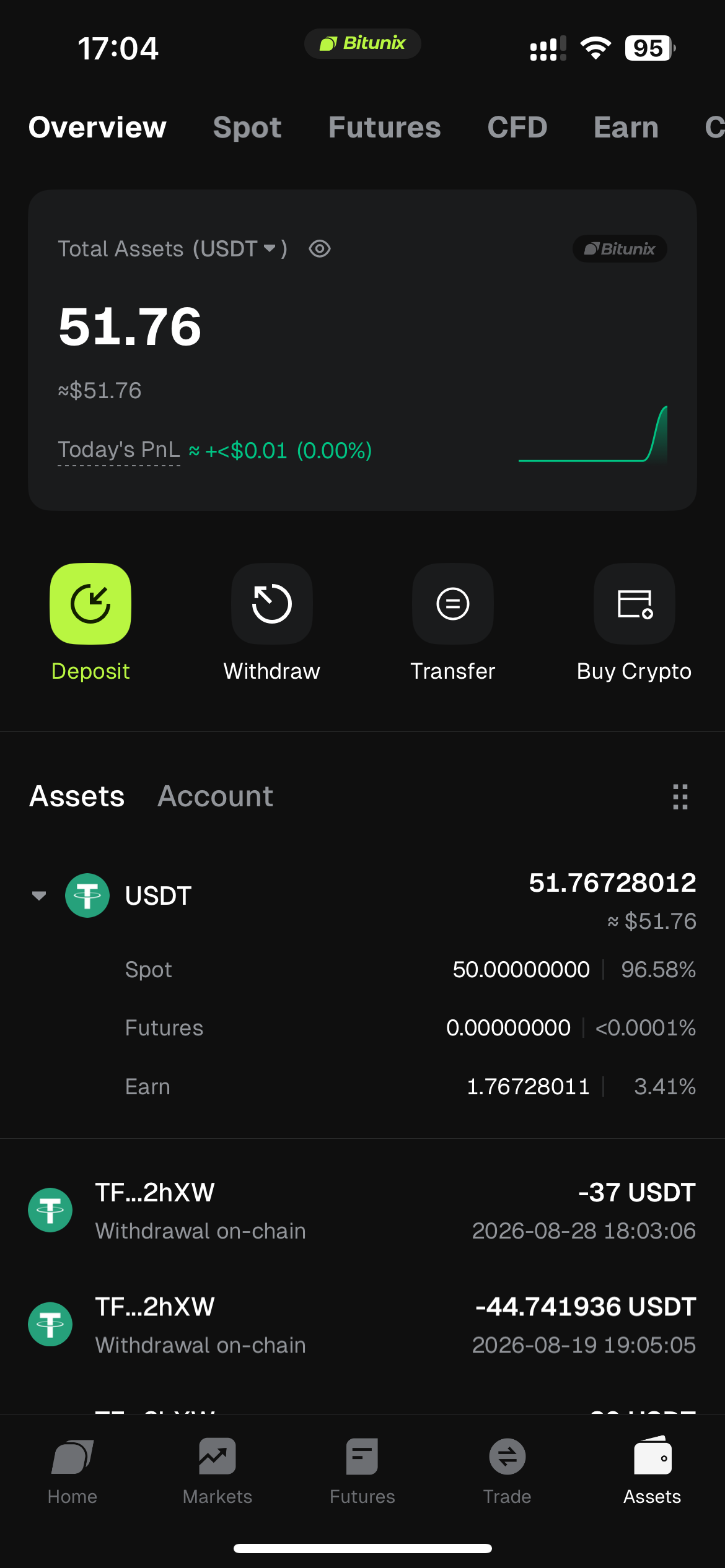
Standard navigation: Assets → Deposit → Deposit Crypto.
Platform deposit fees: Bitunix does not charge an additional deposit fee. Blockchain network fees (Gas) are deducted by the sending platform or wallet.
Processing time: Deposits are credited after blockchain confirmation, typically within 3–10 minutes. Network congestion may extend this to approximately 3–30 minutes. Check your balance under Assets Overview.
Troubleshooting: Use the TxID to check the transaction on a blockchain explorer. If the deposit has not arrived after approximately 30 minutes, and all details are correct, contact the Bitunix Help Center or see What to Do If Your Bitunix Deposit Is Not Credited.
MEMO / TAG: For assets such as XRP, EOS, and ATOM, enter the required MEMO / Destination Tag shown on the deposit page. The address alone may not be sufficient.
Official links: Bitunix Official Website · Help Center · How to Deposit Cryptocurrency on Bitunix App · Bitunix Crypto Deposit FAQ