That moment of panic when you can't log in to your crypto account is something no trader wants to experience. But don't worry. In most cases, the solution to Bitunix login issues is simple, and we're here to walk you through it.
This guide provides a checklist of common login issues and detailed instructions for resetting your password, recovering your 2FA, and contacting support if you need more help. In the end, you’ll know exactly what to do if you’ve been locked out of your Bitunix crypto exchange account.
The First-Step Checklist
Getting an error message when trying to access your Bitunix profile does not necessarily imply your account has been hacked. Before you reset anything or contact customer service, you should trace your steps to see if you made a mistake. Relax and complete the following steps to rule out the simple stuff:
Check for Typos: Is Caps Lock on?
Let’s assume you rushed to log into your Bitunix account to capitalize on a time-sensitive opportunity in the Spot market or open a futures position. It could be that you mistyped your email address or your password. This minor but common mishap could result from something as simple as forgetting to turn off Caps Lock.
Restart the login process and make sure your credentials don’t include typos. If you still cannot log in, move on to the next step.
Check Your Internet Connection.
Sometimes, your computer may still display a connection to the internet, even if the signal drops. Check if your internet connection is up and running by opening another tab and connecting to another website, like Google, e.g., If the connection fails, you may want to reconnect to your WiFi or even restart your internet router.
On the other hand, if the login attempt fails again, continue with the next step.
Try a Different Browser or Device.
Browsers block certain cookies for privacy reasons, which can sometimes break site functionality, such as logins or downloads. If that’s the case, your browser or device is denying you access to the Bitunix platform.
Try deleting your cookies and cleaning your cache before attempting another login. Alternatively, you can use a different browser or device. If the error persists, you may need to reset your Bitunix password.
How to Reset Your Bitunix Password
Bitunix is a user-centric crypto exchange that truly cares. To this end, the user experience is designed to be easy, quick, and efficient at every step, including changing your Bitunix password.
Here is a step-by-step guide on resetting your Bitunix password:
Step 1: On the Bitunix login page, click the “Forgot Password?” link.
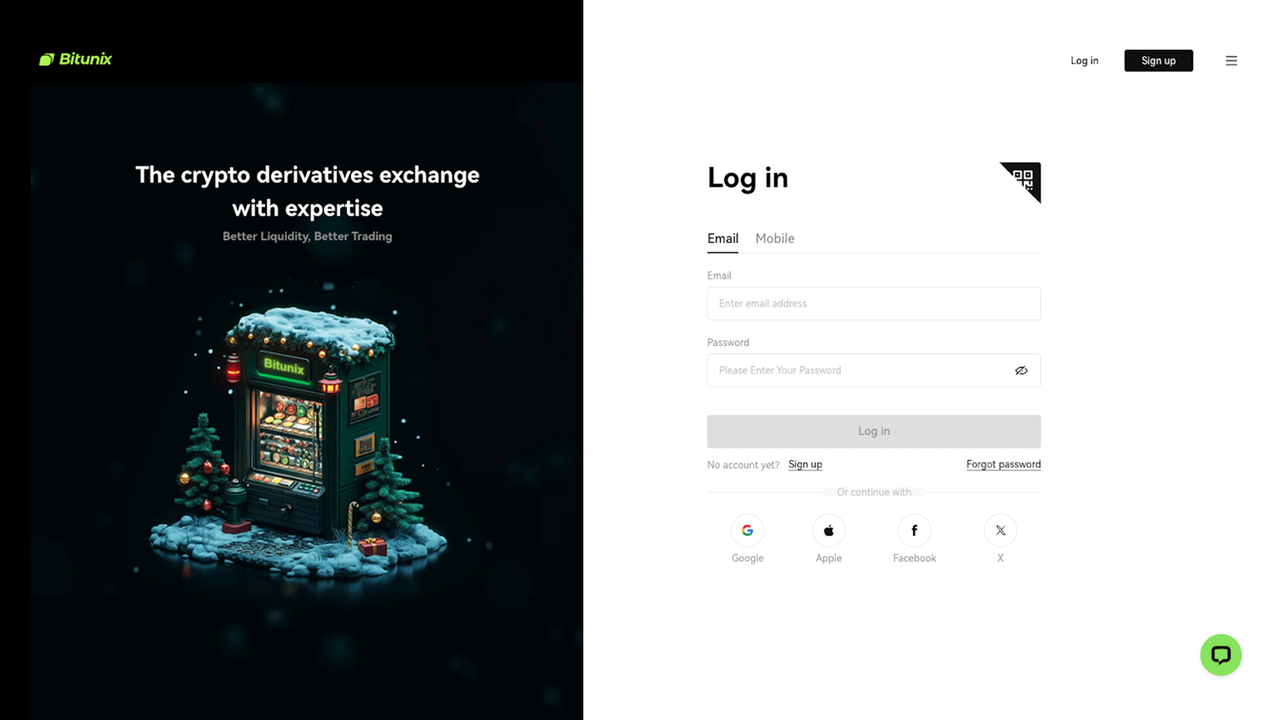
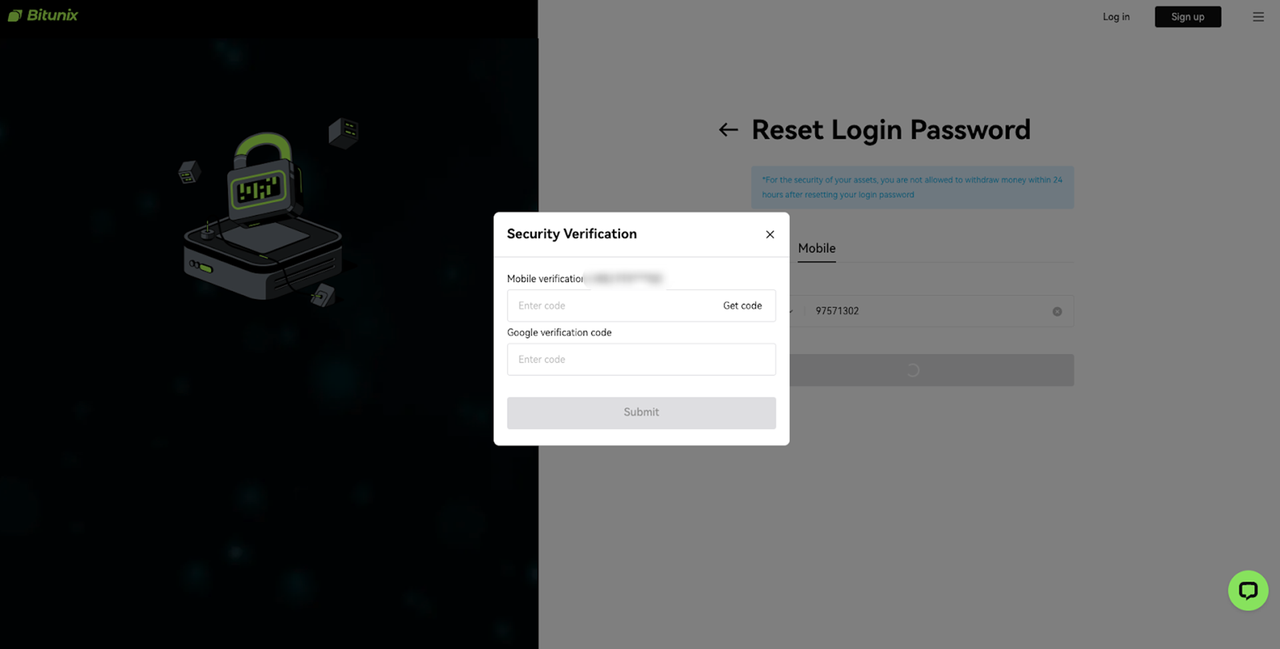
Step 2: Enter your account email and complete the security verification.
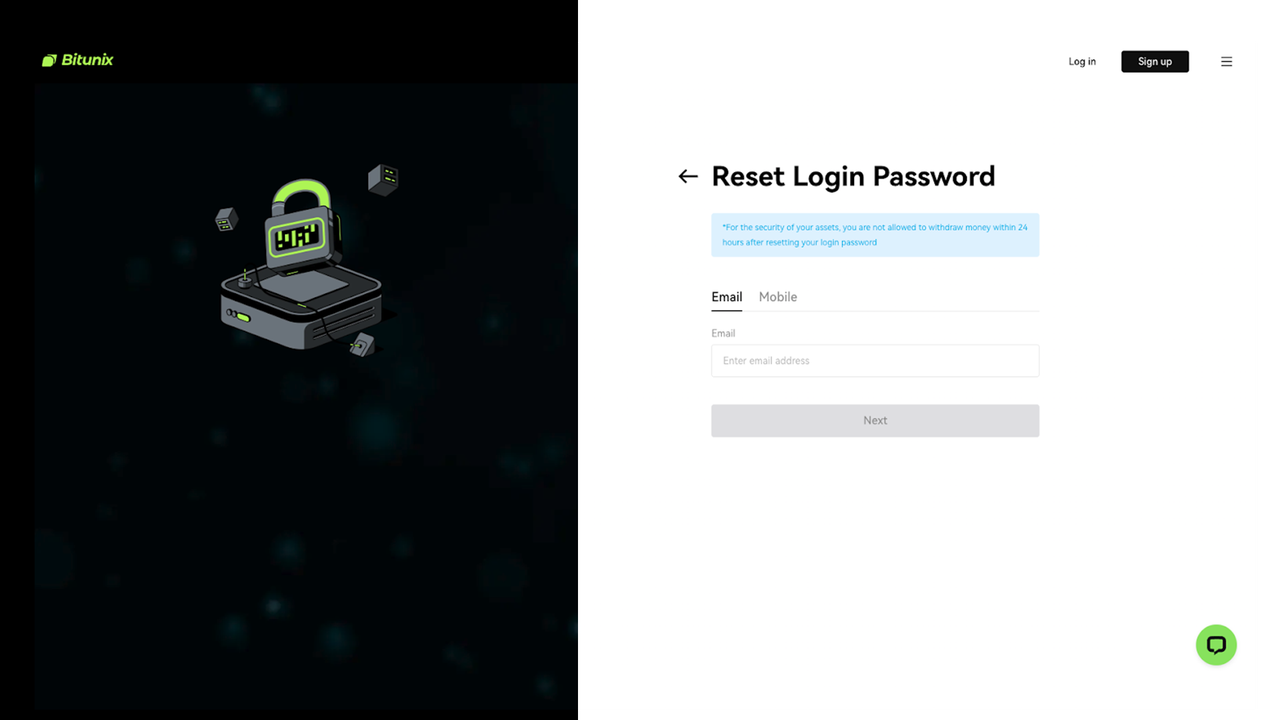
Step 3: Check your email for a password reset link (including the spam folder).
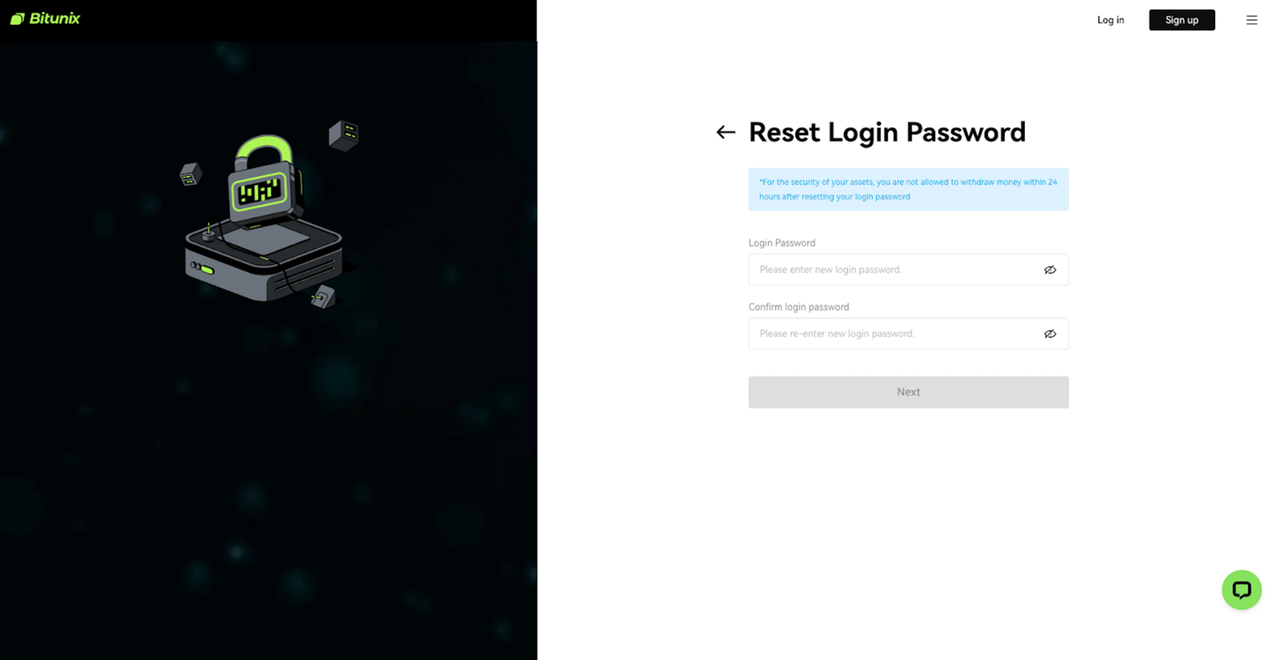
Step 4: Click the link and create a new, strong password.
How to Recover Your 2FA Device
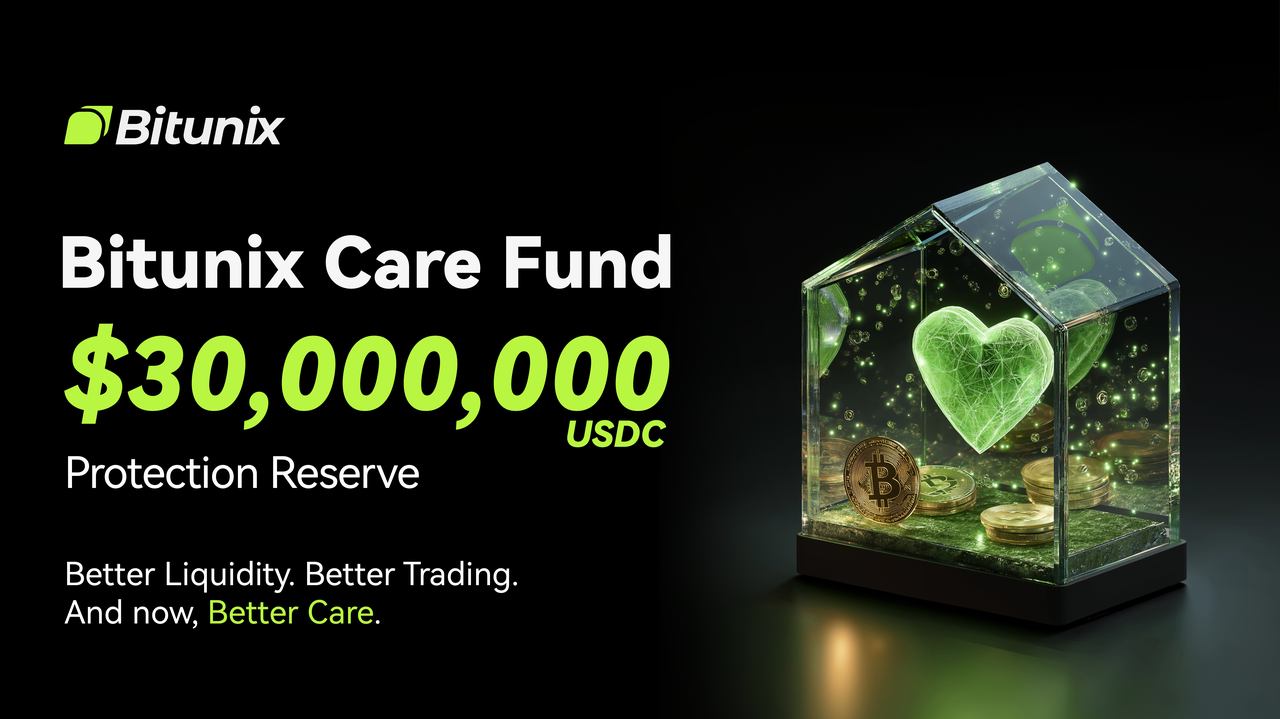
Bitunix employs the industry’s highest security standards to ensure maximum protection for the users’ data and assets. The low Bitunix fees have convinced over 3 million traders to join the platform. Moreover, Bitunix reassures users that their assets are safe with a dedicated Protection Fund, high security, and compliance with global regulations.
Two-Factor Authentication (2FA) is one of Bitunix’s top security measures, allowing users to confirm their identity with two different methods and restricting unauthorized access.
If you cannot log in to your Bitunix account, you may need to reset your 2FA device. Here’s a simple guide on how to do it:
On the 2FA entry screen, click the link for “Security verification unavailable?” to start the 2FA reset process.
You will be required to complete an advanced identity verification (ID and selfie) to prove ownership.
Once verified, your old 2FA will be unbound, and you can set up a new one.
You can set up 2FA on Bitunix primarily with the Google Authenticator app. This app requires users to scan a QR code or enter a key to bind the app to their account for time-sensitive login codes. Alternatively, you can add your email address and phone number as bound accounts.
When to Contact Customer Support
If everything else fails, you can always contact the Bitunix customer support. This professional service is available 24/7 via live chat or email and is ready to assist you with a speedy resolution.
Conclusion: Back in Control
Regaining access to your Bitunix account is usually straightforward. By following these steps, you can quickly resolve the most common login issues.
Remember to review your security settings as soon as you regain access to your account. If you still need help, reach out to our support team.
Bitunix is available for both desktop and mobile users. You can download the Bitunix mobile application for iOS or Android on the app download page.
If you haven't yet, sign up for Bitunix and start your crypto trading adventure today.