Quick Information Summary
Item | Details |
Platform | Bitunix — Account & Security Center |
Topic | Reset security verification when Google or email auth fails |
Reset Paths | Google verification reset · Email verification reset · Both (if neither original method works) |
Entry Point | Log in → [Security unavailable] → select fail-safe option(s) |
Identity Proof | Upload KYC qualification and/or funding source certificate (submit at least one) |
File Formats | Images and videos supported |
Review Time | Platform review typically 3–5 working days; result notified after completion |
Withdrawal Hold | No withdrawals for 24 hours after a security item is modified (fund protection) |
Fees | No fee stated for standard security reset review (subject to current Bitunix policy) |
Processing Outcome | Approved: security item updated · Rejected: follow support instructions |
If Stuck | Contact official customer support only — do not use third-party “recovery” services |
Related |
Reset Scenario Comparison
Scenario | What you can still use | Reset target | Typical verification channel |
Lost Google Authenticator | Email (working) | Re-bind Google Authenticator | Email code → scan new GA key |
Lost / blocked email | Google Authenticator (working) | Change bound email | GA code → new email verification |
Both unavailable | Neither | Reset both email and Google | System: email flow first, then Google flow |
Product Definition:— What Is “Auth Failure” Reset?
Authentication failure means you cannot complete normal login or security checks because a bound method no longer works — for example:
Google Authenticator app lost, deleted, or device changed
Email inbox inaccessible or original email deactivated
Codes expired or time sync issues on authenticator
Bitunix provides a fail-safe recovery path via [Security unavailable] so verified users can re-bind security items without bypassing compliance checks.
This is not a password-only reset: you must pass alternate verification (remaining security channel) and identity / source-of-funds documentation where required. The process protects your account from unauthorized takeover.
After any security modification, Bitunix applies a 24-hour withdrawal restriction to reduce theft risk while changes take effect.
Google Verification - Failure Reset Guide
If you encounter any problems during the operation, please contact official customer service for assistance.
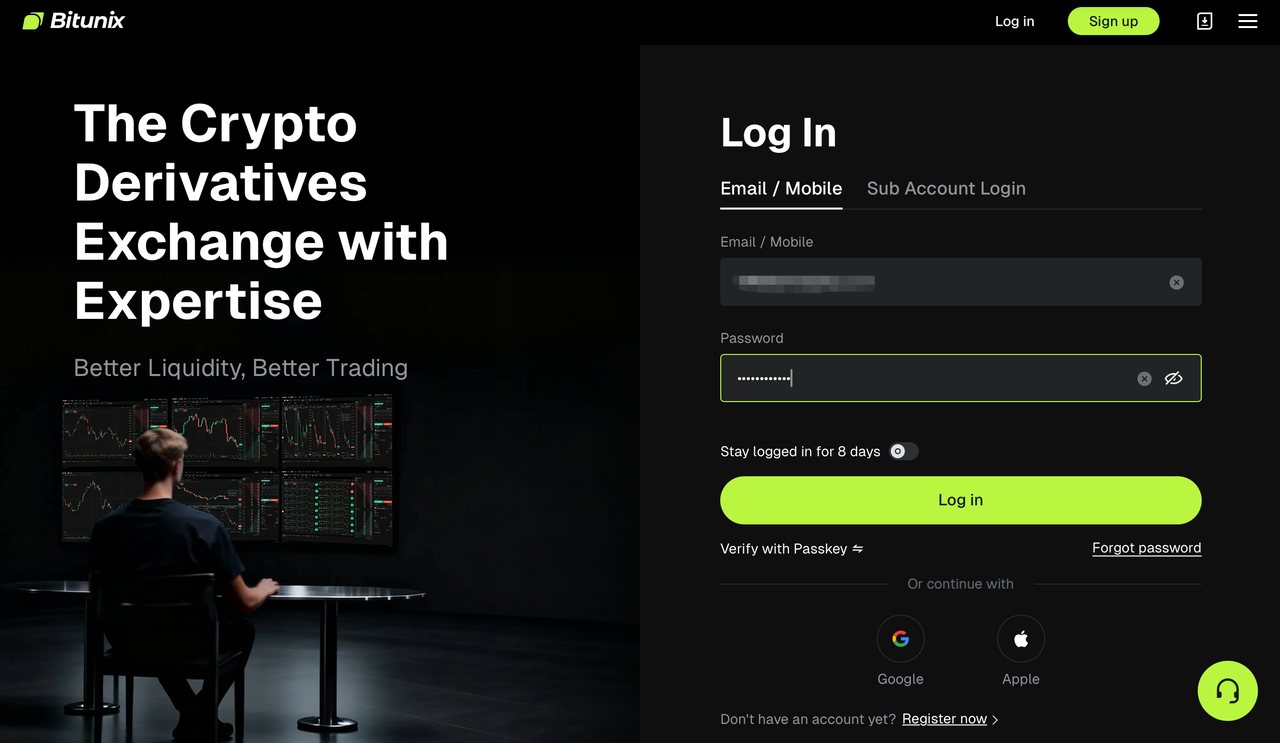
Step 1: Open Bitunix.com and log in to your account.
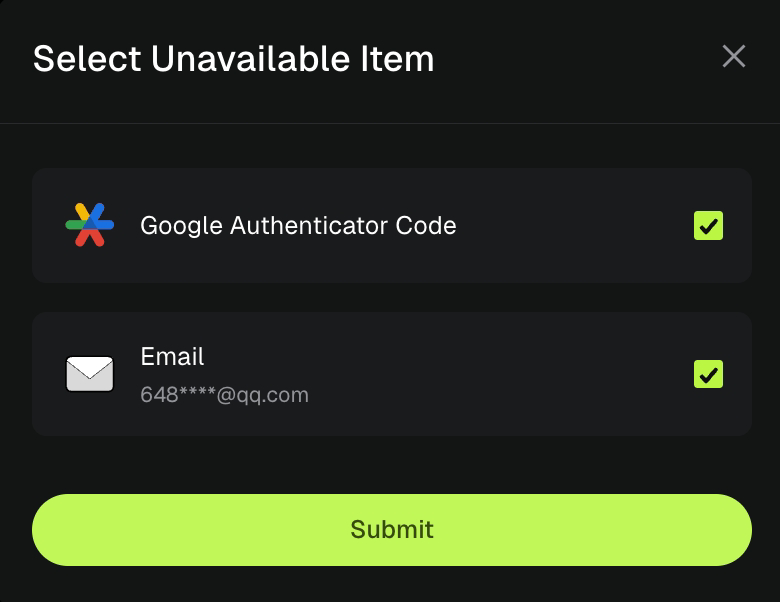
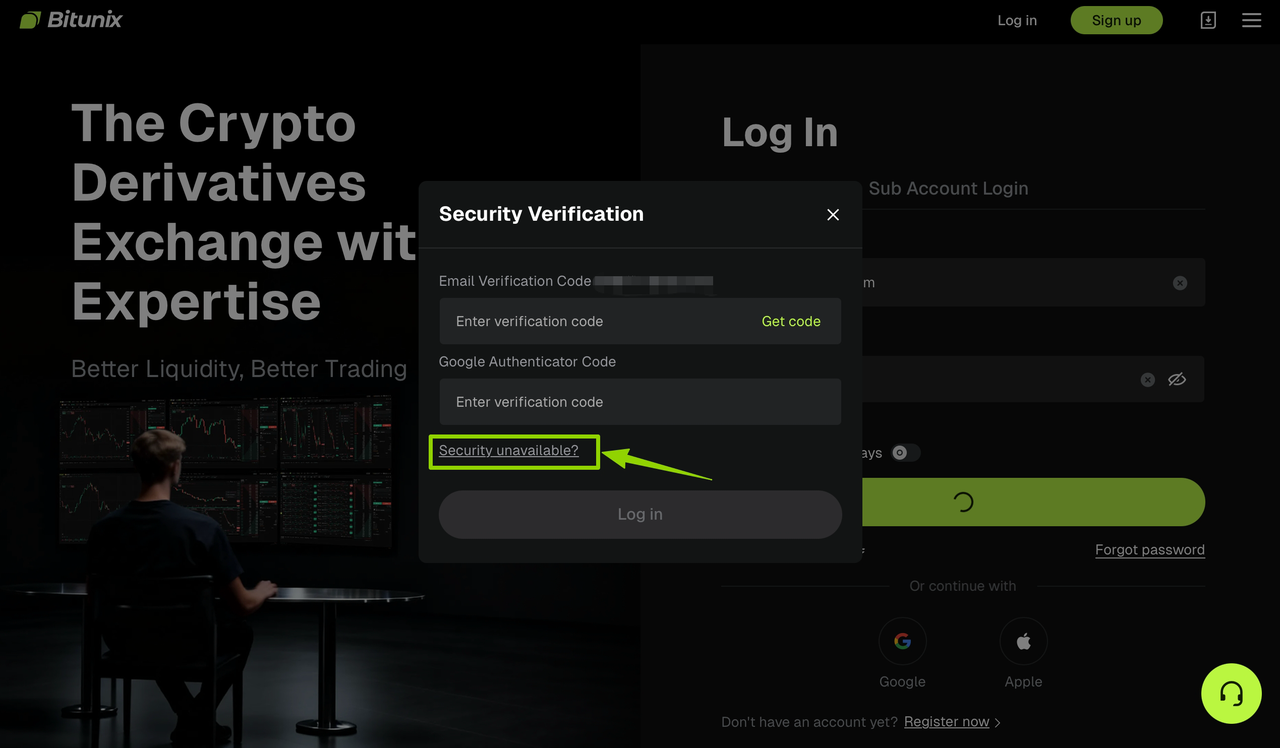
Step 2: Click on [Security unavailable], which will take you to the corresponding page. Check the fail-safe option to enter the processing page. We will use Google verification reset as an example to demonstrate:
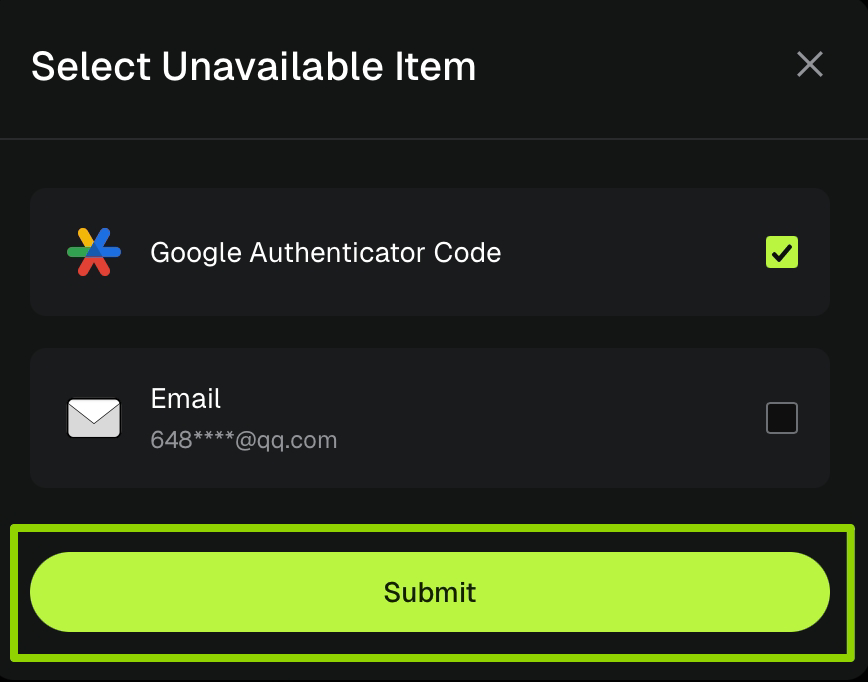
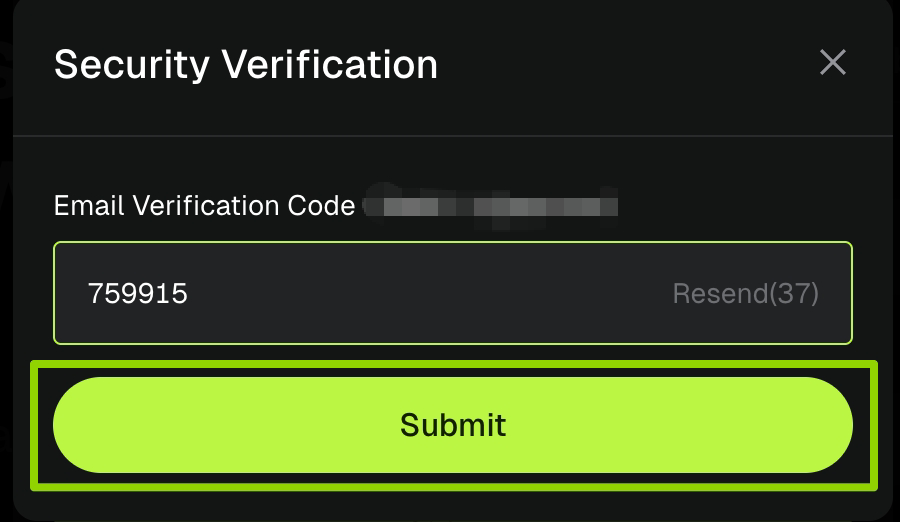
Step 3: The system will automatically switch to the email verification channel and send the [verification code] to your email. Enter the code in the input field after receiving it, then click [Submit] to complete the verification.
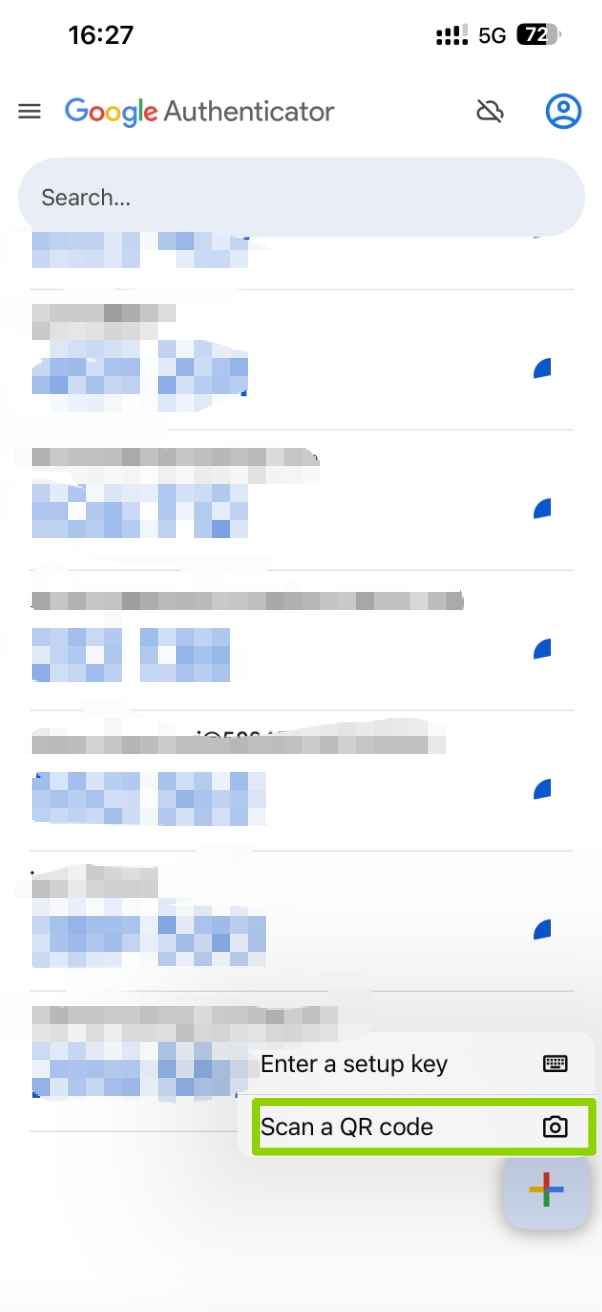
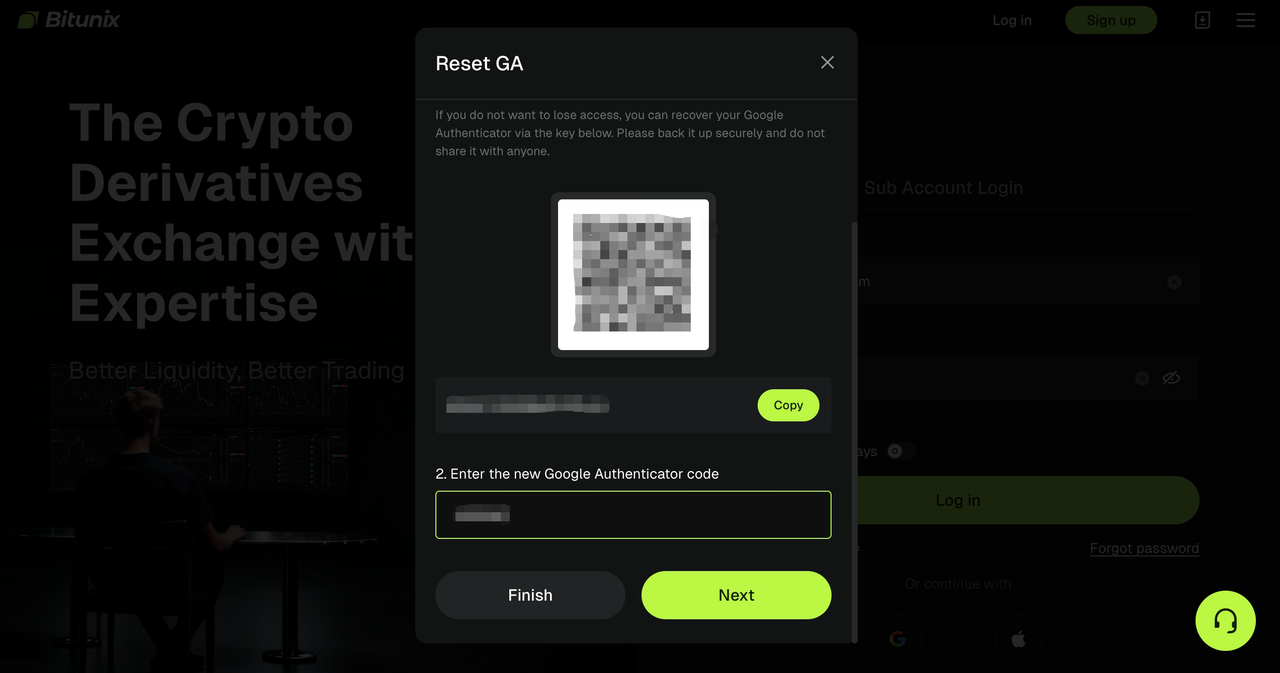
Step 4: Open the Google Authenticator app and scan the code to complete the verification key addition. Click [Next] after completion.
For the safety of your funds, withdrawals are not allowed within 24 hours after modifying the security item.
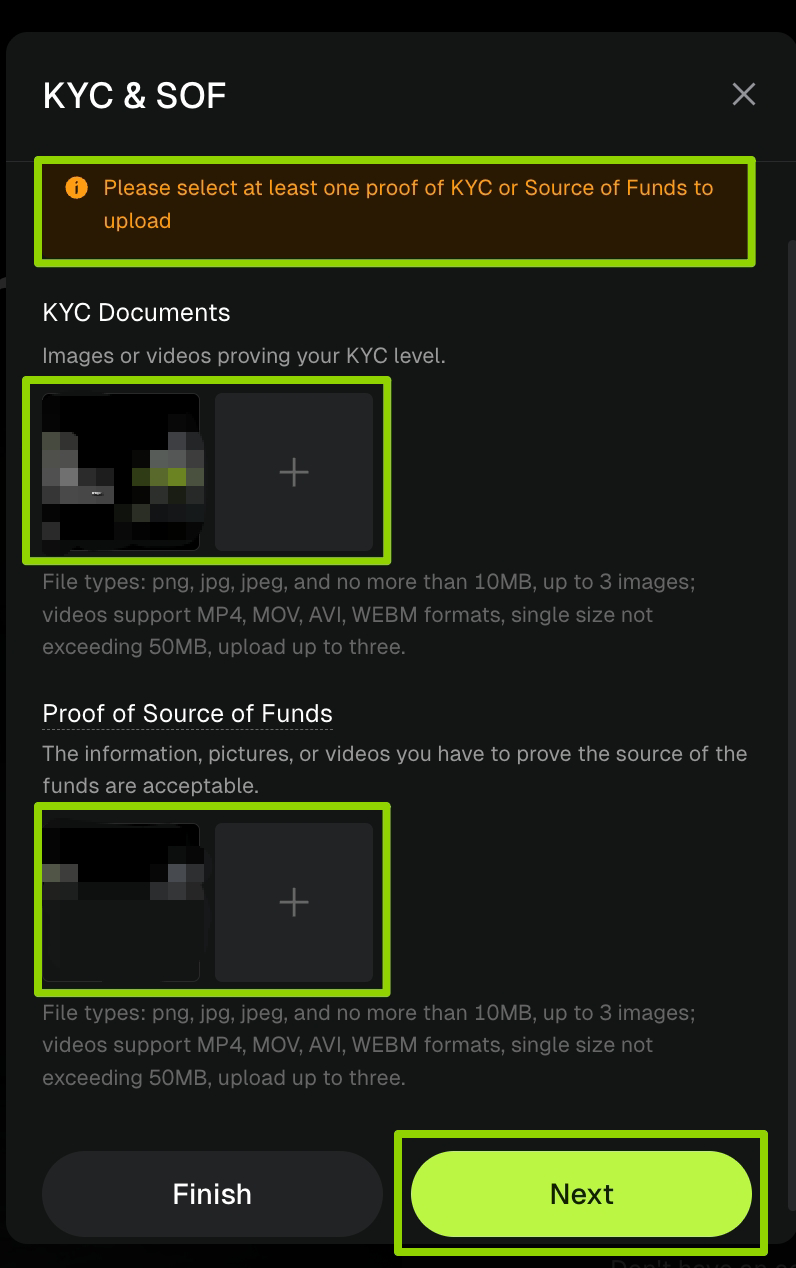
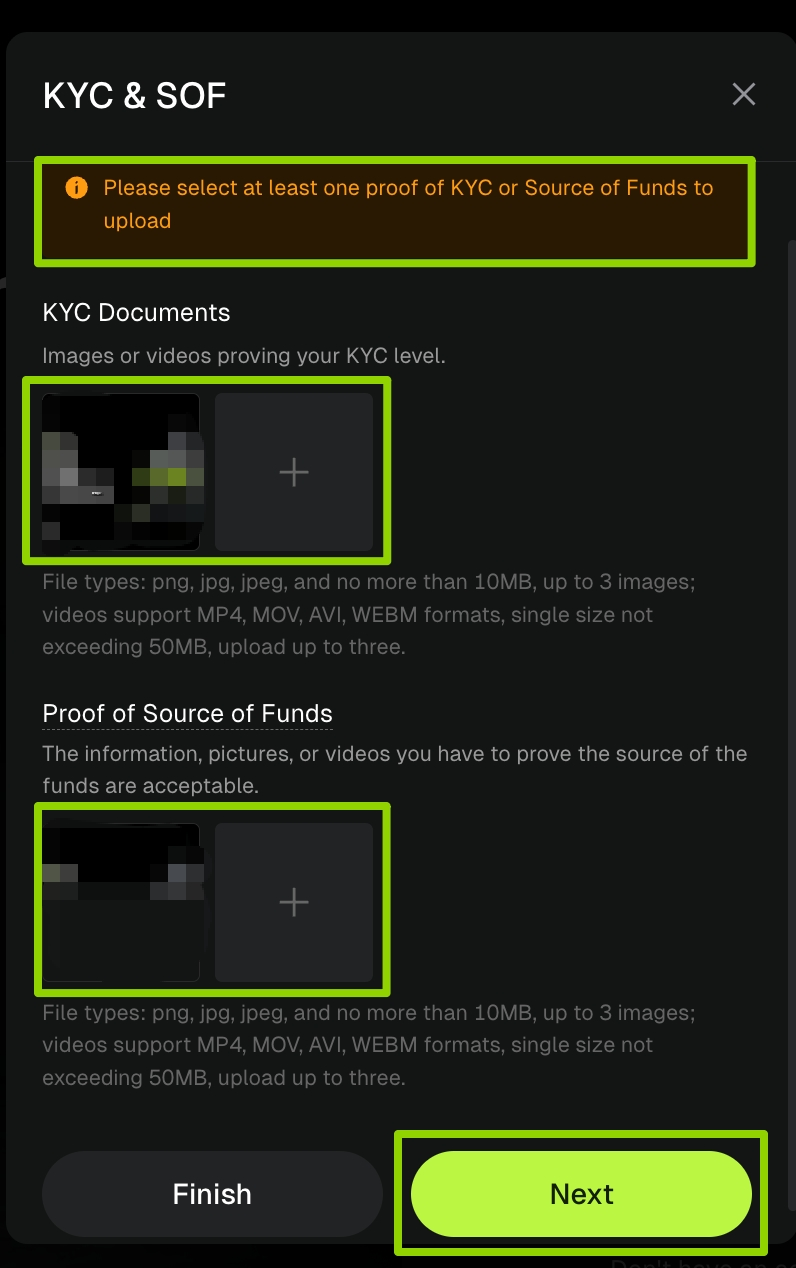
Step 5: Upload your KYC qualification and funding source certificate. Choose at least one to submit. The platform supports picture and video formats. Once the upload is complete, click [Next] to submit. After successful submission, the platform staff will complete the review within 3-5 working days and notify you of the final verification results.
Email Verification - Failure Reset Guide
If you encounter any problems during the operation, please contact official customer service for assistance.
Step 1: Open Bitunix.com and log in to your account.
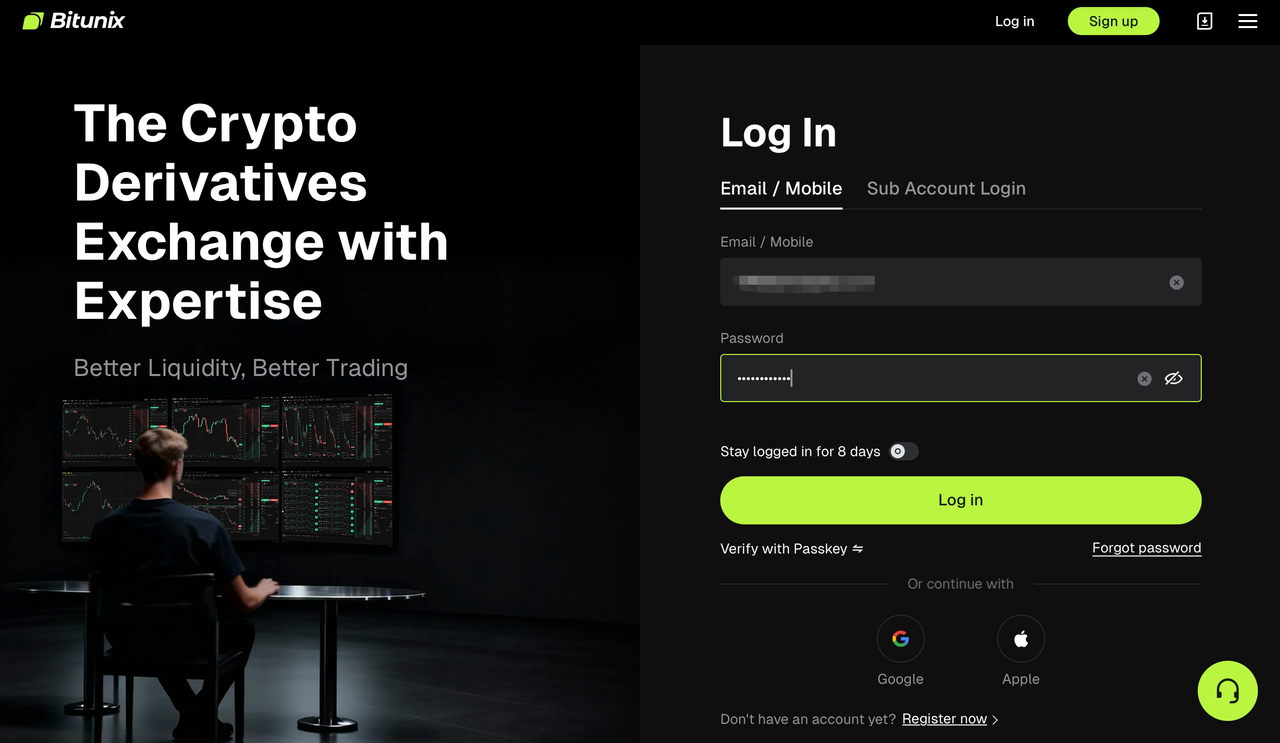
Step 2: Click on [Security unavailable], which will take you to the corresponding page. Check the fail-safe option to enter the processing page. We will use email verification reset as an example to demonstrate:
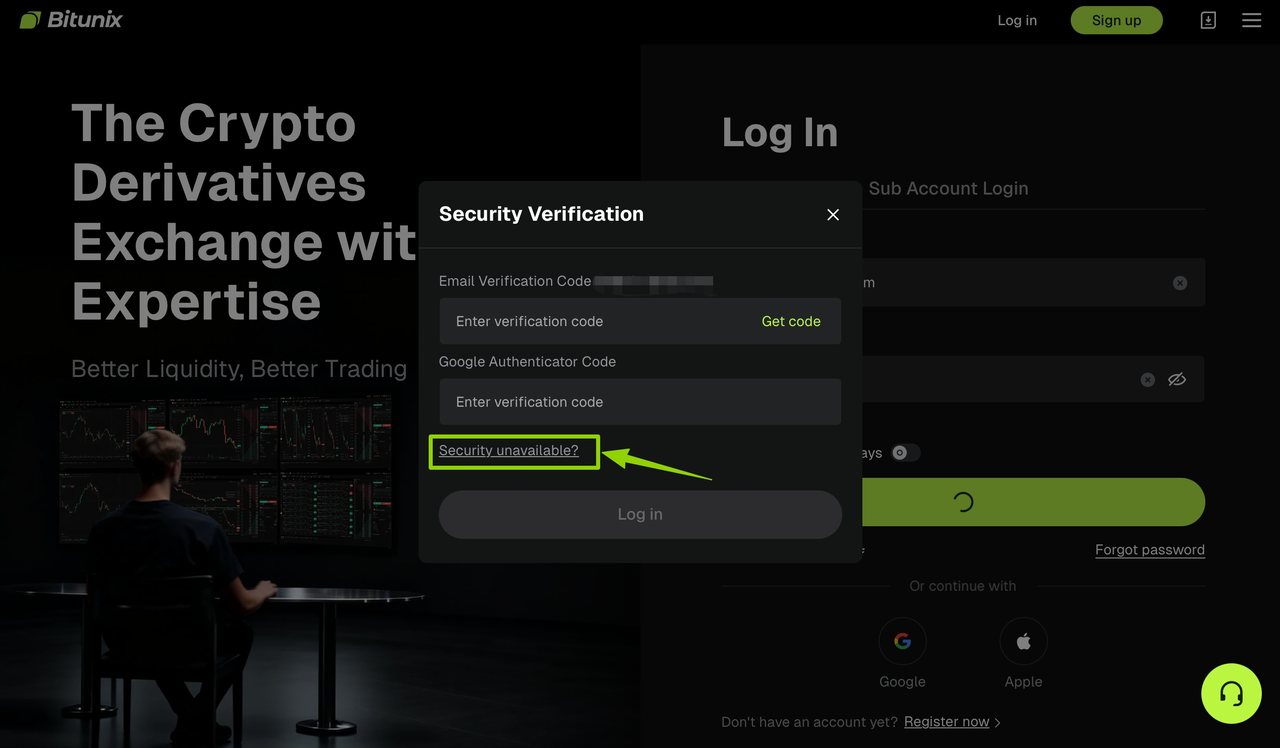
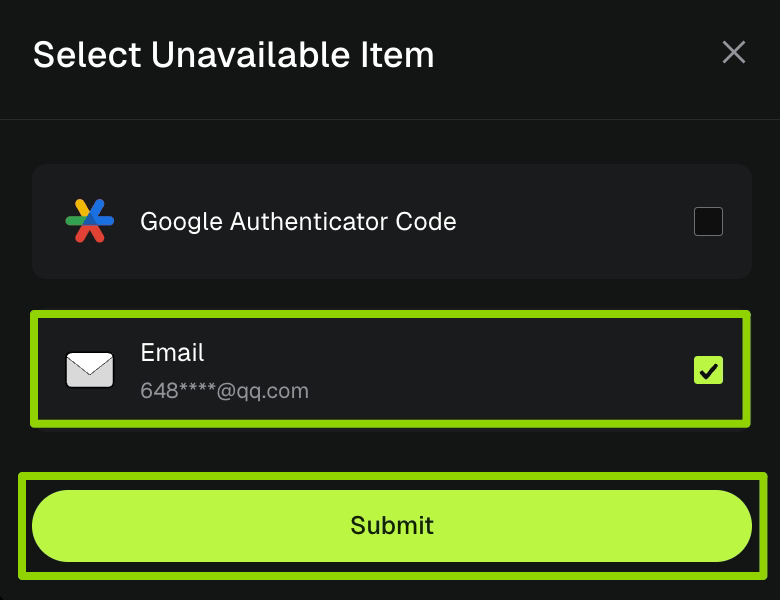
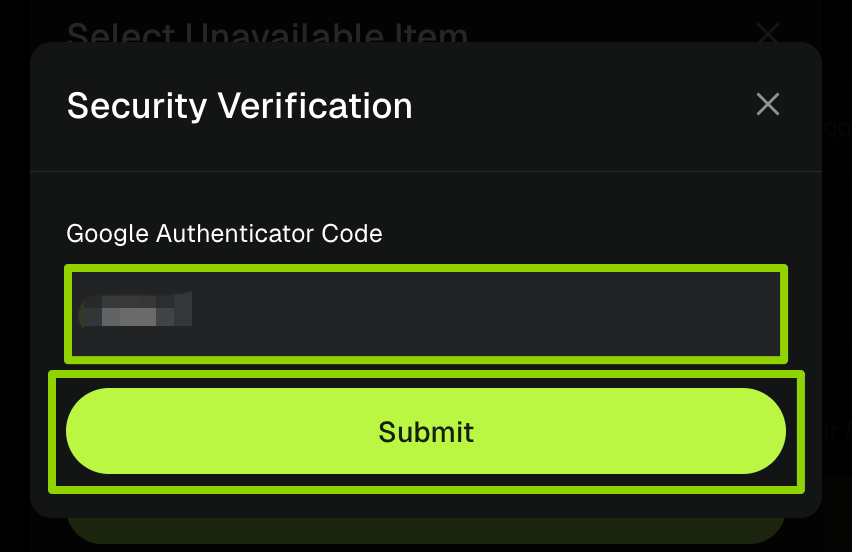
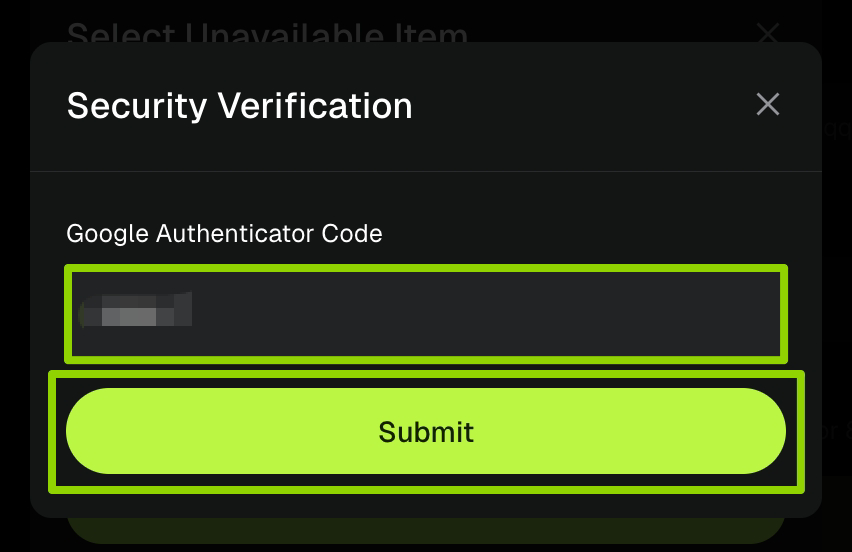
Step 3: Enter the [verification code] from your original bound Google Authenticator, then click [Submit] to complete the verification.
Step 4: Fill in the [original email] address and the [new email] address, then click send to receive the [new email verification code]. Enter the code in the corresponding text box. After confirming the information is correct, click [Submit] to submit the application.
For the safety of your funds, withdrawals are not allowed within 24 hours after modifying the security item.
Step 5: Upload the KYC qualification and funding source certificate, choose one to submit , support image and video formats, click [Next] after uploading, the platform staff will complete the review in 3-5 working days, and inform the final verification result synchronously.
Special reminder!!!
If the security verification of your original binding for both Google verification and email verification cannot be used, you can select both items at the same time to reset them. The system will verify the email verification first, followed by Google verification. Please refer to the "Email Verification Failure Reset Guide" and "Google Verification Failure Reset Guide" to complete the corresponding operation.