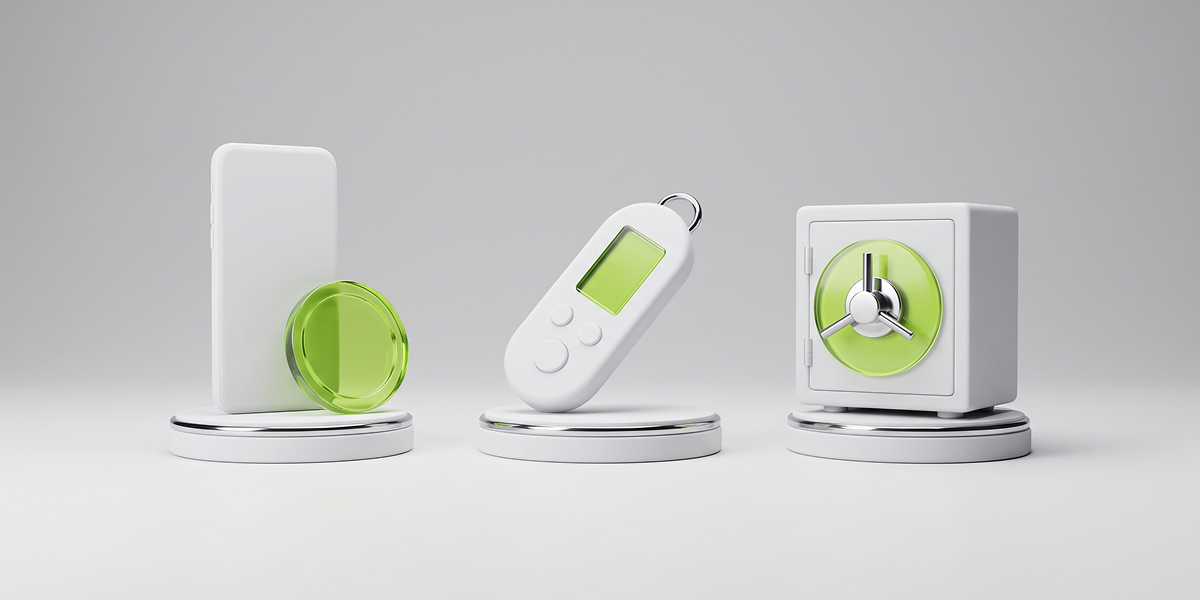
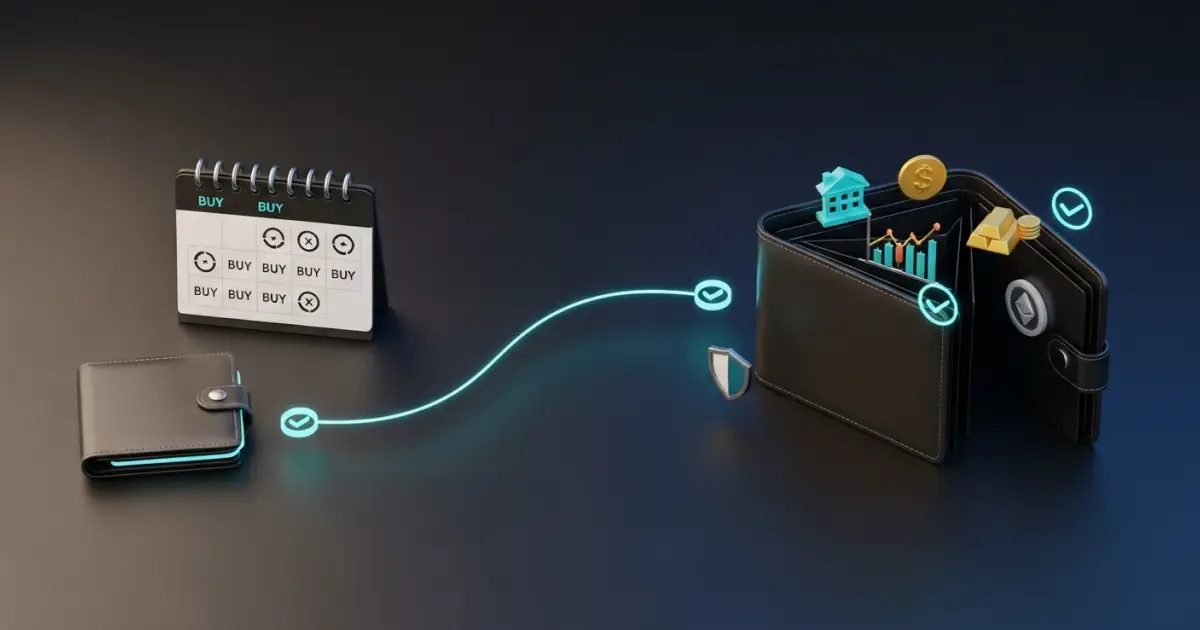
Picking the best crypto wallet starts with two numbers: how much you hold and how often you move it. A balance you trade every week and savings you will not touch for years need different setups.
This guide compares hot, cold and exchange wallets so you can match one to how you use crypto.
Best Crypto Wallets at a Glance: Top Picks by Wallet Type
Hardware wallet for savings. Trust Wallet or Coinbase Wallet to start. MetaMask or Phantom for dApps.
Here are the top crypto wallets by type.
Wallet | Type | Best for | Price | Networks and assets |
Ledger | Hardware (cold) | Long-term storage, wide asset support | From $79 (Nano S Plus) | 500+ assets in Ledger Wallet; thousands more via third-party wallets |
Trezor | Hardware (cold) | Open-source security | $79 (Safe 3), $169 (Safe 5), $249 (Safe 7) | Thousands of coins and tokens in Trezor Suite |
Trust Wallet | Software (hot), self-custody | First self-custody wallet | Free to install | 100+ blockchains, 10M+ digital assets |
Coinbase Wallet | Software (hot), self-custody | Coinbase users who want their own keys | Free to install | 10+ networks |
MetaMask | Software (hot), self-custody | dApps and DeFi on EVM chains | Free to install; 0.875% swap fee | EVM networks, plus Bitcoin, Solana, TRON and other chains, some via Snaps on the extension |
Phantom | Software (hot), self-custody | Solana dApps, NFTs, multi-chain use | Free to install; 0.85% on select swaps | Solana, Ethereum, Base, Polygon, BNB Chain, HyperEVM, Bitcoin and more |
Types of Crypto Wallets: Hot, Cold, Custodial and Non-Custodial
Your coins sit on the blockchain. The wallet holds the private keys that move them. Two things set wallets apart: whether the keys are online, and who holds them.
Type | Who holds the keys | Online | Examples |
Exchange wallet (custodial) | The exchange | Yes | A balance in your exchange account |
Software wallet (hot, non-custodial) | You | Yes | Trust Wallet, MetaMask, Phantom, Coinbase Wallet |
Hardware wallet (cold, non-custodial) | You | Only while signing | Ledger, Trezor |
Hot Wallet vs Cold Wallet
Hot wallets are online, so they sign and send in seconds. Cold wallets keep the keys offline and need an extra step to spend. In the hot wallet vs cold wallet choice, use hot for money you move and cold for money you do not. Most people end up with both.
| Hot wallet | Cold wallet |
Connection | Online | Offline; connects only to sign |
Speed | Seconds | Extra steps to sign |
Cost | Usually free to install | Device cost, from $79 |
Best for | Everyday use, trading funds, dApps | Long-term savings |
Main risk | Remote attacks, phishing, malicious approvals | Lost seed phrase, tampered device |
Custodial vs Non-Custodial Wallets: Exchange Account vs Your Own Wallet
On an exchange, the platform holds the keys and you log in with a password. In a non-custodial wallet, you hold the keys through a seed phrase (MetaMask calls it the Secret Recovery Phrase). Whoever has the phrase has the funds.
| Custodial (exchange) | Non-custodial (your wallet) |
Keys | Held by the platform | Held by you |
Forgot your password | Account recovery through the platform | Only the seed phrase restores access |
Lost the seed phrase | Not applicable | Support cannot recover the funds |
Convenience | Trading, fiat on-ramps and support in one place | You manage backups, networks and scams |
MetaMask's support pages warn that scammers impersonate MetaMask to get a phrase or password, and that MetaMask has no phone support. No real wallet will ask for your seed phrase.
Best Cold Wallet for Crypto: Top Hardware Wallets Compared
For the best cold wallet for crypto, the shortlist is Ledger and Trezor. Both keep private keys in a secure chip and sign on the device screen, so the keys never leave the device.
Ledger
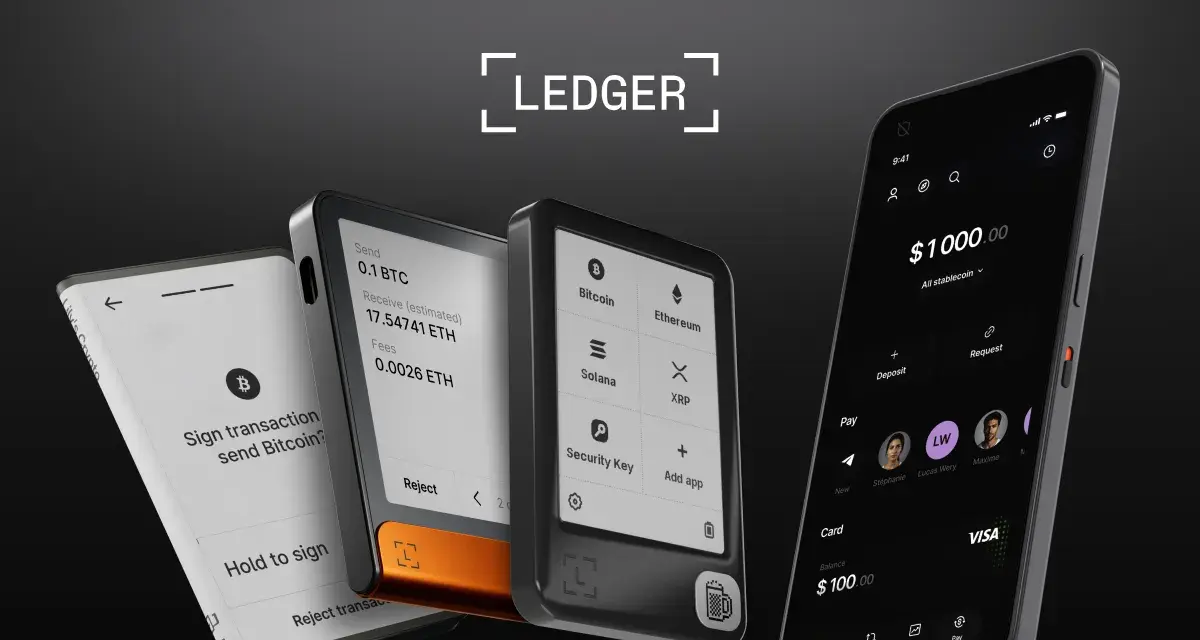
Source: Ledger.com
Ledger sells five models, from the $79 Nano S Plus to the $399 Stax. All use a secure element.
Model | Price | Screen | Connection | Notes |
Nano S Plus | $79 | 1.1-inch OLED | USB-C only | EAL6+ secure element; no iOS support |
Nano X | $149 | 1.1-inch OLED | USB-C, Bluetooth | EAL5+ secure element; iOS and Android; 5-hour battery |
Nano Gen5 | $179 | 2.8-inch E Ink touchscreen | USB-C, Bluetooth, NFC | Clear Signing, Transaction Check; Recovery Key in the box |
Flex | $249 | 2.8-inch E Ink touchscreen | USB-C, Bluetooth, NFC | Touchscreen |
Stax | $399 | 3.7-inch curved E Ink touchscreen | USB-C, Bluetooth, NFC, wireless charging | Largest screen |
Ledger Wallet (formerly Ledger Live) supports 500+ assets natively, with thousands more through third-party wallets like MetaMask and Phantom. It runs on Windows, macOS, Linux and Android, and Bluetooth models pair with iOS.
The Nano S Plus is the budget pick. The Gen5 or Flex makes sense if you sign often and want a bigger screen. On an iPhone, skip the Nano S Plus, because it has no Bluetooth.
Two downsides. The firmware is proprietary, so open-source purists lean toward Trezor. And Ledger Recover, an optional subscription that uses ID verification, will put off strict self-custody users. You can set up a Ledger without it.
Trezor
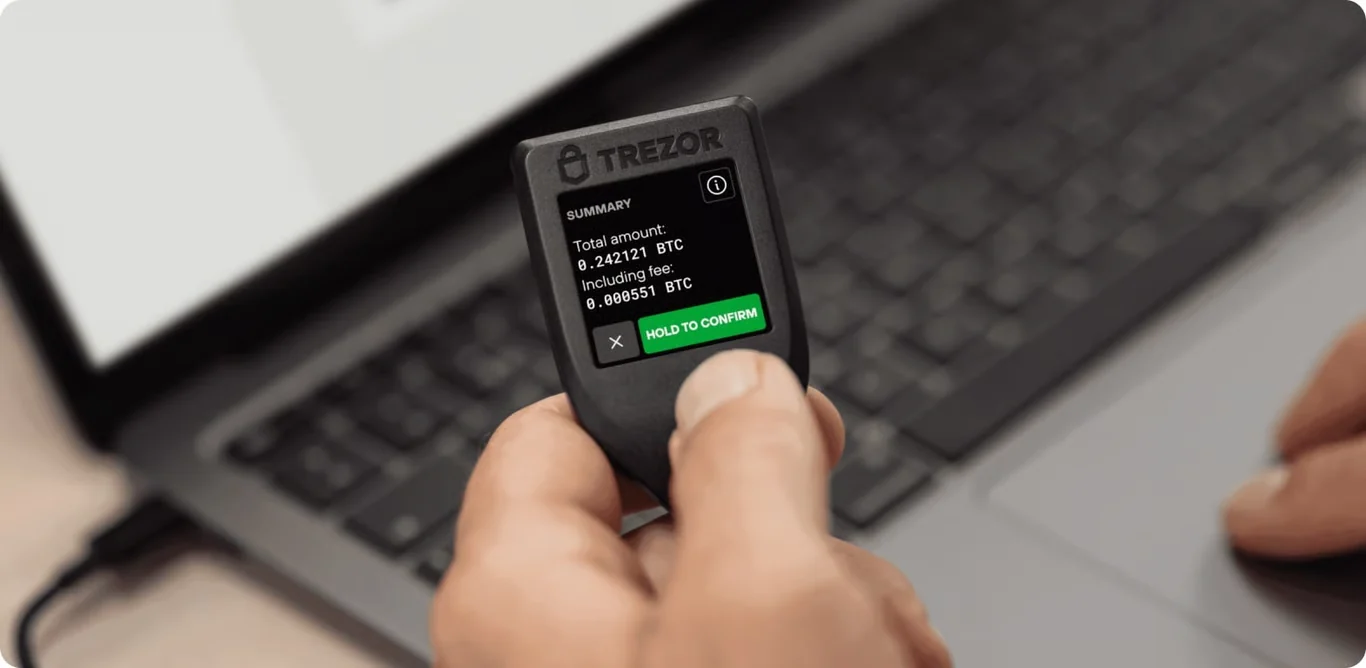
Trezor Model T. Source: Trezor.com
Trezor's Safe line has three models, and Trezor positions itself as the open-source option.
Model | Price | Screen | Secure element | Notes |
Safe 3 | $79 | 0.89-inch monochrome, two buttons | OPTIGA Trust M, EAL6+ | PIN and passphrase protection |
Safe 5 | $169 | 1.54-inch color touchscreen, haptic feedback | OPTIGA Trust M, EAL6+ | Multi-share backup |
Safe 7 | $249 | 2.5-inch color touchscreen | OPTIGA Trust M plus TROPIC01 | Bluetooth (can be turned off), quantum-ready bootloader, Qi2 charging |
Trezor Suite is a companion app, with thousands of coins and tokens. The Safe 3 gives you a secure element for the same $79 as the Nano S Plus. The Safe 5 adds a color touchscreen and multi-share backup.
On June 3, 2026, Tropic Square and Trezor disclosed a flaw in the TROPIC01 chip inside the Safe 7. Ledger Donjon found it. Only the Safe 7 is affected. Trezor says funds stay protected: the chip does not hold your coin keys, and an attacker would still need your PIN. The attack also needs physical access and lab equipment, and firmware cannot patch it. Safe 3 and Safe 5 are not affected.
Buy from the maker's own store. If a device arrives with a seed phrase already written down, do not use it.
Best Crypto Wallet for Beginners: Easiest Wallets to Start With
A first wallet should be easy to set up, clear about backups and loud about scams. For small amounts, a software wallet on your phone does the job.
| Trust Wallet | Coinbase Wallet |
Custody | Self-custody | Self-custody |
Networks | 100+ blockchains, 10M+ digital assets | 10+ networks |
Buy crypto | Apple Pay, Google Pay, cards | — |
Extras | Staking for 20+ coins, scanner for risky addresses and contracts | Perps via Hyperliquid, prediction markets, tokenized stocks (some regions), scam-token hiding |
Platforms | iOS, Android, Chrome extension | — |
Trust Wallet
Source: Trustwallet.com
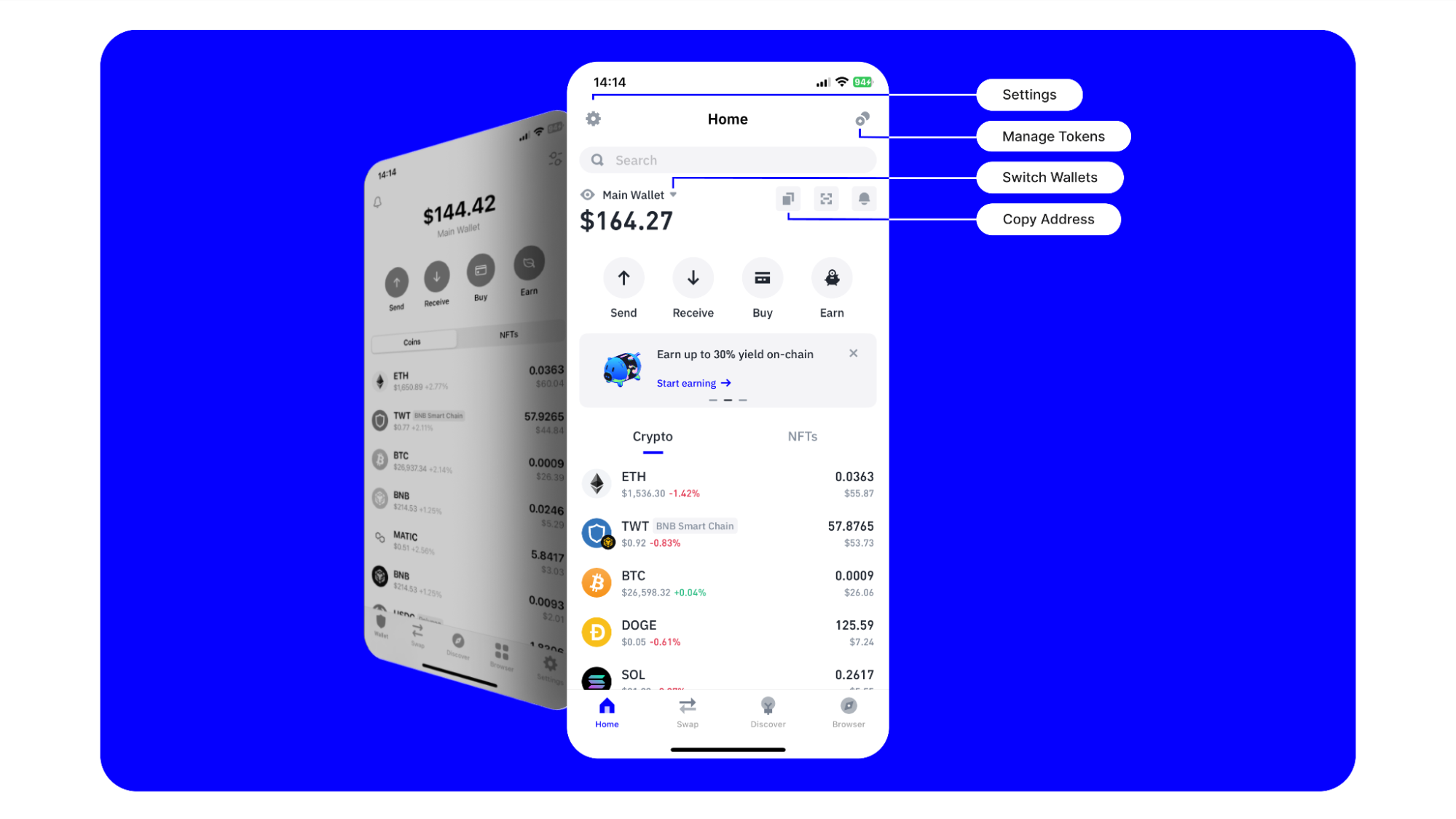
Trust Wallet is self-custody. Keys stay on your device, encrypted, with biometric login. It supports 100+ blockchains and 10M+ digital assets, including Bitcoin, Ethereum, Solana and Cardano. You can buy with Apple Pay, Google Pay or a card, and swap through DEX aggregators. It is a hot wallet, so keep balance small.
On December 24, 2025, version 2.68 of the Trust Wallet Chrome extension shipped with malicious code and drained about $7 million. The mobile app was not affected. Version 2.69 fixed the issue the next day, and Trust Wallet said it would compensate affected users.
Coinbase Wallet
Source: Coinbase.com
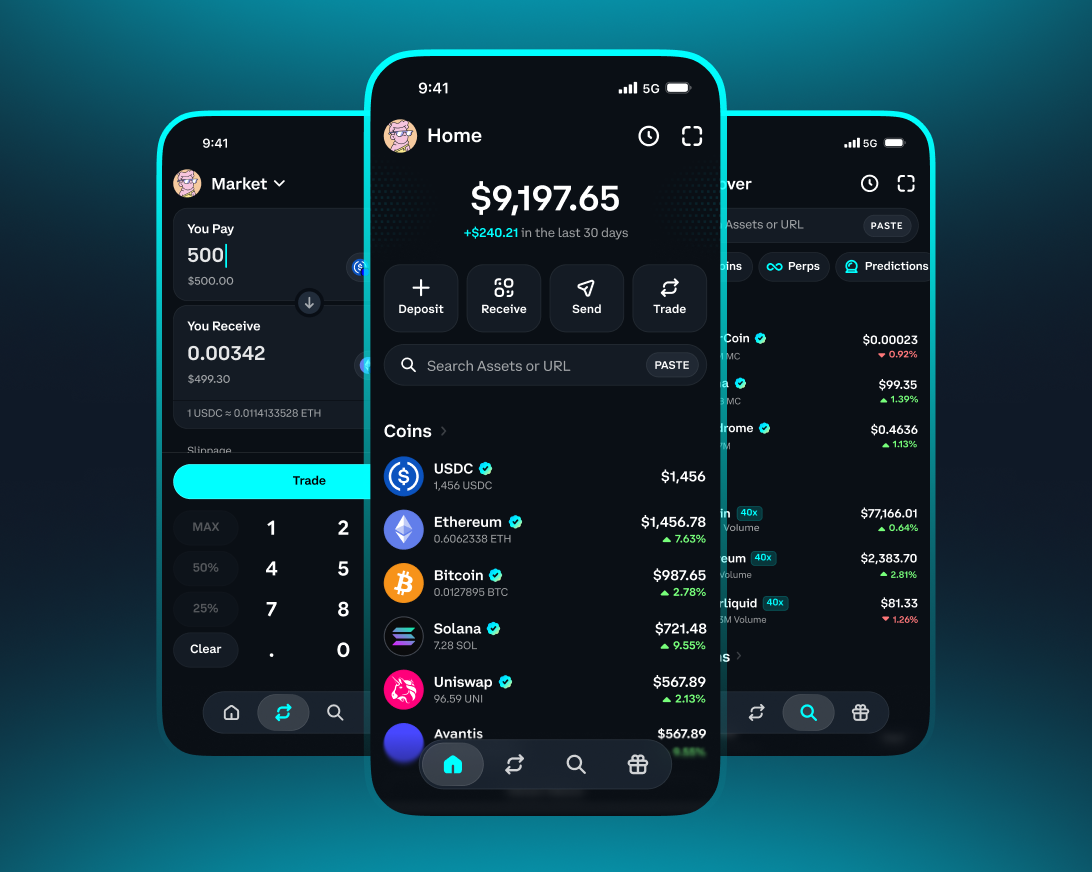
On September 10, 2026, Coinbase renamed the Base App back to Coinbase Wallet. It stays self-custodial and is separate from your Coinbase exchange account. Coinbase calls it the self-custodial entry point to its wider products.
It supports 10+ networks, including Robinhood Chain and Monad. It has also added perps through Hyperliquid, prediction markets and tokenized stocks, and some of these are limited by region. Coinbase says it hides scam tokens it detects.
If you know the Coinbase brand and want your own keys, it fits. New users can skip the trading extras. You do not need them to hold crypto.
Set Up a First Wallet Safely
Download from the official source. Use the link on the wallet's own website. Fake apps with similar names exist.
Write the seed phrase on paper. Keep it offline. Do not photograph it or paste it into an app.
Never share it. No support team or website needs it.
Send a small test first. Confirm it arrives before you move more.
For the basics of keys, read our guide to what a private key is.
Best Web3 Wallet: Top Wallets for DeFi, dApps and NFTs
A web3 wallet signs transactions for dApps: swaps, lending, NFT mints, sign-ins. The best web3 wallet is the one on your chain. MetaMask is the EVM pick and Phantom is the Solana pick, so they rarely compete head to head.
| MetaMask | Phantom |
Strongest on | Ethereum and EVM networks | Solana |
Networks | Ethereum and many EVM chains (Arbitrum, Base, Optimism, Polygon, BNB Smart Chain, Linea, Avalanche); Bitcoin, Solana and TRON; other non-EVM chains via Snaps on the extension | Solana, Ethereum, Base, Polygon, BNB Chain, HyperEVM, Robinhood Chain, Arc, Bitcoin (Native SegWit and Taproot) |
Not supported | Polkadot (not currently) | Arbitrum, Optimism, Avalanche, Unichain, Linea |
Swap fee | 0.875% (as of August 26, 2026) | 0.85% on select swaps |
Hardware wallet | Ledger, Trezor | Ledger |
Platforms | Chrome, Firefox, Brave, Edge, iOS, Android | Chrome, Brave, Edge, Firefox, iOS, Android |
Example: a $1,000 swap: MetaMask's 0.875% costs $8.75. Phantom's 0.85% on select swaps costs $8.50. Network fees and price impact come on top.
MetaMask
Source: Metamask.com
MetaMask is one of the most used wallets for EVM chains. You can add custom networks, connect to most Ethereum dApps and pair a Ledger or Trezor so the keys stay on the device. Its support pages also list swaps, limit orders, perps, prediction markets, staking and a MetaMask Card.
Snaps add non-EVM networks such as Stellar and StarkNet, but only on the browser extension. Token approvals and phishing are the main risks. Read what a dApp asks you to approve before you sign.
Phantom
Source: Phantom.com
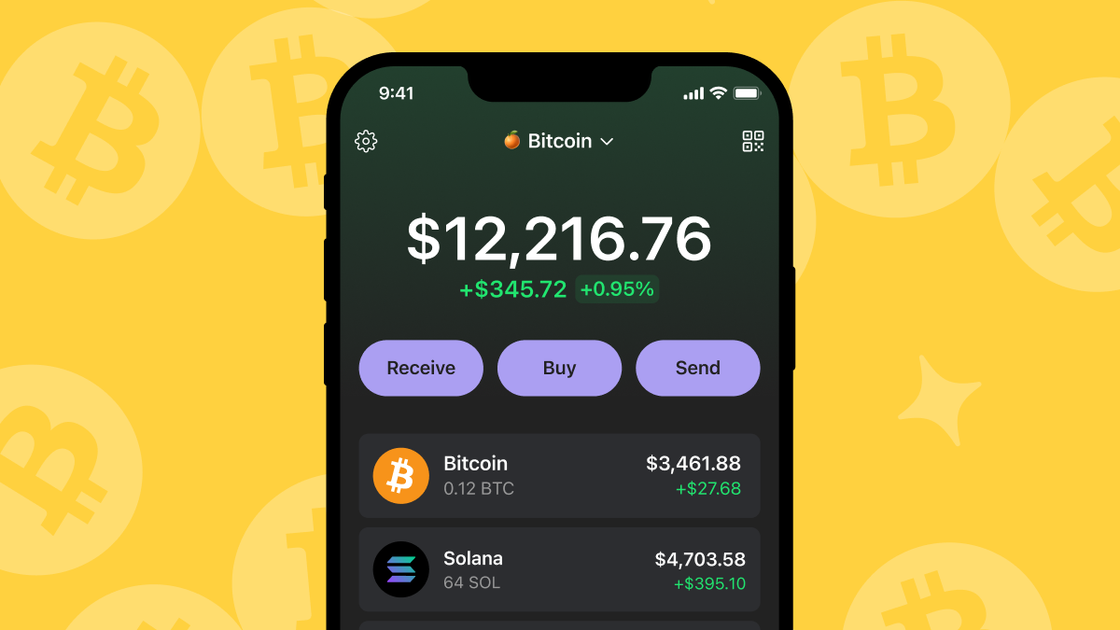
Phantom started on Solana and now also supports Ethereum, Base, Polygon and Bitcoin. You can create a wallet with a Google or Apple login. That is quicker, but check how recovery works before you add funds. It has transaction previews, scam detection and spam-NFT filtering.
Phantom ended Sui support on September 24, 2026. Sui assets stay on-chain but can no longer be viewed, sent or swapped in Phantom. Check the supported networks list before you send a token. A token sent on an unsupported network may need an EVM-compatible wallet to recover.
Phantom is a hot wallet. Keep larger balances elsewhere.
Exchange Wallet vs Self-Custody Wallet: Where Should You Keep Your Crypto?
An exchange wallet is the balance in your exchange account. A self-custody wallet is one where you hold the seed phrase. Each has a job.
| Exchange wallet | Self-custody wallet |
Best for | Trading, fiat on-ramps, copy trading, quick access | Long-term holding, dApps, full control |
Keys | The exchange | You |
Main risk | Platform risk, account or withdrawal restrictions | Lost seed phrase, phishing, malicious approvals |
Support | Customer support and account recovery | None for lost phrases |
For active trading, an exchange account is the practical home for trading funds. Bitunix holds assets with Fireblocks and Cobo. The latest Proof of Reserves snapshot (October 1, 2026) shows reserve ratios of 156% for BTC, 108% for ETH and 105% for USDT, with an open-source verifier. KYC is required before withdrawals. See the Bitunix Proof of Reserves page for current data, and our guides on whether Bitunix is safe for trading and KYC and compliance.
Proof of Reserves does not remove platform risk. On any exchange, keep only what you need for trading. A common split: trading funds on the exchange, long-term holdings in your own wallet.
How to Buy Crypto and Withdraw It to Your Own Wallet
The screens differ by app, but the order is the same.
Set up the wallet first: Install the app or initialize the hardware device, and write the seed phrase on paper.
Copy the receiving address: Open the coin you want to receive and copy the address. Check the first and last characters.
Buy crypto: Bitunix offers card purchases, including Apple Pay and Google Pay, and P2P trading in 76 fiat currencies. See our guides to buying Bitcoin safely and buying Bitcoin with Apple Pay and Google Pay.
Start the withdrawal: Complete KYC if required, choose the coin and paste the address.
Match the network: Select the network your wallet uses. A transfer on the wrong network can be lost.
Send a small test first: Wait for it to arrive, then send the rest.
Check the balance: Confirm the funds show in the wallet.
Prefer to buy peer to peer? See P2P trading on Bitunix.
How to Choose the Best Crypto Wallet for You
Three things decide the best crypto wallet for you: how much you hold, your experience and the chains you use. The hot wallet vs cold wallet split runs through all three.
By Amount and Holding Period: Trading Funds vs Long-Term Savings
A hardware wallet is a fixed cost, so it pays off as balances grow. Here is what a $79 device costs against your holdings.
Amount held | Cost of a $79 hardware wallet | Common approach |
$500 | 15.80% | Software wallet, or an exchange account if you trade |
$1,000 | 7.90% | Software wallet; consider hardware if you plan to hold |
$10,000 | 0.79% | Hardware wallet for the long-term part |
$50,000 | 0.16% | Hardware wallet, with a safe backup of the seed phrase |
Trading funds can stay on an exchange or in a hot wallet. Money you do not plan to touch belongs in a cold wallet.
By Experience Level
Level | Consider | Why |
New to crypto | Trust Wallet or Coinbase Wallet | Simple setup, self-custody on your phone |
Some experience, using dApps | MetaMask or Phantom, plus a hardware wallet for savings | Wider network support, dApp access |
Long-term holder | Ledger or Trezor | Keys stay offline |
By Chain and Use Case
If you use | Consider | Why |
Many chains | Trust Wallet | 100+ blockchains in one app |
Ethereum and EVM dApps | MetaMask | EVM networks, custom networks, hardware wallet support |
Solana dApps and NFTs | Phantom | Strongest on Solana, plus Ethereum, Base, Polygon and Bitcoin |
Bitcoin you plan to hold | Ledger or Trezor | Hardware storage; both support Bitcoin |
Trading and copy trading | An exchange account | Fast access; the exchange holds the keys |
You can also combine them. Keep the keys on a hardware wallet and connect it to MetaMask or Phantom for dApps. Both support Ledger.
Conclusion
The best crypto wallet depends on the job. For savings, the best cold wallet for crypto is a Ledger or Trezor, with entry models from $79. For a first self-custody wallet, the best crypto wallet for beginners is Trust Wallet or Coinbase Wallet. For dApps, the best web3 wallet is MetaMask on EVM chains and Phantom on Solana.
Whichever of the top crypto wallets you pick, write the seed phrase on paper, keep it offline and never share it. Buy hardware from the maker only, send a small test first and keep hot wallet balances small. On an exchange, keep only what you trade.
See more: How to Buy Bitcoin Safely